Troubleshooting
72
Contacting Kendro Service
Should you require our Service, please advise us of
the catalog and serial number of your instrument.
You will find the pertinent information at the specifi-
cations, near the socket for the main plug.
Moreover it is helpful for our service representative
to know the software version
. You can determine the
software version as follows:
1. Switch the instrument off.
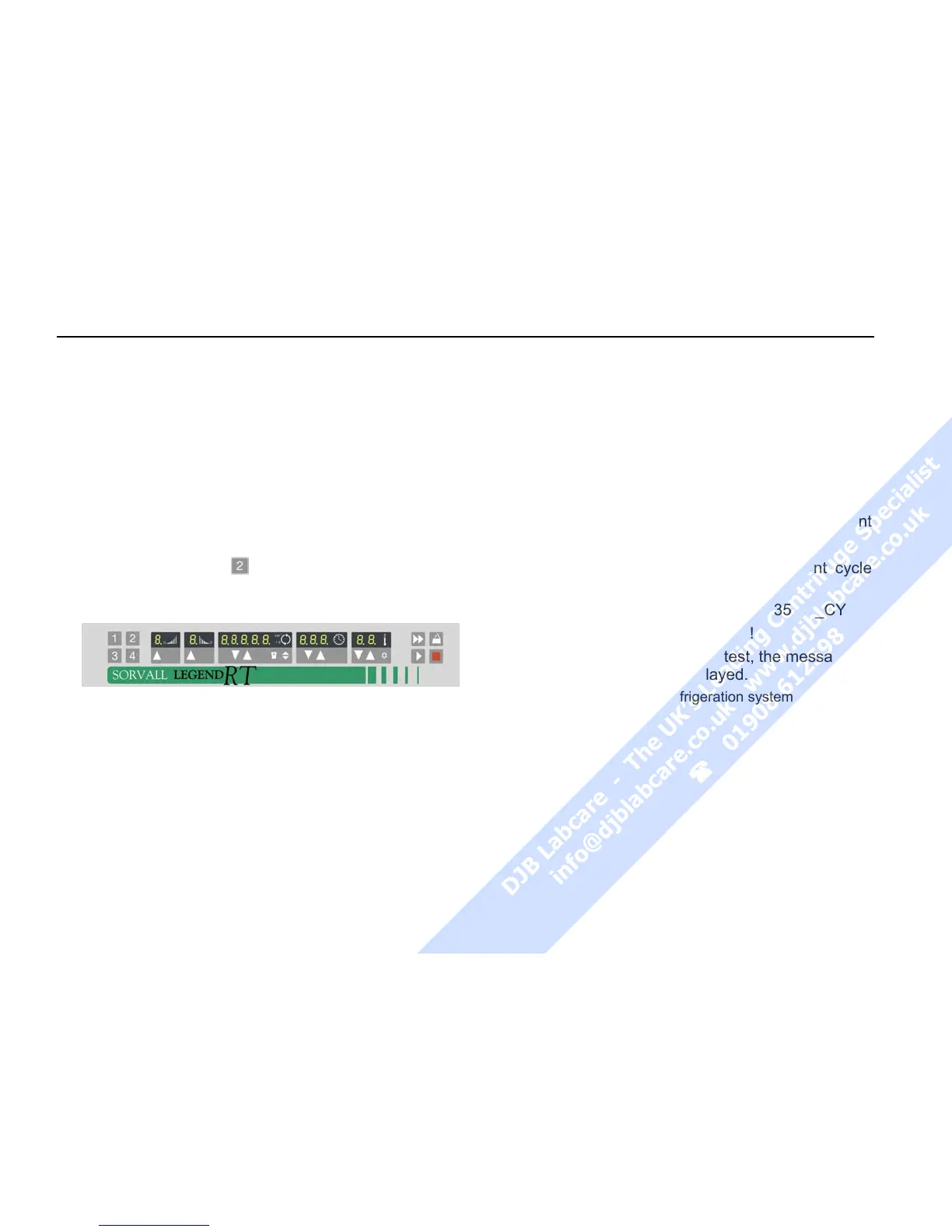
2. Keep selection key pressed and switch on
the instrument.
For about 1 sec all displays read:
Subsequently, the following readings will be dis-
played for 5 seconds each:
(numbers are examples)
Software version keyboard
__
526 __2
Software version
__
528 __6
NV-RAM version _4468
__
7
The value in the time panel give the development
stage.
The last information displayed is the current cycle
status.
Cycle counter __235 _CY
The values given are only examples!
During the subsequent program test, the message
_ TEST PRO / 4 ... 1* is displayed.
(* only for instruments with refrigeration system)



 To Next Page