Maintenance and care
49
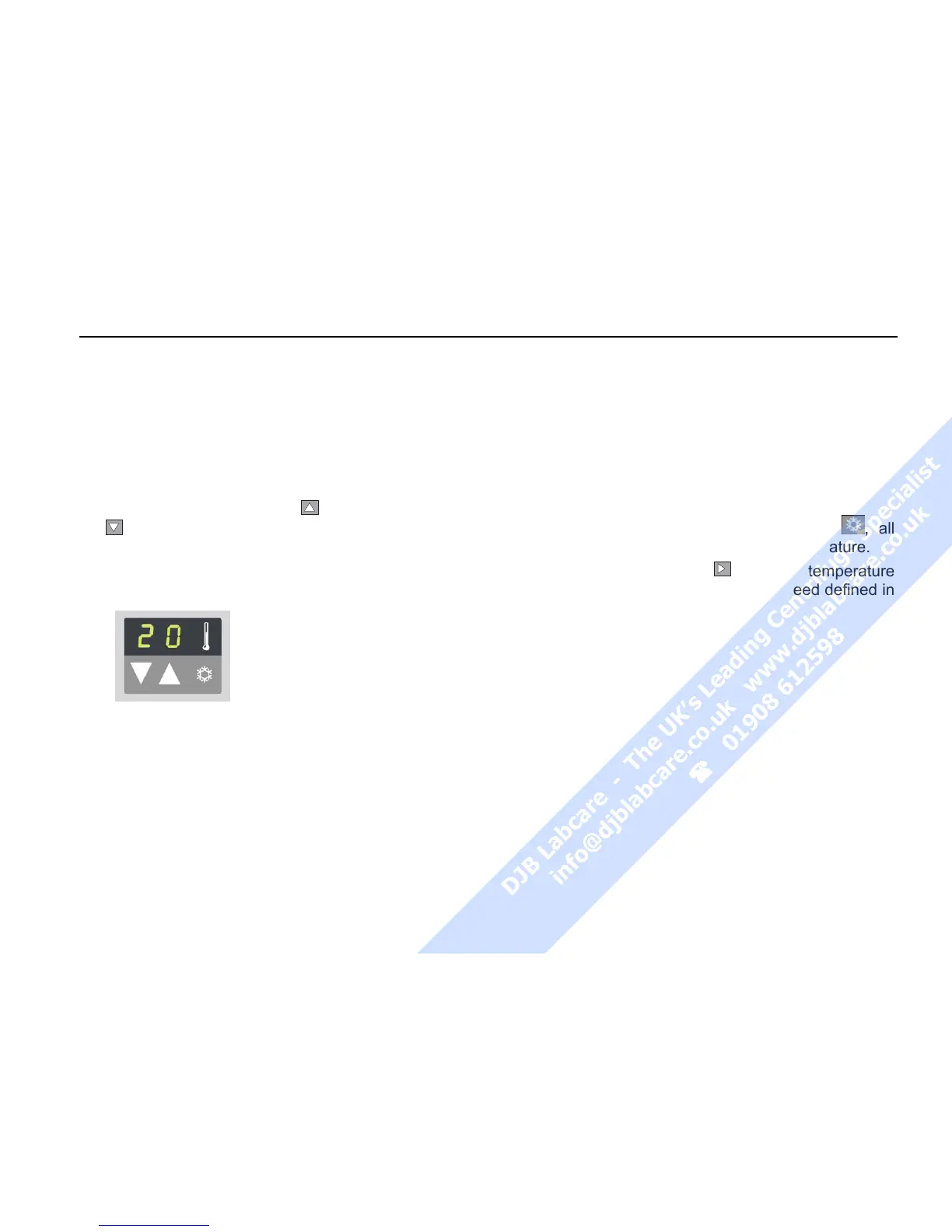
Selecting the temperature
You can select the temperature in the range of -9 °C
to +40 °C.
(Please consult the standard diagram in the Appen-
dix to obtain the attainable values.)
To adjust the temperature, proceed as follows:
1. Press one of the "set" keys
(for an increase) or
(for a decrease) in the "temperature" section of
the control panel once to switch from the actual to
the set point mode.
2. By briefly pressing the input key you can now
raise or lower the run time
in 1° steps.
3. If you keep the selected key pressed, the display
changes continuously slowly at first and then at
accelerated paces up or down.
4. Release the key as soon as you have reached
the desired value, and adjust if necessary by re-
peatedly pressing the key.
The temperature display flashes for a number of sec-
onds, then changes to the current value display. The
temperature set point is now stored.
Pretemp function
The Pretemp function permits easy and quick pre-
temperature-regulation of the empty rotor.
Upon calling this function by pressing the key
, all
you have to do is to enter the desired temperature.
After pressing the start key
, the rotor temperature
is equalized within 20 minutes at the speed defined in
the Pretemp function.



 To Next Page