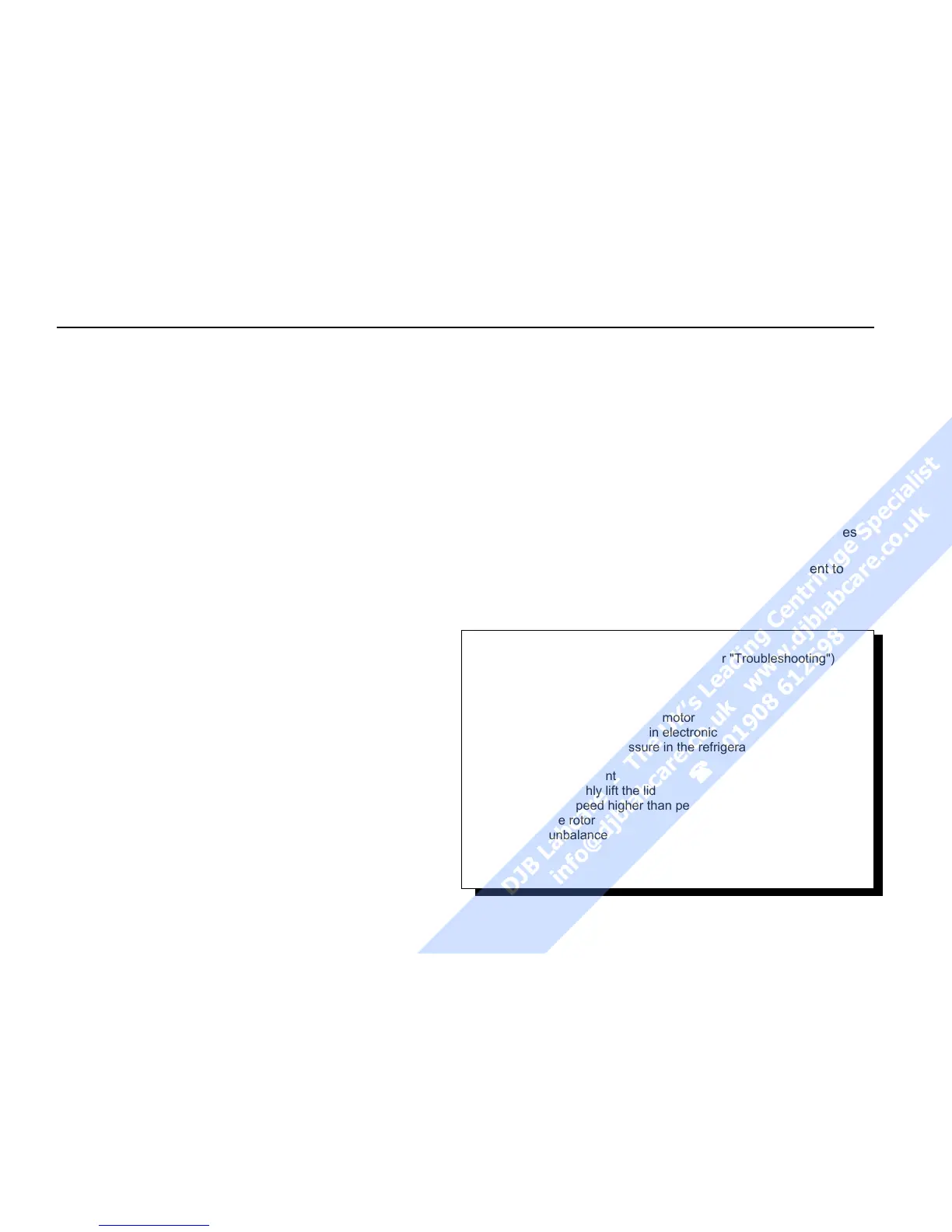
Control panel of the Legend™ T / RT
Display panels
Program selection
Key 1 - 4 : store or recall programs.
Acceleration profiles (1= slowest ...... 9= fastest)
permanent
display: acceleration profile last set 1- 9
Deceleration profiles (1= slowest ...... 9= fastest)
permanent
display: deceleration profile last set 1- 9
Speed / RCF
run: current value of speed or RCF after activation of
switch key
end: "End"
lid open: "OPEN"
"Lift Lid" (if lid is not automatically lifted off)
(before start)
lid closed: "0" with flashing point
(rotor not yet identified)
error code: will flash in display
Run time
time selection: - remaining run time to 0
continuous - run time passed (HLD)
operation (hld) (in hours, minutes)
"Quick Run": - run time passed (as long as button is held;
in minutes and seconds)
Temperature*
run: current sample temperature in °C
(in temperature equilibrium)
* only for instruments with refrigeration unit
Keys
start : normal start of the centrifuge
stop : manual stop of a run
open lid: open lid (possible only with the instrument
switched on)
Quick run: short-term operation of the centrifuge as long as
key remains pressed
rpm/RCF
switch: switching between rpm and RCF display
Bucket set.: Setting of the bucket number
Pretemp : Pre-temp-function*
"set" keys: stepwise increase/decrease of setpoint values
Short pressing of any of the "set" keys: switch from current to
preset value, signalled by flashing display.
Error codes (troubleshooting see chapter "Troubleshooting"):
E-19: Unpermissible rotor
E-20: Rotor not identified
E-29: Motor or rotor blocked
E-31: Overtemperature in motor
E-32: Overtemperature in electronic
E-33: Excessive pressure in the refrigeration unit
E-34: Overvoltage
E-35: Overcurrent
Lift Lid : Smoothly lift the lid
rotor: set speed higher than permissible speed of
the rotor
bAL : unbalance



 To Next Page