48
ADMIN, USER1, USER2, USER3:
Selected Checkbox: The user can access the function.
Blank Checkbox: The user can not access the function.
USER NAME
SETUP
Change the name of USER1, USER2 and USER3.
Click “ENTER” after naming.
PASSWORD
SETUP
Options are ADMIN, USER1, USER2 and USER3.
Select USER PASSWORD using the mouse or the remote control and press SEL
button. Select user type and enter the current password. And, enter a new password,
enter the same password again to confirm and select OK. Then the message
“PASSWORD CHANGED” is displayed.
The factory default password is 1111.
It is highly recommended to assign a new password to protect the system.
AUTHORITY
OF PLAYBACK
Set authority level of playback on each user.
Checked box: authorized to playback. Blank check box: no authority.
REMOTE
PLAYBACK
TIMEOUT
Disconnect the remote playback after the specific time (Disable, 5min, 10min, 15 min,
30min, 60min.
4-8. Setup – STORAGE Mode
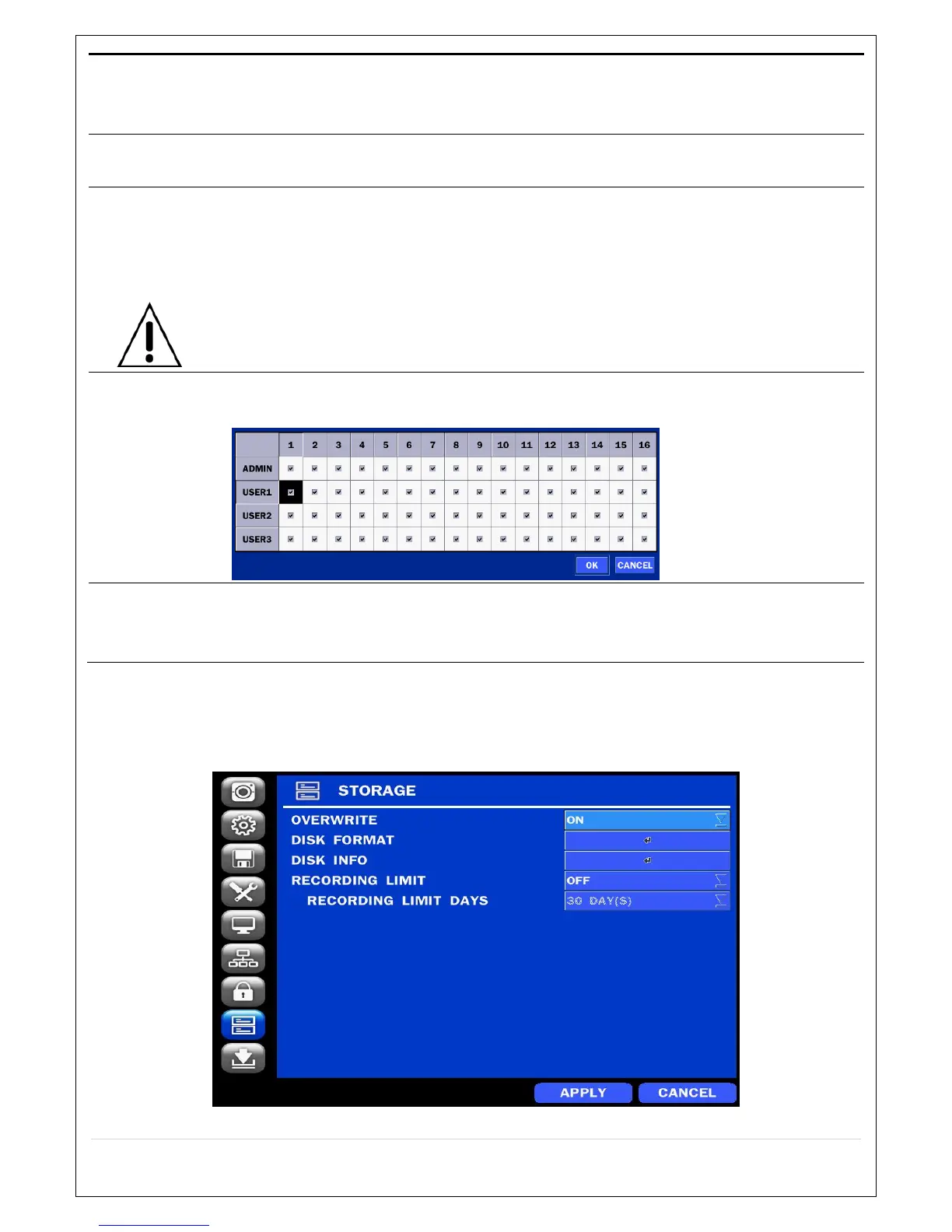
In the SETUP menu, select the STORAGE tab. Then, the STORAGE menu is displayed as pictured below.
Navigate through the menu items or change the settings using the mouse or the remote control.
Figure 4.8. STORAGE Setup Screen



 To Next Page