52
5. Live, Search and Playback
5-1. Live View
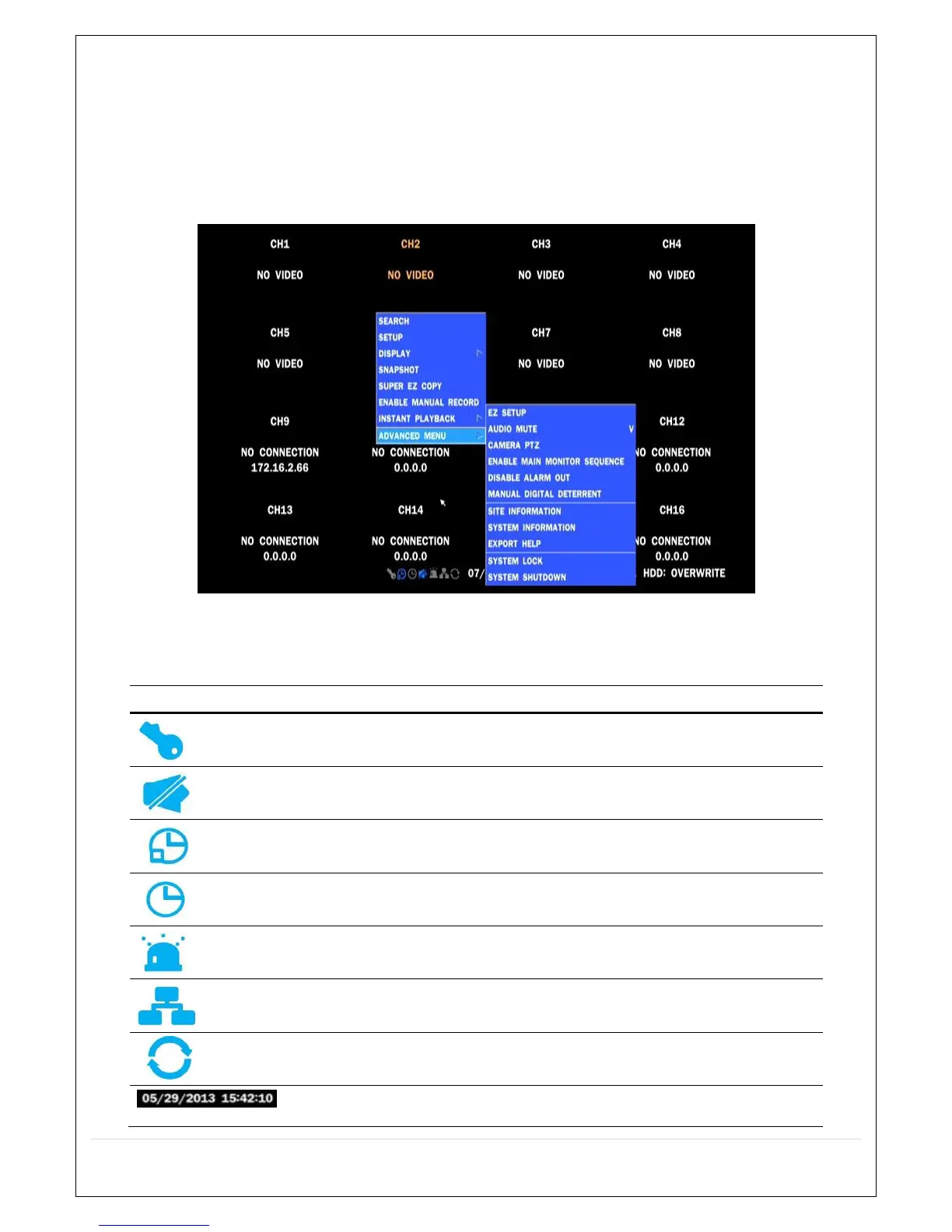
In the Live screen, video inputs from the cameras are displayed as they are configured in the Display Setup
screen. Various On-Screen Display (OSD) symbols, which indicate the status of the DVR, are described in
Table 5.1.1.
Figure 5.1.1. Live Screen and Quick Operation Window
Table 5.1.1. Status Indicator Icons in Live Viewing Screen
Icon Description
Indicates the DVR is locked.
Note) to unlock, right click on the live view screen and click on Unlock.
Indicates audio is muted on all channels.
Indicates that alarm is set. To set the alarm function, press the Alarm
button on the front panel.
Indicates that alarm output is activated.
Event indicator. When there is an event (motion recording, video loss,
HDD fail, S.M.A.R.T), this icon will be highlighted.
Indicates that a network client is connected to the DVR.
Indicates that sequencing mode is enabled.



 To Next Page