82
7-7-4. Device
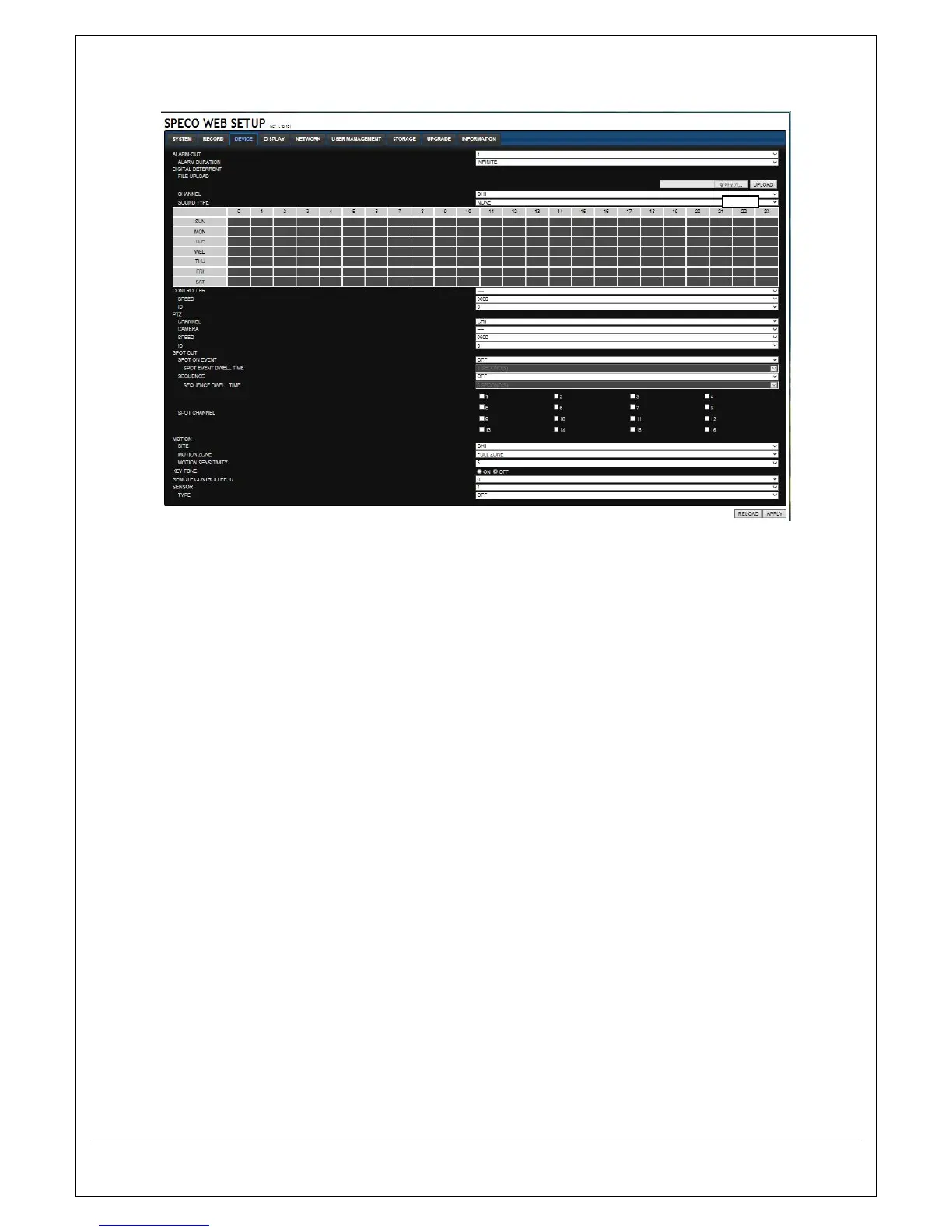
Select Device to set Spot Out, Enable/Disable CVBS Out, motion zone.
ALARM OUT: Set the sensor, motion, and video loss for triggering alarm relay.
HDD Error and Video Loss can be set for triggering a beeping sound
The following settings can be changed to trigger an alarm output.
o ALARM DURATION
DIGITAL DETERRENT: The schedule of digital deterrent can be set and a sound file can be
uploaded to the HS.
To set up schedule, select CHANNEL > select SOUND TYPE > select Area.
CONTROLLER: Set the controller baud rate and ID.
PTZ: Set the PTZ baud rate, protocol, and ID.
SPOT OUT:
o SPOT ON EVENT: Enable/disable channel change if an event occurs on a channel
o SEQUENCE: Enable/disable sequential display of spot channel in full screen
o SPOT CHANNEL: Select a channel for spot monitoring using the mouse or the remote control
and press OK button
MOTION: Setup the motion detection area and the sensitivity.
o SITE: Select the channel
o MOTION ZONE: FULL Zone or PARTIAL Zone
o MOTION SENSITIVITY: 1~9 (High sensitivity level)
CHANNEL: Select the Channel to configure audio input
o AUDIO SOURCE: Local Audio (RCA) or IP CAM Audio
KEYTONE: Sets On or Off of Key Tone.
REMOTE CONTROLLER ID: Sets an ID number of which remote control to receive commands.
SENSOR: Select the type of sensor.



 To Next Page