78
NOTICE
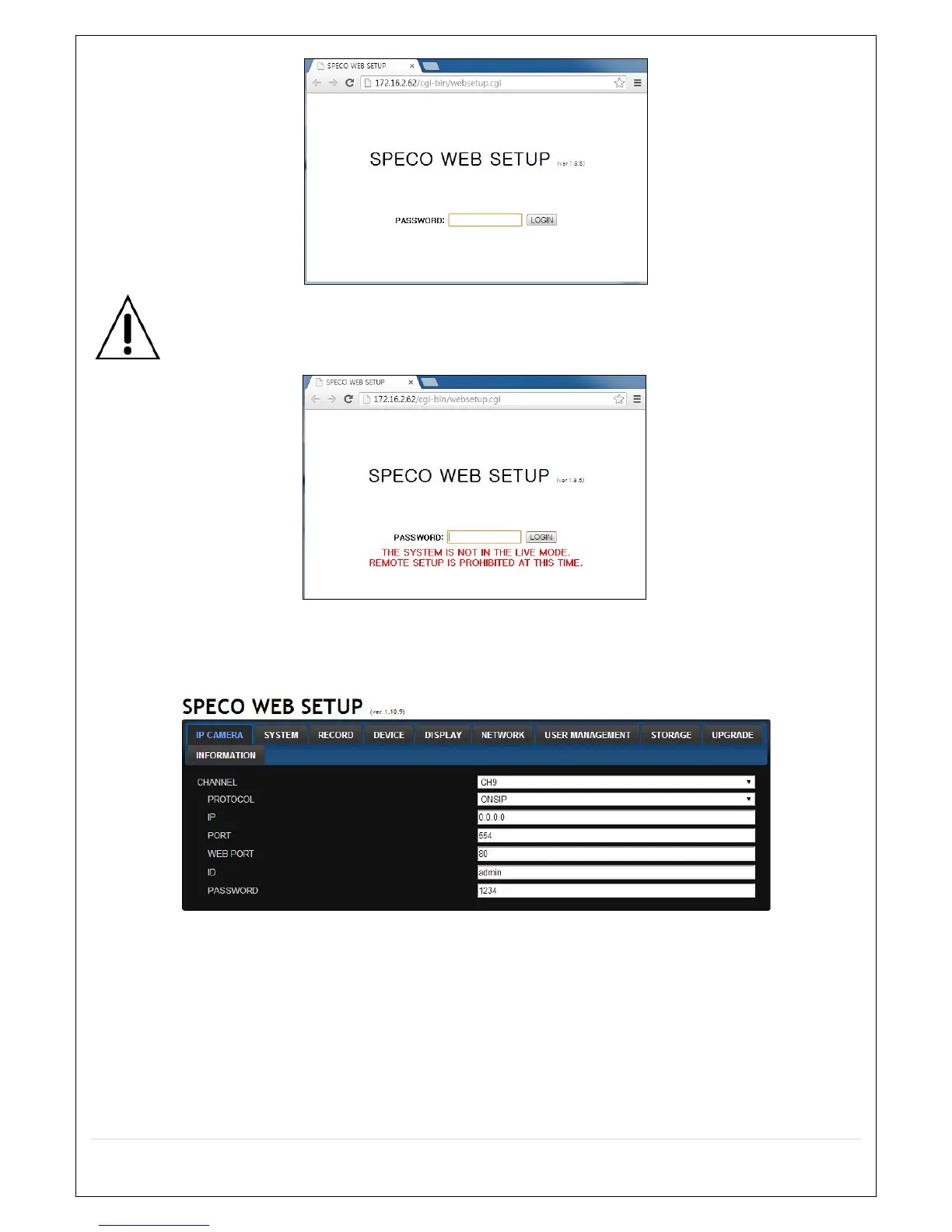
Web Setup is prohibited when DVR is in local Setup Menu.
7-7-1. IP Camera
Select IP Camera to set system and time settings
CHANNEL: Select the Channel to setup an IP Camera.
o Protocol : Select the Brand of the IP Camera
o IP : Enter the IP Address of the desired Camera
o Port : Enter the Camera stream Port Number (default : 554).
o Web Port: Enter the Camera Web Port Number (default : 80).
o ID : Enter the User ID for access to the IP Camera
o PASSWORD : Enter the Password for the associated ID



 To Next Page