71
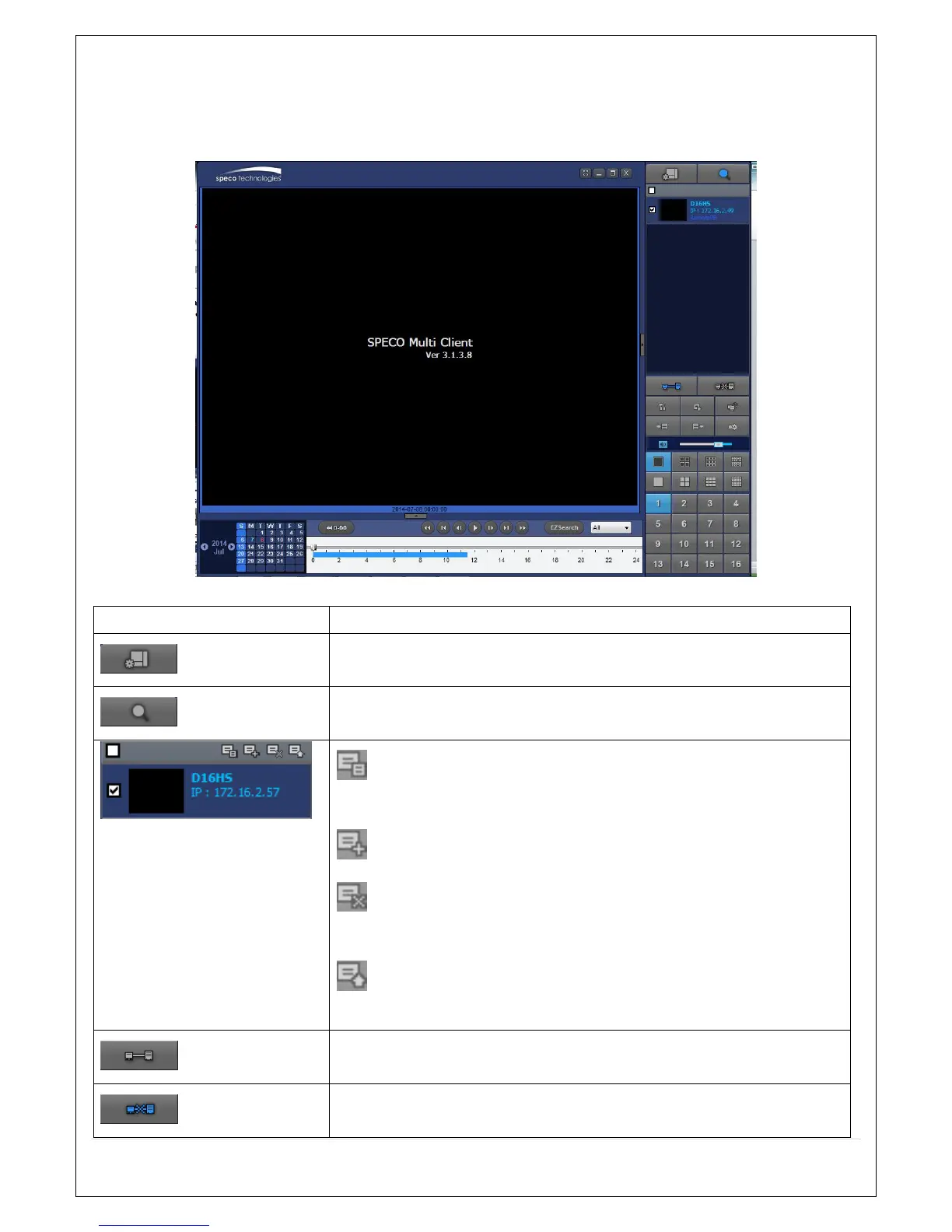
7-5. Search and Playback Window
7-5-1. Main User Interface
You can access to search window by clicking the search icon (Local Playback / Remote Playback) on the
upper right of the Live Window.
7-5-2. Main Control Panel
Button Description
LOCAL PLAYBACK
Click this icon to run a playback window to search and play videos that
are recorded in the local PC.
REMOTE PLAYBACK
Click this icon to run a playback window to search and play videos that
are recorded in the remote DVR.
THUMBNAIL REFRESH: Click this icon to refresh and renew
thumbnail image of the connected sites.
SITE ADDITION: Click this icon to open ‘Site Addition’ window.
SITE DELETE: Click this icon to delete site from the index
window, after disconnect a site.
NET FINDER: Select the site from the index window and click this
icon to modify the information of specific site.
CONNECT
Click this icon to connect the selected site/sites.
DISCONNECT
Click this icon to disconnect the selected site/sites.



 To Next Page