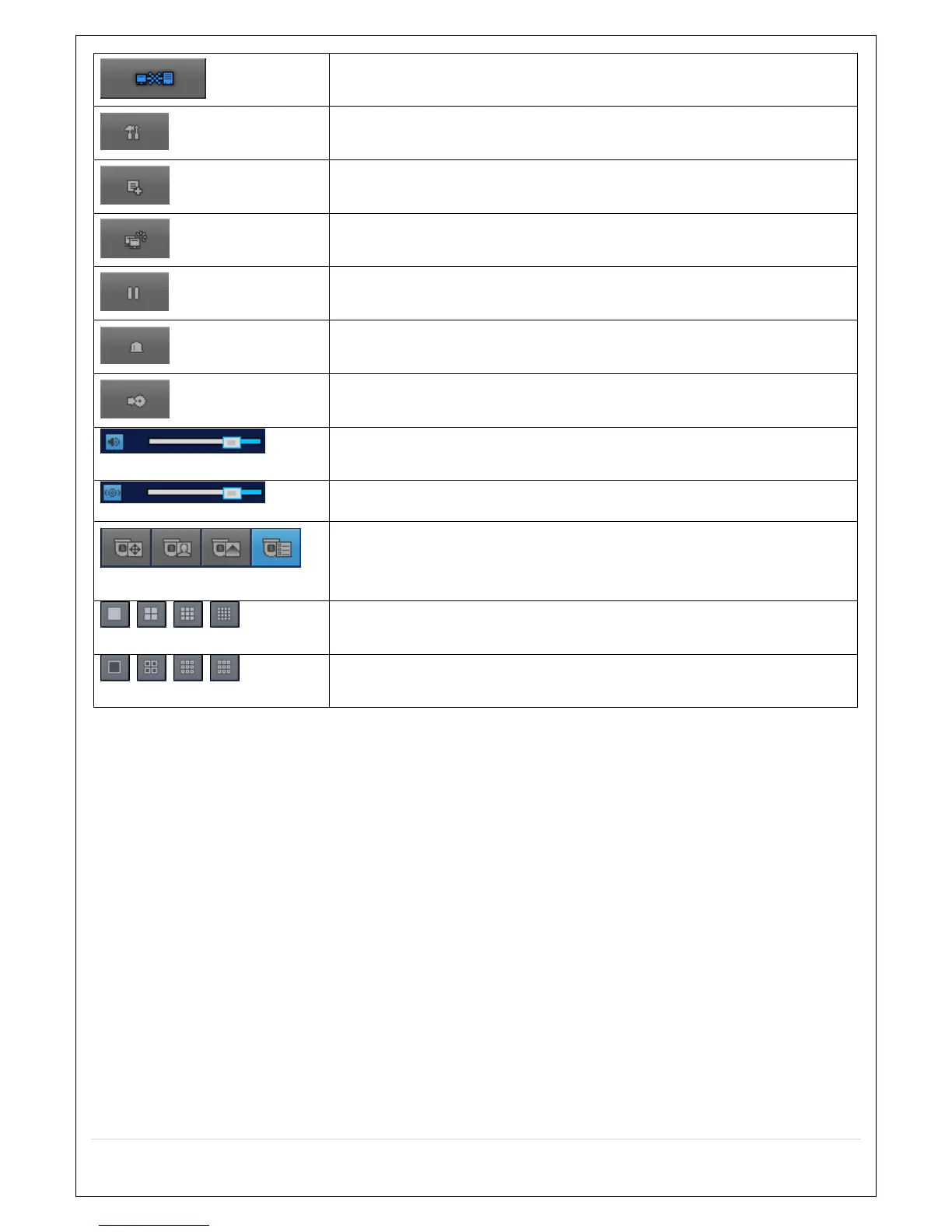
Click this icon to disconnect the selected site/sites.
SETUP
Click this icon to setup configuration of MULTI CLIENT.
CAPTURE
Click this icon to capture a still image.
EVENT LIST
Opens list of events logged by the Multi Client.
PAUSE
Click this icon to play/pause live video.
ALARM ON
Click this icon to turn on/off alarm outputs.
RECORD ON
Enable or disable recording of live video to local disk, which has set in
setup menu.
AUDIO
Use the volume control bar to set the audio level.
MIC
Use the microphone volume control bar to set the micro phone level.
PRESET/TOUR/SCAN/MENU
User can control PRESET/TOUR/SCAN/MENU
CHANNEL SPLIT
To select the numbers of display channel/channels (Single, quad, 9
channels, and 16 channels) of highlighted site.
DVR SITE SPLIT
To select the numbers of DVR/DVRs (1 DVR, 4 DVRs, 9 DVRs, 16
DVRs) on main display screen.



 To Next Page