53
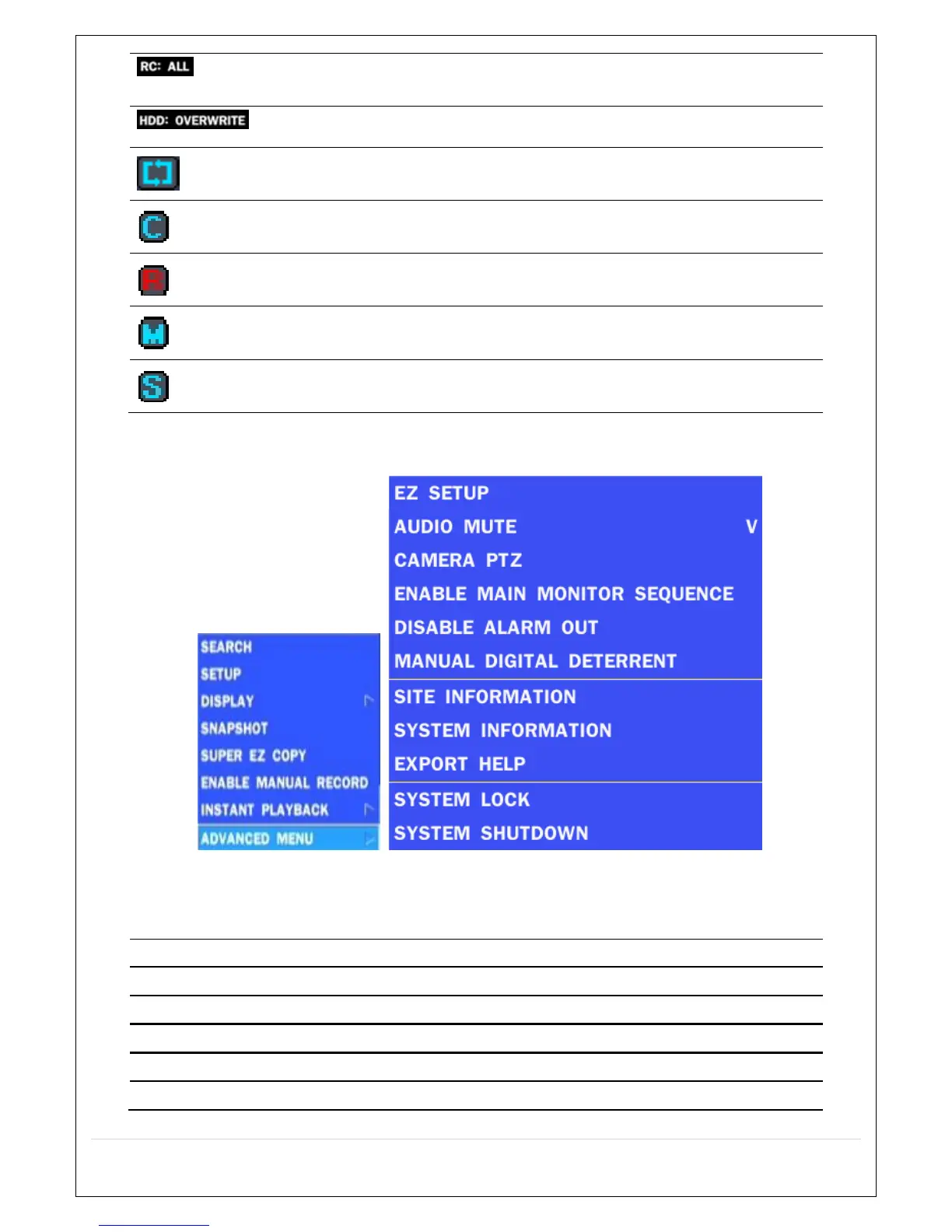
Remote control ID display. If a remote ID is not set, the message “ALL” is
displayed.
Displays the amount of recording on the hard disk from 0-99%.
Indicates that HDD is recycled.
Continuous recording in progress.
Manual recording in progress. To set the Manual recording mode, press
the Record button on the front panel.
Motion alarm recording in progress.
Sensor recording in progress.
Right click the mouse, and the quick operation window will be displayed as below.
Figure 5.1.2. Quick Operation Window
Table 5.1.2. Menu Items in Quick Operation Window
Icon Description
SEARCH Search button. Click this button to enter the search menu.
SETUP Select this option to enter the Setup menu.
DISPLAY Select between different multi-view display formats.
SNAPSHOT Capture pictures and store as BMP files
SUPER EZ COPY Select this option to start EZ Copy Wizard.



 To Next Page