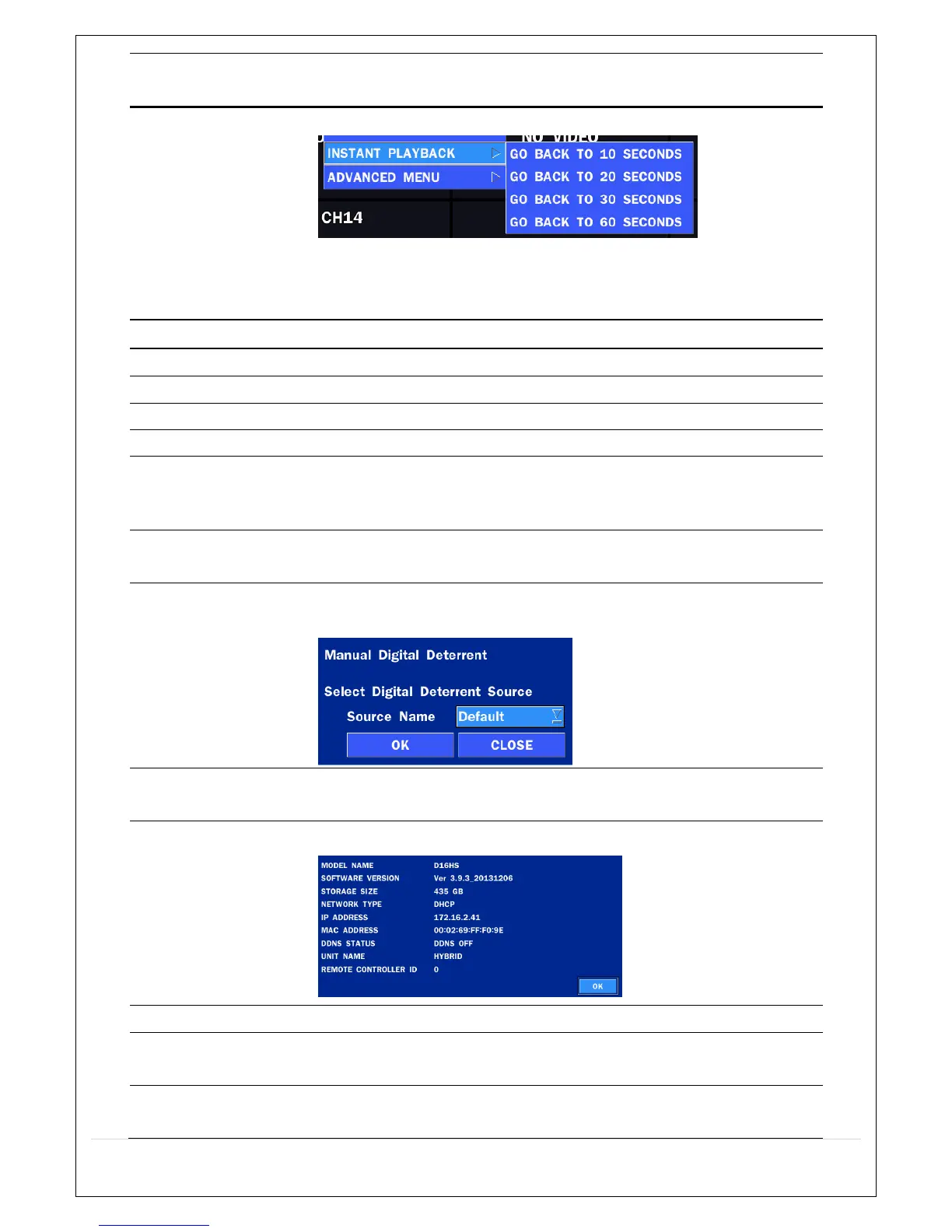
Go back to the specific time and play the recoding data.
It doesn’t ask the password.
It does work witout error while the recording mode is CONTINUOUS.
On other recording mode, it may not work normally.
ADVANCED MENU
EZ SETUP Select this option to start EZ Setup Wizard.
CONNECT Select this option to disconnect/connect from IP Camera.
AUDIO MUTE Select this option to mute audio on all channels.
CAMERA PTZ Pop up the PTZ user interface.
ENABLE MAIN
MONITOR
SEQUENCE
Sequence button. Click this button to use a sequence function.
DISABLE
ALARM OUT
Click this button to enable/disable Alarm outputs
MANUAL
DIGITAL DETERRENT
SITE
INFORMATION
Press the button to view the record setting of a selected channel.
SYSTEM
INFORMATION
Press the button to view the system information.
EXPORT HELP Displays window with instructions for exporting video.
SYSTEM
LOCK
Locks the HS from unauthorized user access.
SYSTEM
SHUTDOWN
Select this option to shutdown system.



 To Next Page