75
Spohn + Burkhardt
3. Push the bush (13) and the insulating sleeve (12) onto the stick (2).
4. Install the knob as per section "Installing knob", page 73.
5. Pull the rubber boot (3) over the boot holder.
6. If necessary, install the joystick VCS0 see chapter 5. "Installation", page 63.
7. Undertake setup as per chapter 6. "Setup", page 70.
7.6. Replacing contact element
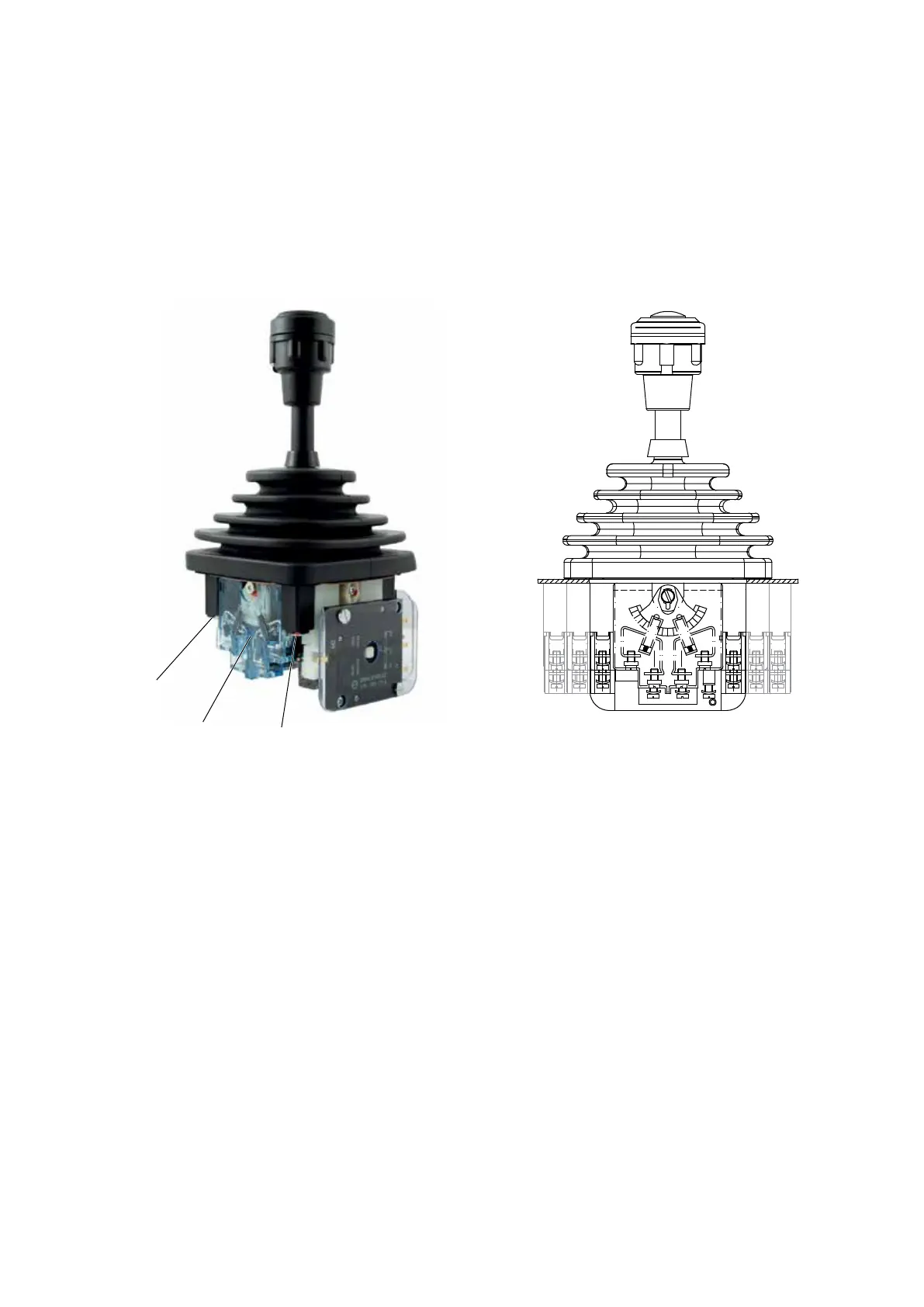
Figure 15.
10
Joystick VCS0 – replacing contact element
Preparatory work
1. Disconnect the system from the supply of electrical power.
2. Open the installation space.
3. Remove the joystick VCS0 as per chapter 9. "Removal", page 79.
Replacing contact element
1. Remove the screws (10.1) and the clips underneath (10.2).
2. Pull o the faulty contact element (10).
3. Insert the new contact element (10) with the pins facing downward.
4. Insert again the clips (10.2) and the screws (10.1) and tighten the screws (10.1).
5. Install the joystick VCS0 as per chapter 5. "Installation", page 63.
6. Undertake setup (see chapter 6. "Setup", page 70).


 To Next Page