ST700 Dash Display SystemMemory and Setup
© Stack
45
lap memory becomes full. The ST700 Dash Display System will then
continue to display lap and split times in pop–up messages, but will not
record them to memory for subsequent review. Press the Driver button
to show the fastest lap. Follow the instructions on page 46 to clear the
lap memory.
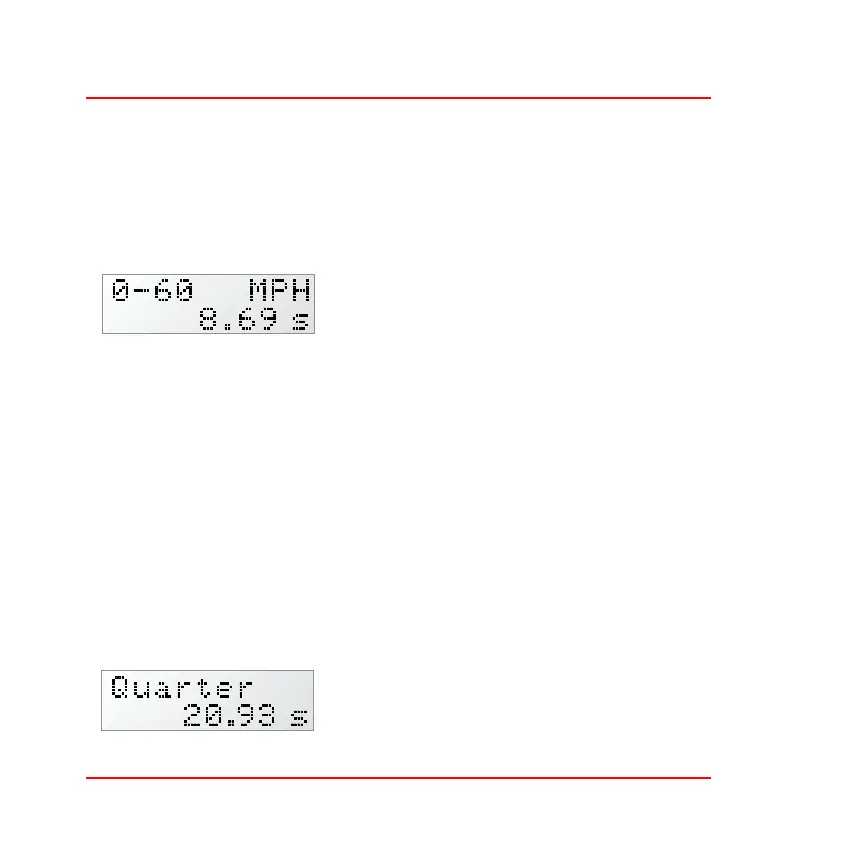
Acceleration timing—The display shows
the set points for the starting speed and
the finishing speed together with the units
used. In the example to the left, the display
shows a speed range from zero to sixty miles per hour. The display also
shows the most recent time that it took for the vehicle to accelerate
through the stated speed range. This information also appears in a pop–
up message for the driver.
Follow the instructions on page 48 to alter the speed range for the accel-
eration timer and to enable or disable the pop–up message that shows
this information. You may set a start speed that is higher than the end
speed to use the ST700 Dash Display System as a deceleration timer.
If you press and hold the Driver button, the display shows the shortest
acceleration or deceleration time recorded since you last reset the peak
values.
Quarter mile timing—The display shows
the time taken to cover a quarter mile from
a standing start. The timer will be trig-
gered automatically whenever the vehicle



 To Next Page