Memory and SetupST700 Dash Display System
46
starts to move. This information also appears in a pop–up message for
the driver. Follow the instructions on page 49 to enable or disable the
pop-up message.
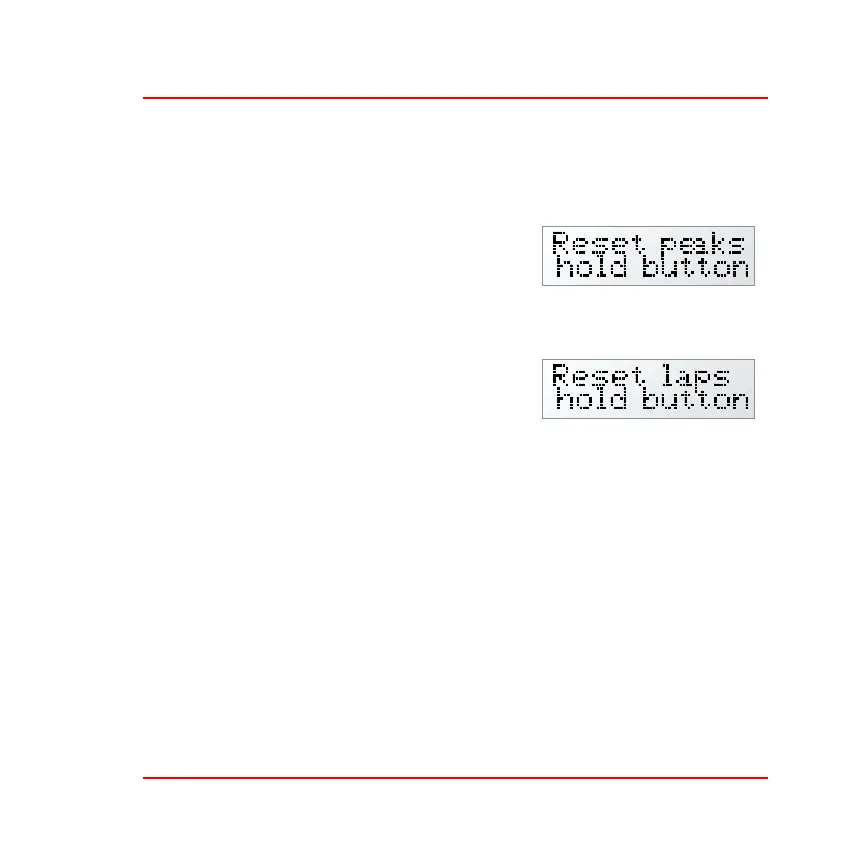
Reset peaks—Press and hold the rotary
control for longer than one second to reset
all the peak values. This action will also
clear the times for the acceleration and
standing quarter mile measurements.
Reset laps—Press and hold the rotary
control for longer than one second to reset
all the lap and the split times. This action
will clear the lap memory and will there-
fore clear the lap memory low or full warn-
ing pop–up.
The system confirms the reset of peaks and lap timings after this action.
Turn the rotary control to ‘Return to Last Menu’, press it briefly and turn
the control anticlockwise to show ‘Exit Menus push button’. Press the
rotary control briefly to return to the Run mode.



 To Next Page