Memory and SetupST700 Dash Display System
50
ups. If you set the pop–up time to 99, pop–ups will remain on view
until the Driver button is pressed.
Turn the rotary control clockwise and then press it to return the dis-
play to show ‘Popup Time’. Turn the rotary control clockwise again
and then press it to return the display to show ‘Performance Timers’.
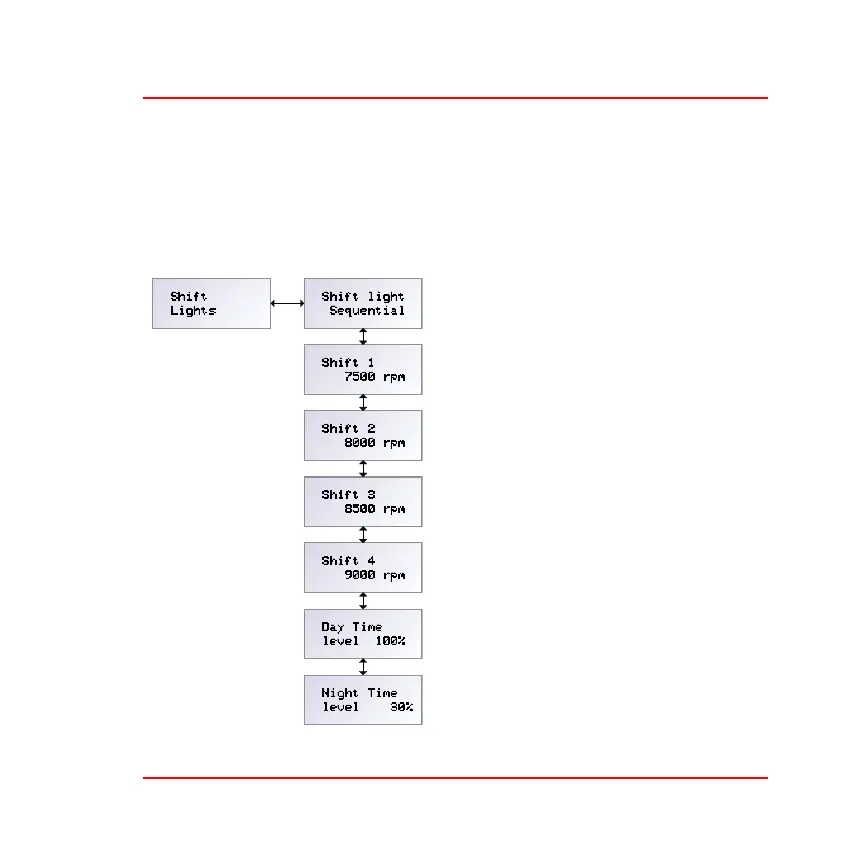
Shift Lights—Press the rotary con-
trol when the display shows ‘Shift
Lights’ to access the six menu items
that set the way the four shift lights
on the display unit behave.
❑ Shift light—Press and turn the
rotary control to set the sequence of
lights that will appear as the engine
speed increases. Note that the
choices of shift light sequence will
depend on the options available on
your system.



 To Next Page