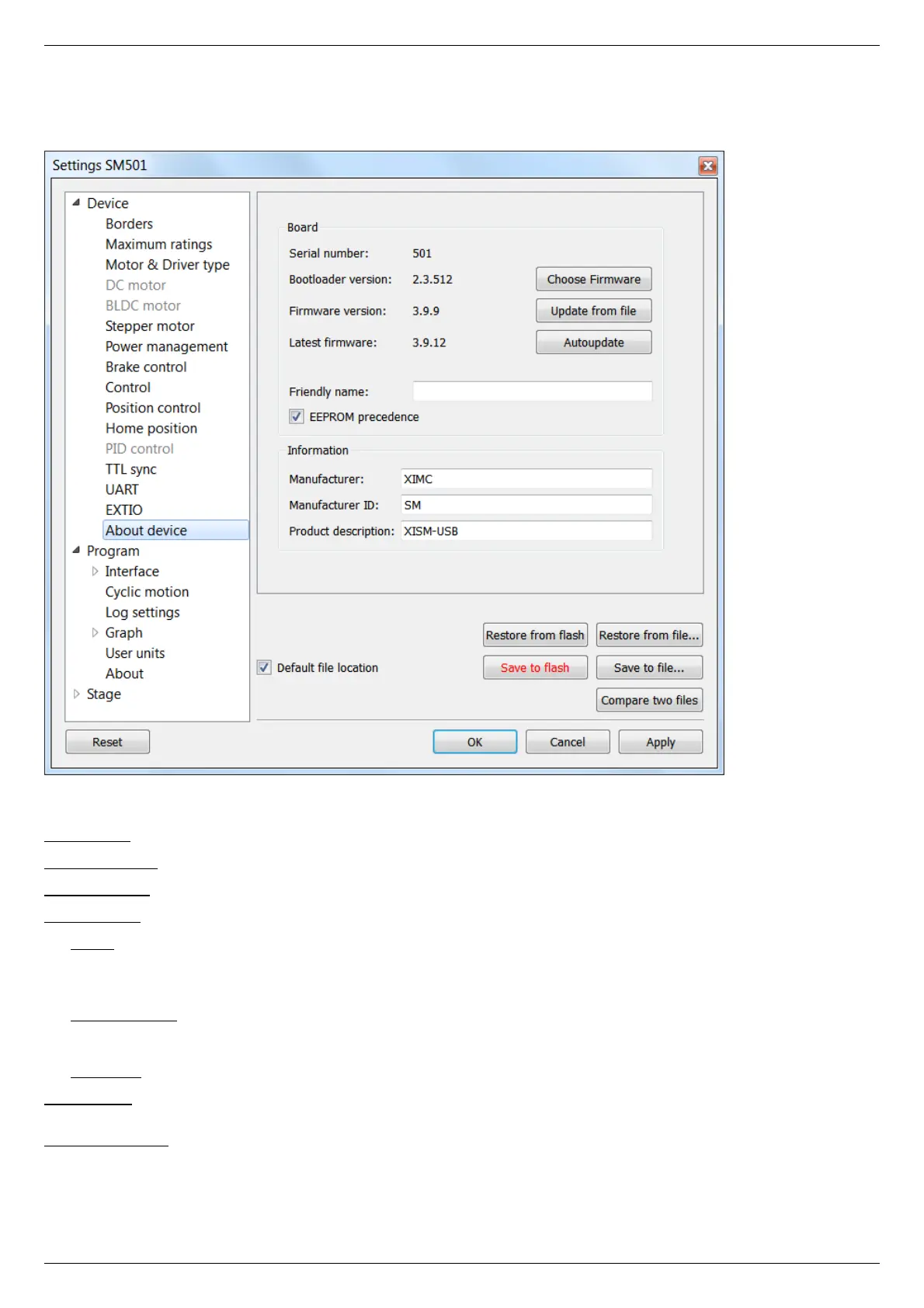
5.3.15. About controller
In the Application Settings Device configuration -> About device
About device tab
The Board section displays information about the controller:
Serial number - device serial number.
Bootloader version - bootloader version.
Firmware version - firmware version.
Latest firmware - latest available firmware version for this device (downloaded from the internet if internet connection is available).
The Update button opens firmware update dialog box.
Select the firmware file with the .cod extension and click Open. XILab will start the firmware update and will display "Please wait while
firmware is updating". Do not power off the controller during the upgrade. Upon completion of the update the "Firmware updated
successfully" dialog will be displayed.
The Choose Firmware button opens a dialog with firmware version numbers. Pick a number and press "Update firmware" to update to
selected version. An appropriate firmware file will be downloaded from the internet and loaded into the controller. This feature requires
an active internet connection.
The Autoupdate button automatically updates firmware from the internet to the latest available version.
Friendly name - an arbitrary user-defined name for the controller. If this string is not empty, then it will replace device id and serial
number in window titles. This is a convenience feature for situations with multiple controllers connected to the same PC.
EEPROM precedence - this flag works only for stages with autodetection feature. If this flag is set, then settings from external EEPROM
memory take precedence and are applied every controller start up or positioner connection. Otherwise settings from FRAM are used. If
this option is turned on then "Save to flash" button is displayed in red. This serves as a warning to the user that settings in flash
memory will be overwritten when a device with external memory is plugged into the controller.



 To Next Page