3.1. One axis configuration
Introduction
System requirements
Software installation and startup procedures
Getting started with XILab software
Functional test
Control from user applications
3.1. One axis configuration
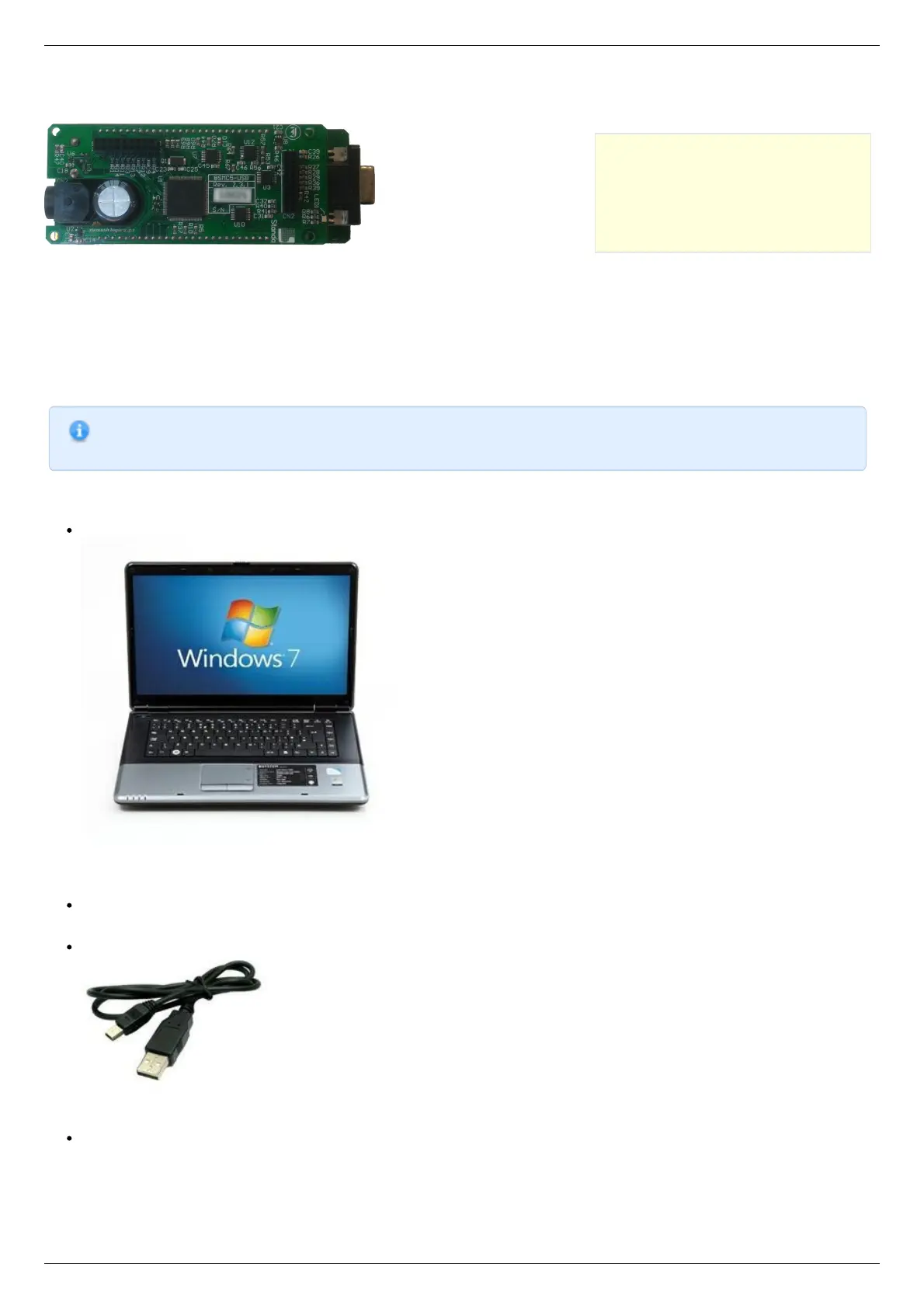
Controller board.
Introduction
This manual describes the controller installation procedures and getting started with XILab software for Windows 7. The detailed
controller specifications are described in Specifications chapter. For developing your own applications, please read the Programming
guide 8SMC5 chapter and download the programming software package from the software chapter.
System requirements
Note. There are only brief requirements in this chapter. For detailed information please read the Specifications
chapter.
For successful installation you will need:
PC with USB port
A standard PC with USB port.
Make sure that your PC has all of the current Windows updates installed. It will help you to maintain software compatibility. If
necessary, please download the latest updates from www.microsoft.com/updates.
Software
All necessary software to work with the controller can be downloaded from software page.
USB A - mini-B cable
USB-A to mini-USB-B cable.
For detailed information about the USB cable please read the data connector chapter.
8SMC5-USB controller



 To Next Page