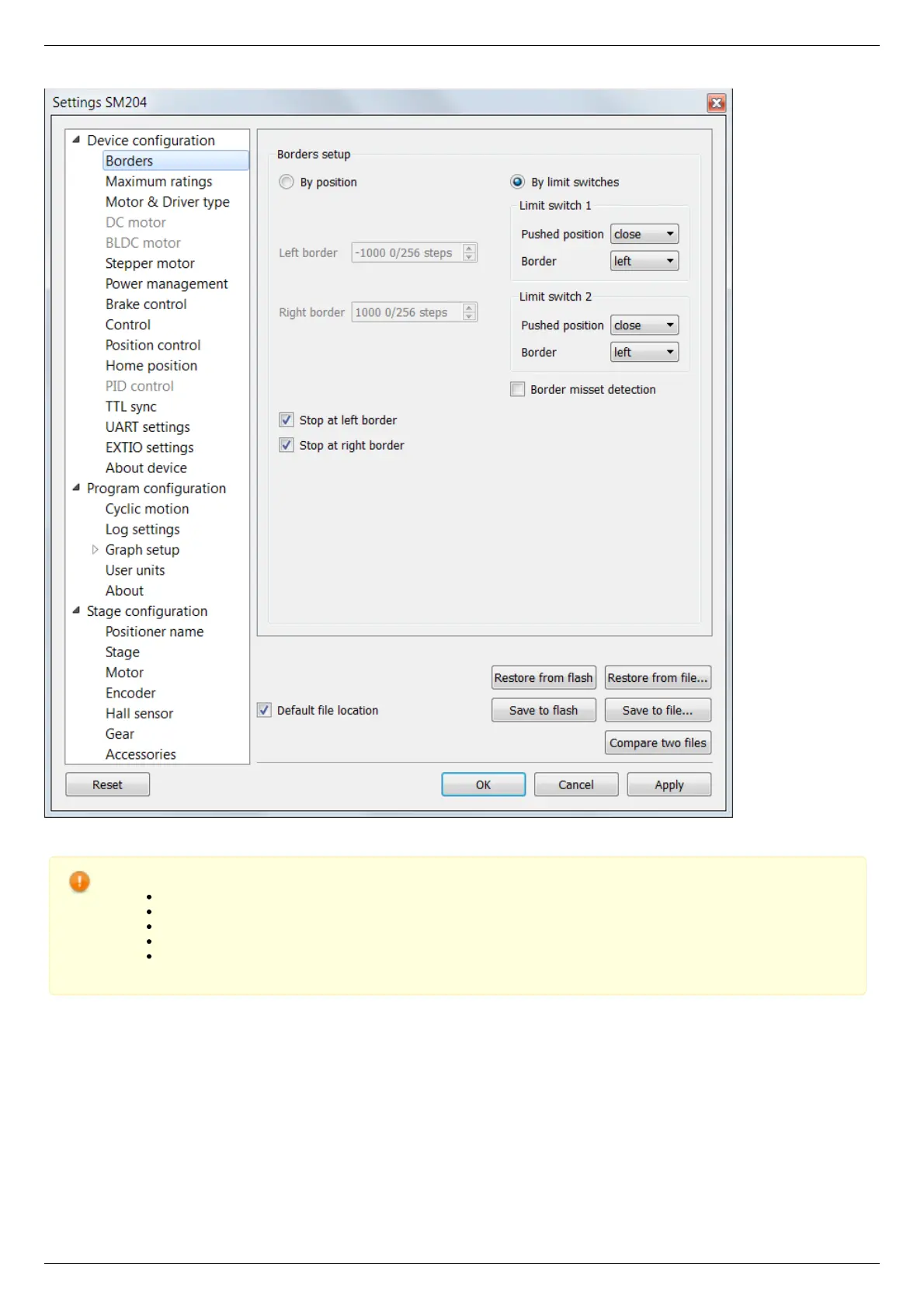
XILab, the Settings menu window.
Warning. For the controller to work with stepper motors it is required to properly set up:
working current,
displacement limits and limit switches ,
critical parameters,
limiters,
power supply mode.
If you decide to configure your controller by yourself, please check these parameters carefully!
Congratulations, your controller is ready for operation!
Functional test
Check if the controller is configured properly by pressing left or right button in the central row of XILab main window control buttons.
The positioner has to start moving. Use the central "soft stop" button to stop the rotation. Please pay attention to the power supply
parameters of the controller in the Power section. The power voltage, working current and temperature of the controller can be set
there.
If Xilab main window is shaded red when the movement was supposed to start, that means that protection was activated and controller
entered the Alarm state. This may be caused by incorrect settings, wrong connection of the positioner or controller malfunction. For
detailed information please read the Critical parameters chapter.



 To Next Page