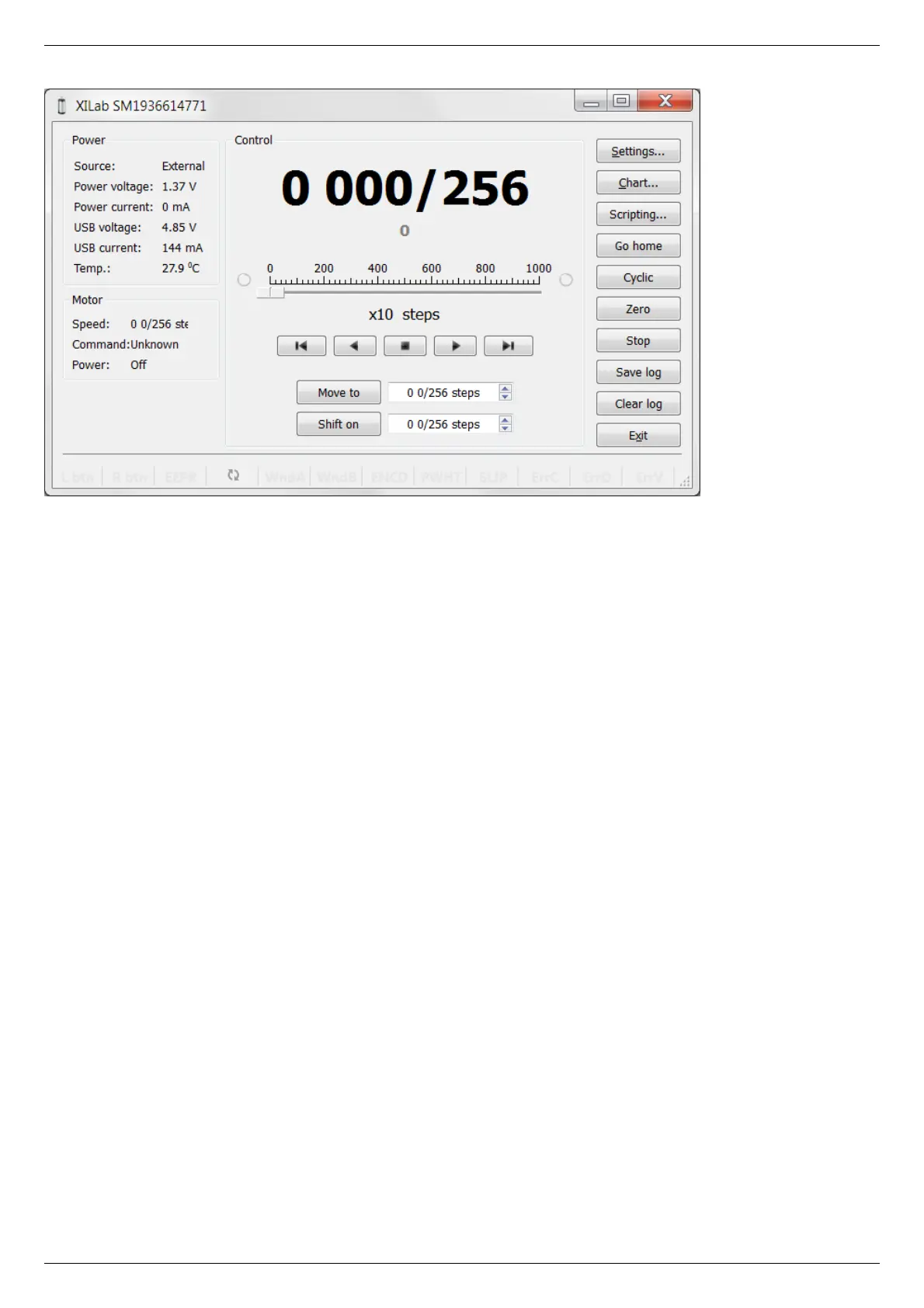
XILab main window.
Open “Settings...”, then press “Restore from file...” and select the configuration file for your positioner from the opened C:\Program
Files\XILab\profiles\ folder. The values applicable for your positioner will automatically fill all the fields of “Settings...” menu. If the
necessary file isn't found, please refer to the Configuration files chapter. If there is still no solution, please leave your request at our
customer service website.



 To Next Page