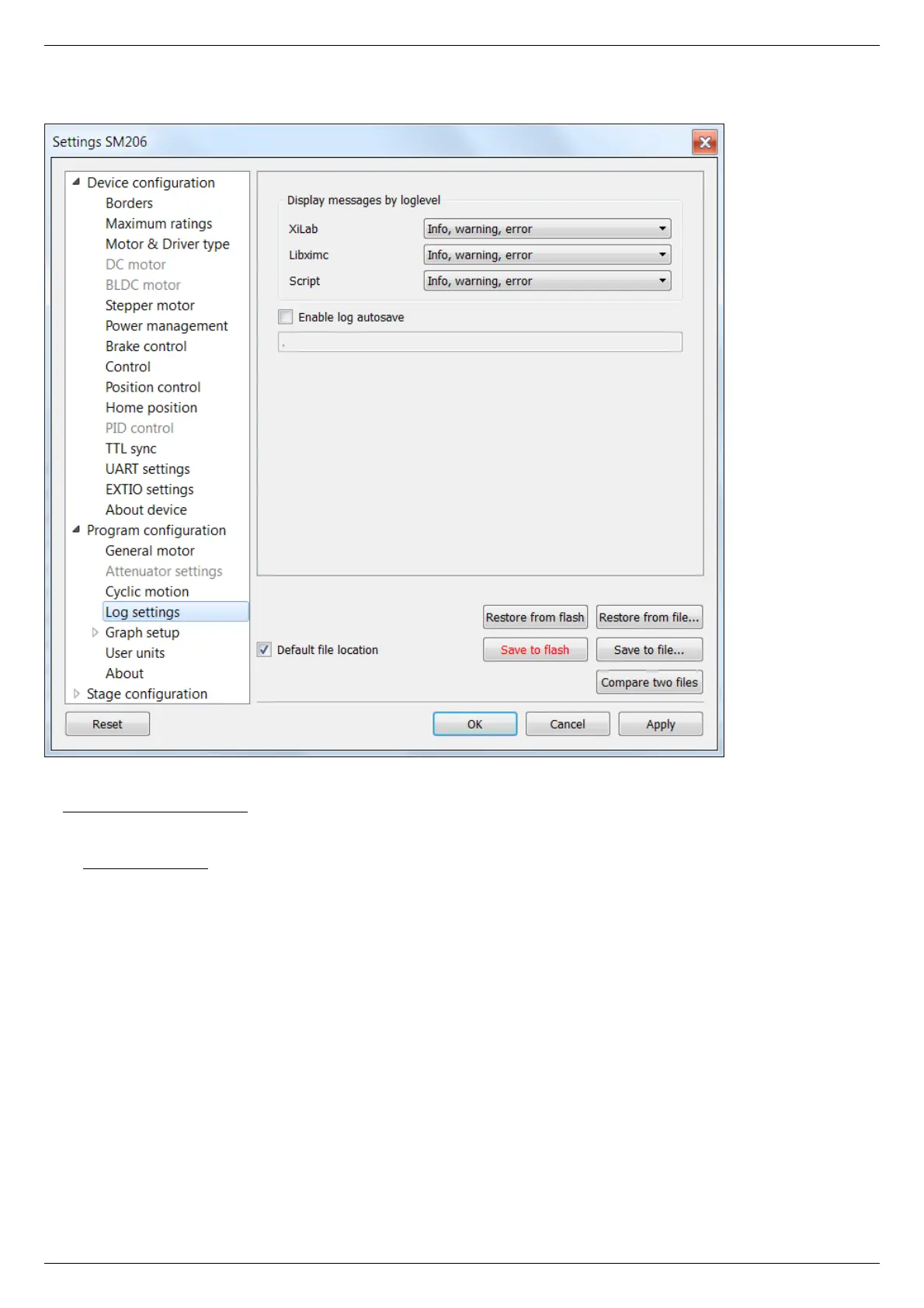
5.4.5. Log settings
XILab log settings window
On this page (Program configuration -> Log settings) you can configure the logging detail level.
I n Display messages by loglevel box you can choose an option to log nothing (None), log only errors (Error), errors and warning
messages (Error, Warning), errors, warnings and information messages (Error, Warning, Info) for each source: XILab application,
libximc library and Scripts module.
If the Enable log autosave checkbox is checked then the log is saved into file. Directory where the log file will be saved is set below.
Log file is flushed to the disk every 5 seconds.
File has a name of type "xilab_log_YYYY.MM.DD.csv", where YYYY, MM and DD are current year, month and day, respectively. Data is
stored in CSV format. Messages that are saved into the log file are not filtered by logging options.



 To Next Page