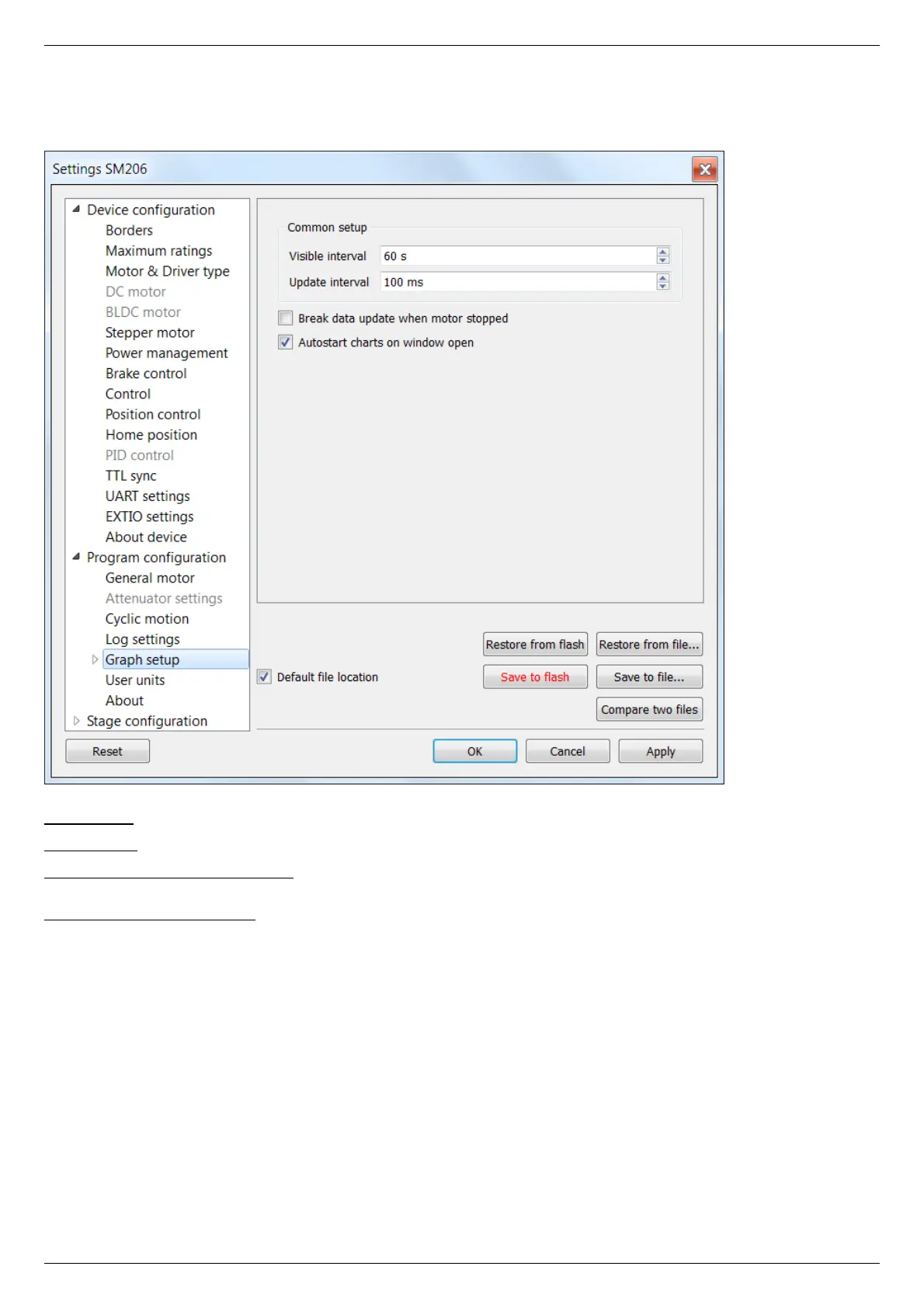
5.4.6. Charts general settings
Program configuration -> Graph setup in the Application Settings
Charts general settings tab
Visible interval - the time interval displayed in charts on the horizontal axis.
Update interval - chart data update interval.
Break data update when motor stopped - stops drawing charts when the motor stops. This option provides the possibility to use the
chart space more rationally, removing the areas when there is no motor motion.
Autostart charts on window open - starts displaying chart data automatically on window open. If you wish to start charts update
manually, then uncheck this option.



 To Next Page