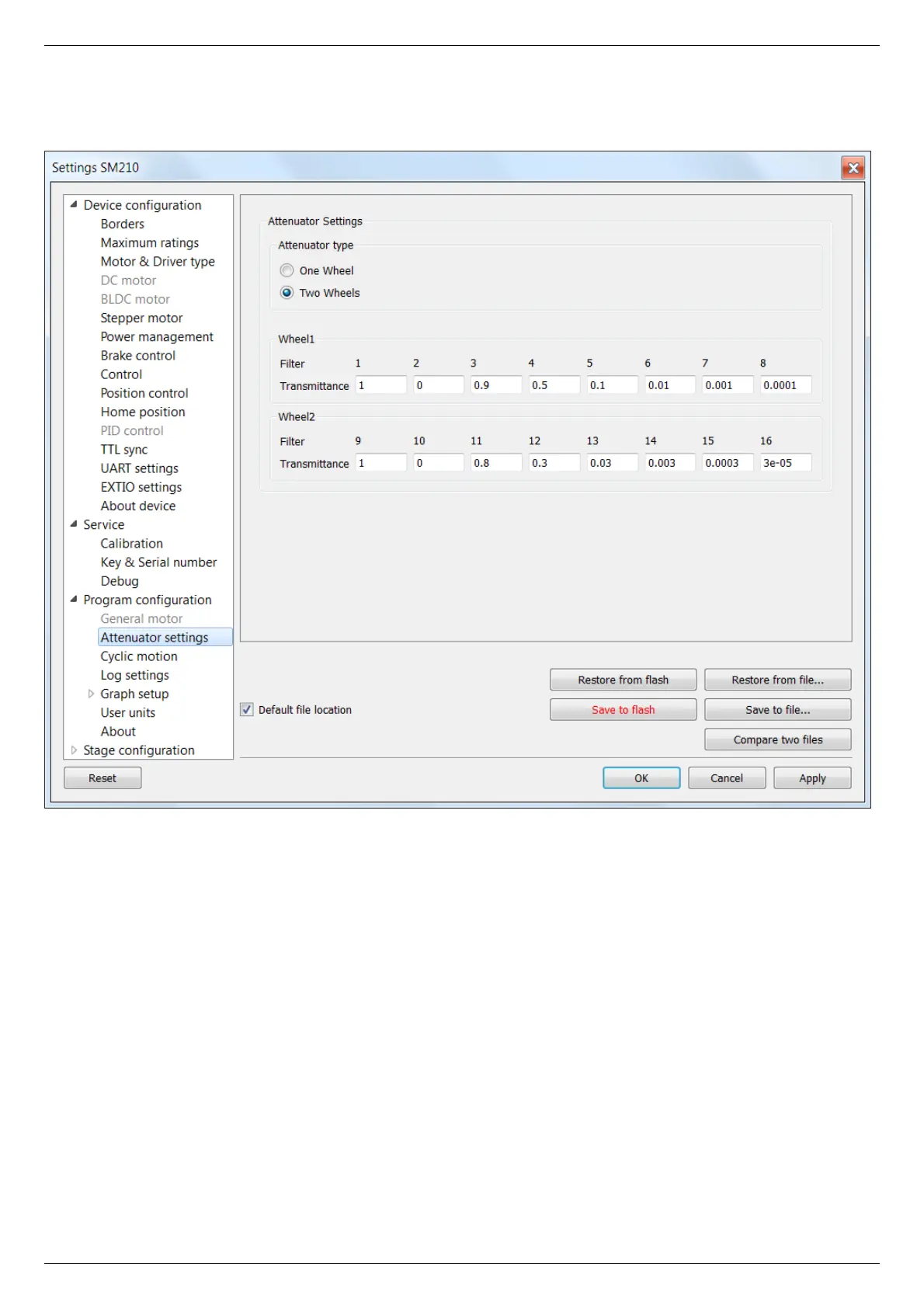
5.4.3. Attenuator settings
In the Application Settings Program configuration -> Attenuator settings
Attenuator settings tab
This tab is used to configure attenuator interface. An attenuator is a device used to reduce the power level of an optical signal by
passing light through one or several optical filters. This tab becomes active when an "Attenuator" skin type is selected in "Program
configuration" tab.
Attenuator type group contains radio buttons which allow one to choose one- or two-wheel configuration of the attenuator.
Depending on the choice here one or two Wheel groups become available. They should be filled with attenuator filters' transparency
values on the corresponding wheel, in order.



 To Next Page