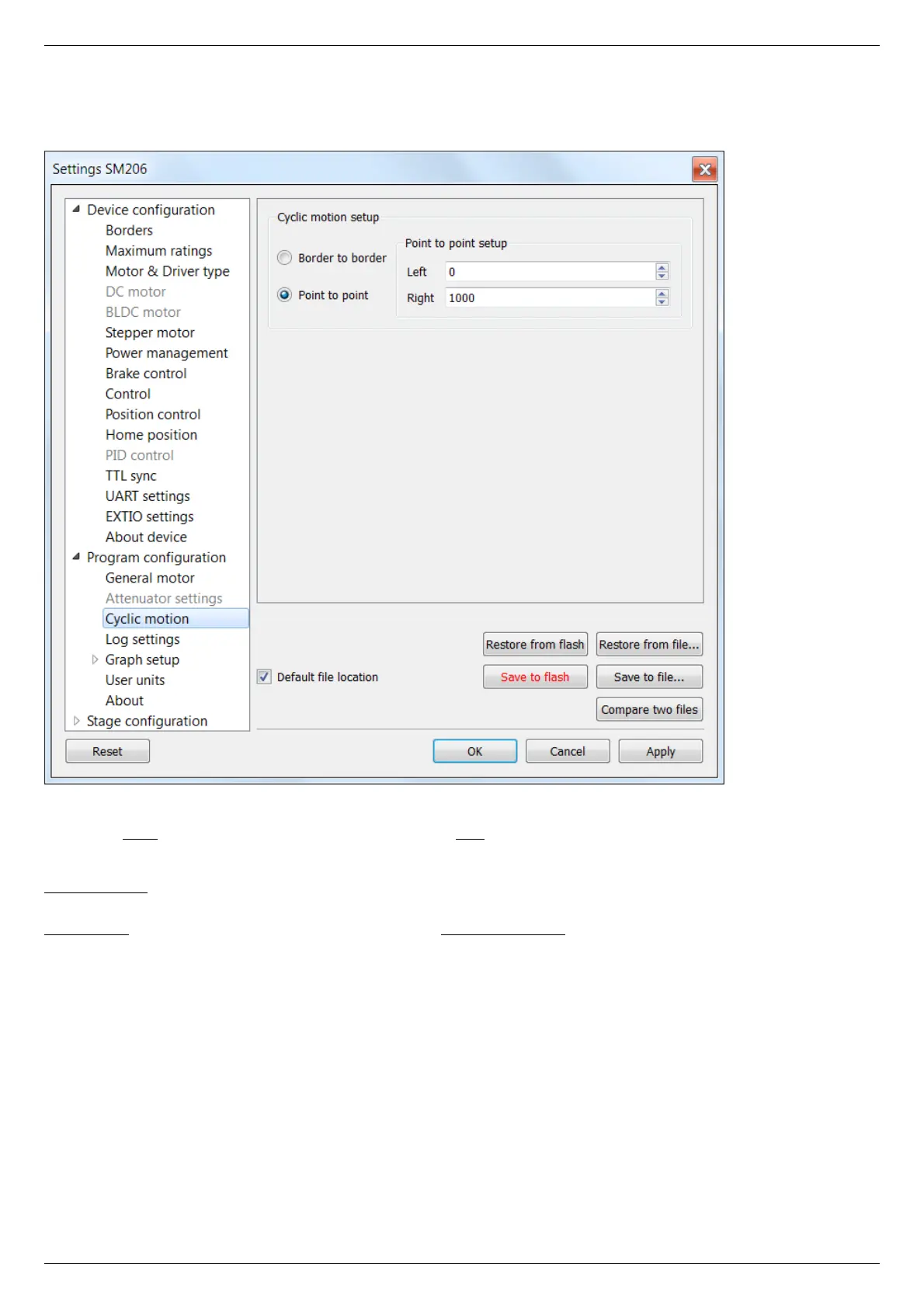
5.4.4. Cyclical motion settings
In the Application Settings Program configuration -> Cyclic motion
Cyclic motion tab
Use this tab to configure the cyclic motion between two preset positions. It is used mainly for demonstration purposes. This mode is
activated by Cyclic button in the main window, and deactivated by Stop button in the main window.
Cyclic motion mode settings:
Border to border - cyclical motion between the borders configured in the Motion range and limit switches . The motion begins towards
the left edge.
Point to point - cyclical motion between points specified in the Point to point setup group. The stage moves to the left point, stops,
then moves to the right point, stops, and then the cycle repeats.



 To Next Page