5.8.2. Installation on Linux
5.8.2. Installation on Linux
Debian / Ubuntu
Installing in graphical mode
The text installer
RedHat / OpenSUSE
The text installer
XILab package installs its files in the following directories:
/usr/bin/xilab - executable file
/usr/share/icons/xilab.png - Icon
/usr/share/xilab/scripts/ - directory scripts
/usr/share/xilab/profiles/ - directory with profiles
/usr/share/xilab/xilabdefault.cfg - file with the default settings
Debian / Ubuntu
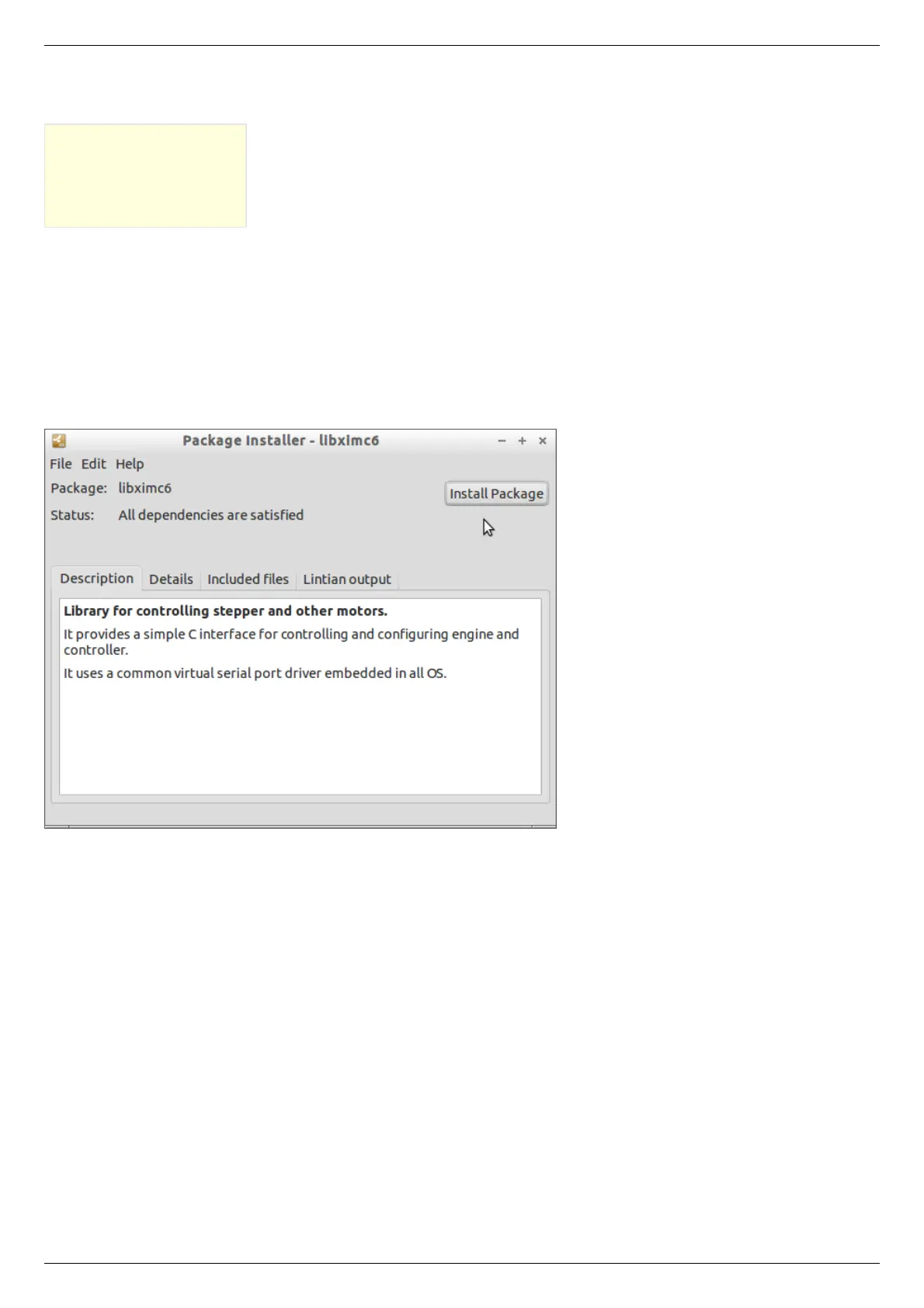
Installing in graphical mode
Click on the file libximc6_x.y.z-1_i386.deb (for 32-bit versions of Linux) or libximc6_x.y.z-1_amd64.deb (for 64-bit versions of Linux).
Installation window will appear. Click the Install package. This will install the libximc library.



 To Next Page