5.2.4. Application settings
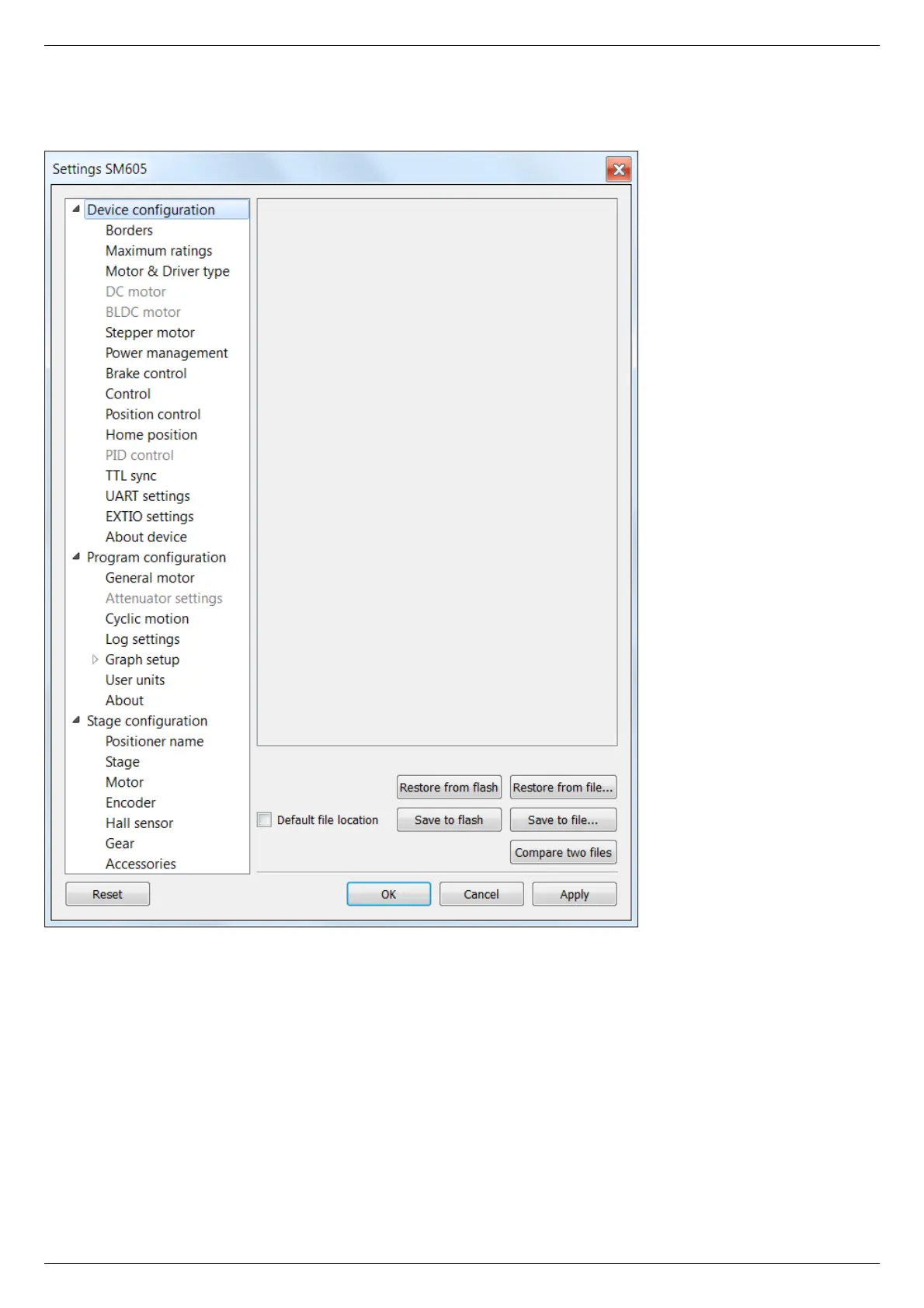
Settings button from the main window opens the Settings window.
XILab Settings Main Window
Application settings are presented as a hierarchical tree and are divided into three groups: controller settings - "Device configuration",
XILab application settings - "Program configuration", characteristics of a stage - "Stage confuguration".
The first group Device configuration contains the parameters that can be stored directly in the device (in the flash memory or in the
RAM of controller).
The second group Program configuration contains the XILab application settings, which are not written into the controller, and are
used to control the XILab itself.
The third group Stage confuguration contains information about the parameters of the stage and is read from its ROM chip.
Description of Restore from flash and Save to flash buttons is located in the Saving the parameters in the controller flash memory .
All application settings from the first two groups can be saved to an external file when you click Save to file.
When you click the Restore from file button you can pick a file with application settings to be loaded into Settings window.
When you click the Compare two files button, a dialog window with file selection is opened. If you select two files all their settings
are compared and a list of differences is displayed. Missing keys in one of the files are marked in the table as "<NO KEY>".



 To Next Page