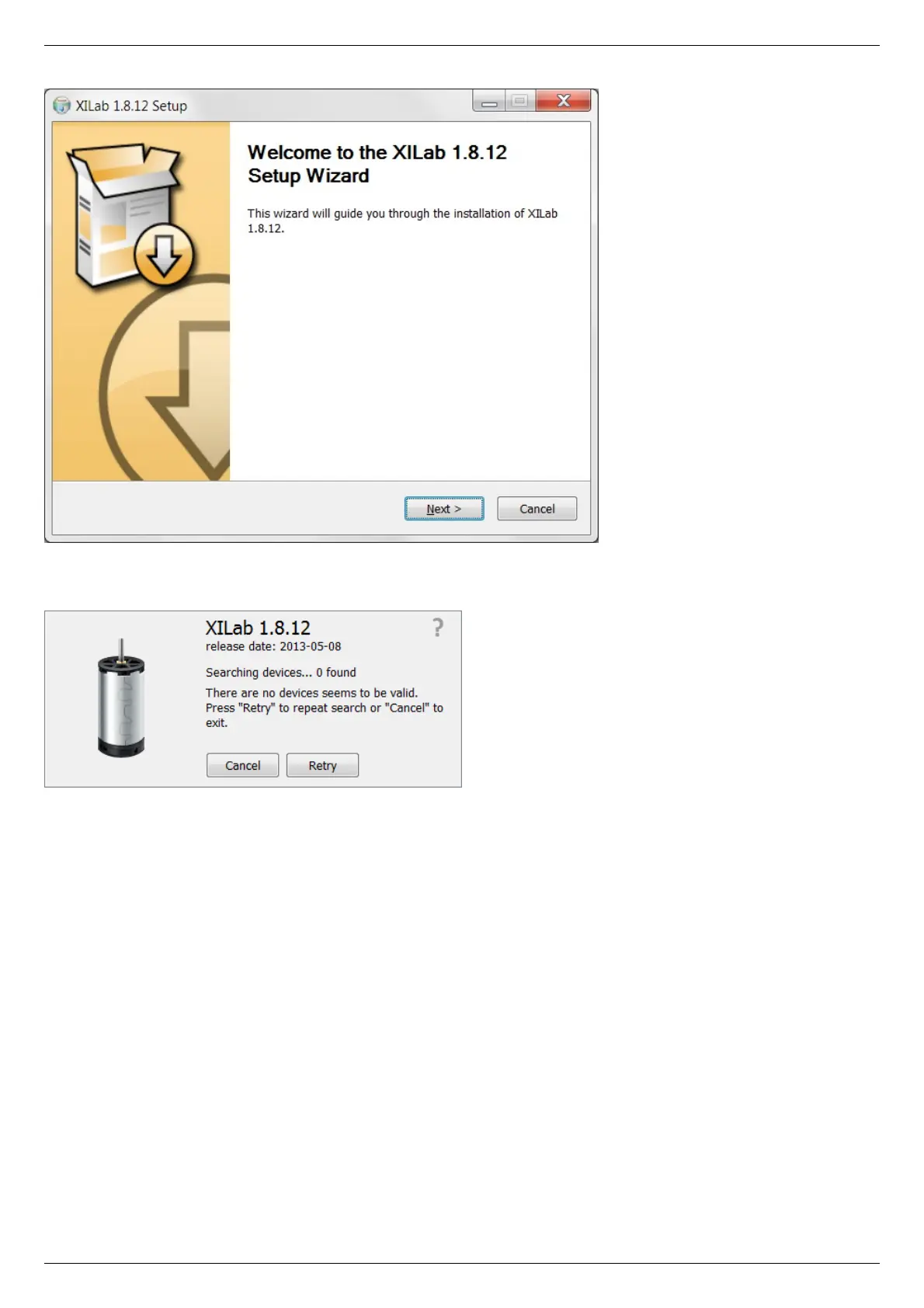
XILab main installation window.
Press “Next>” button and follow the instructions on screen. All the necessary software including all drivers, packages and programs will
be installed automatically. After installation is finished, the XiLab software starts by default and the following window will open:
XILab "No devices found" dialogue window.
Don't press any buttons.
Connect the positioner to the controller. Connect the stabilized power supply unit to the controller. Ground the controller or power
supply unit. Connect the controller to your PC using the USB-A to mini-USB-B cable.
The LED indicator at the controller board will start flashing. The New Hardware Wizard starts working after the first connection of the
controller to PC. Please wait until Windows detects a new device and installs all necessary drivers for it.
If the automatic driver installation has failed, please select ”No, not this time” in the window being opened and press “Next>” button.
Select “Install from a list or specific location (Advanced)” in the next window and press “Next>” again. Browse the software disk
supplied with controller and find the *.inf file there or in the XiLab-install-path\driver\ folder and wait until installation is completed.
Go back to XILab "No devices found" dialog window and press "Retry" button.
If this window was closed, please go to “Start” menu, select Programs->XILab Х.Х.Х->XILab and launch it. The dialog window will
open again.
Getting started with XILab software
XILab is a user-friendly graphic interface designed for control, diagnostics and adjustment of motors. It can also be used for easy
installation and save/restore of parameters for any type of motors. This chapter describes the startup procedures with XILab software.
For complete information please refer to XILab application User's guide chapter.



 To Next Page