5.7. Working over network
XiLab is capable of interacting with remote controllers via Ethernet. However you need a special XIMC server, which can be either
obtained as a standalone program and installed on any appropriate device, or as one of the services of 8SMC4-USB-Eth1 adapter.
Getting started
Before launching, connect controllers to the device with XIMC server installed using USB cable. At the same time, it is assumed
that controllers can be connected to the motor and energized from power supply (see one axis configuration for more details).
Connect the device with XIMC server to the same subnet that contains the control computer, DHCP server. In case of 8SMC4-
USB-Eth1 adapter supply it with power adapter (via 5V - 2A connector) and wait for a minute to finish Linux boot on the
onboard computer.
Launch XiLab and make the following.
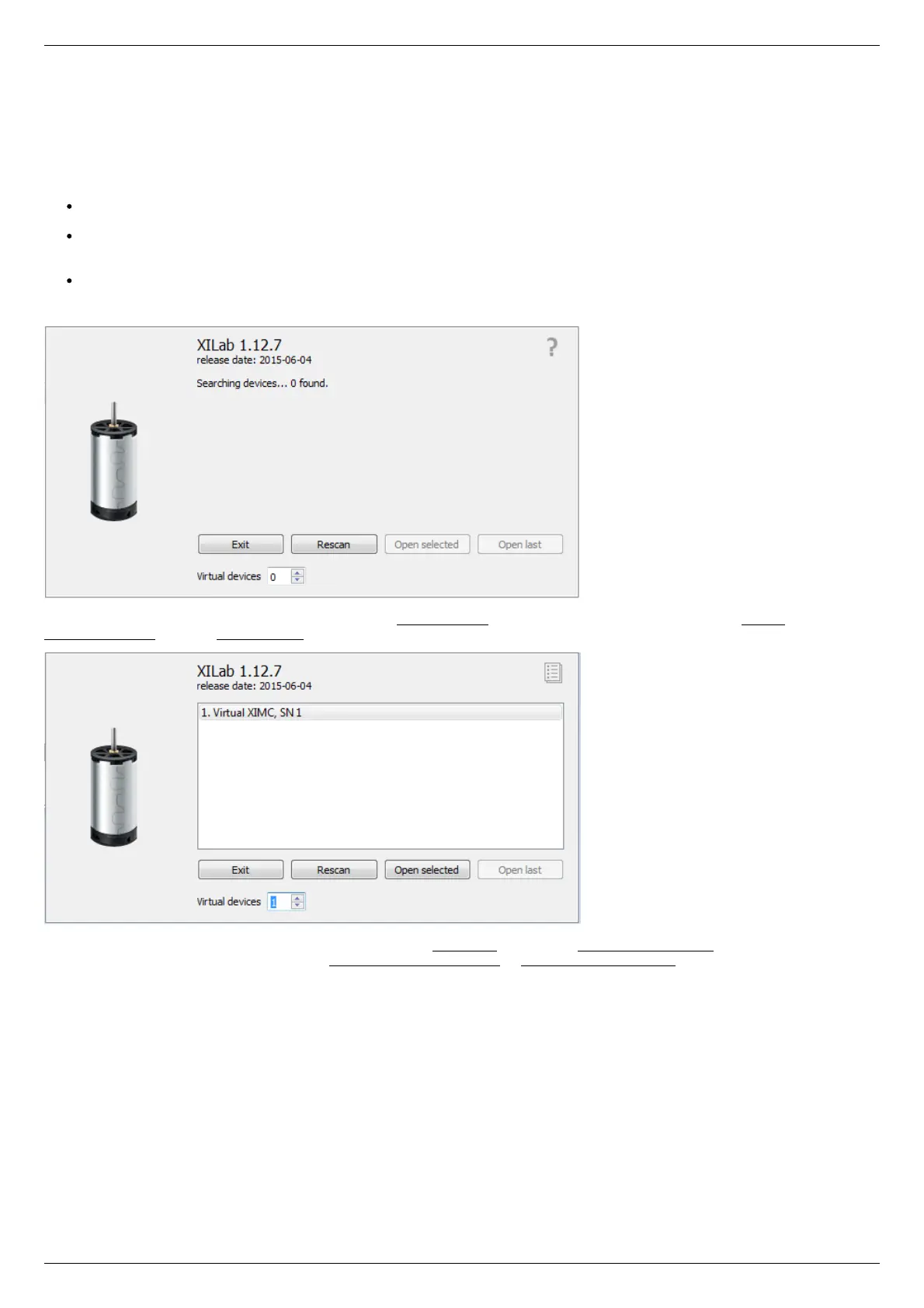
At first start, XiLab opens controller detection window with no devices found.
Add virtual XIMC controller by increasing the number of Virtual Devices in the bottom part of window and click Rescan. Then choose
Virtual XIMC, SN1 and click Open selected.
XiLab main window with single axis mode will appear. Go to Settings... and choose Program configuration (for detailed information
please refer to XiLab general settings). Check Enumerate network devices in Device detection settings and press "Scan for local XIMC
servers" button. XiLab will use broadcast request to find available XIMC servers in your LAN and for each detected instance an entry in
the "IP/hosts" list will be created. You can also edit address list manually if desired.
Click OK and close XiLab.



 To Next Page