Connect the stage to the controller. Connect regulated power supply to the controller. Ground the controller or the power supply unit.
Connect the controller to the computer using a USB-A - mini-USB-B cable.
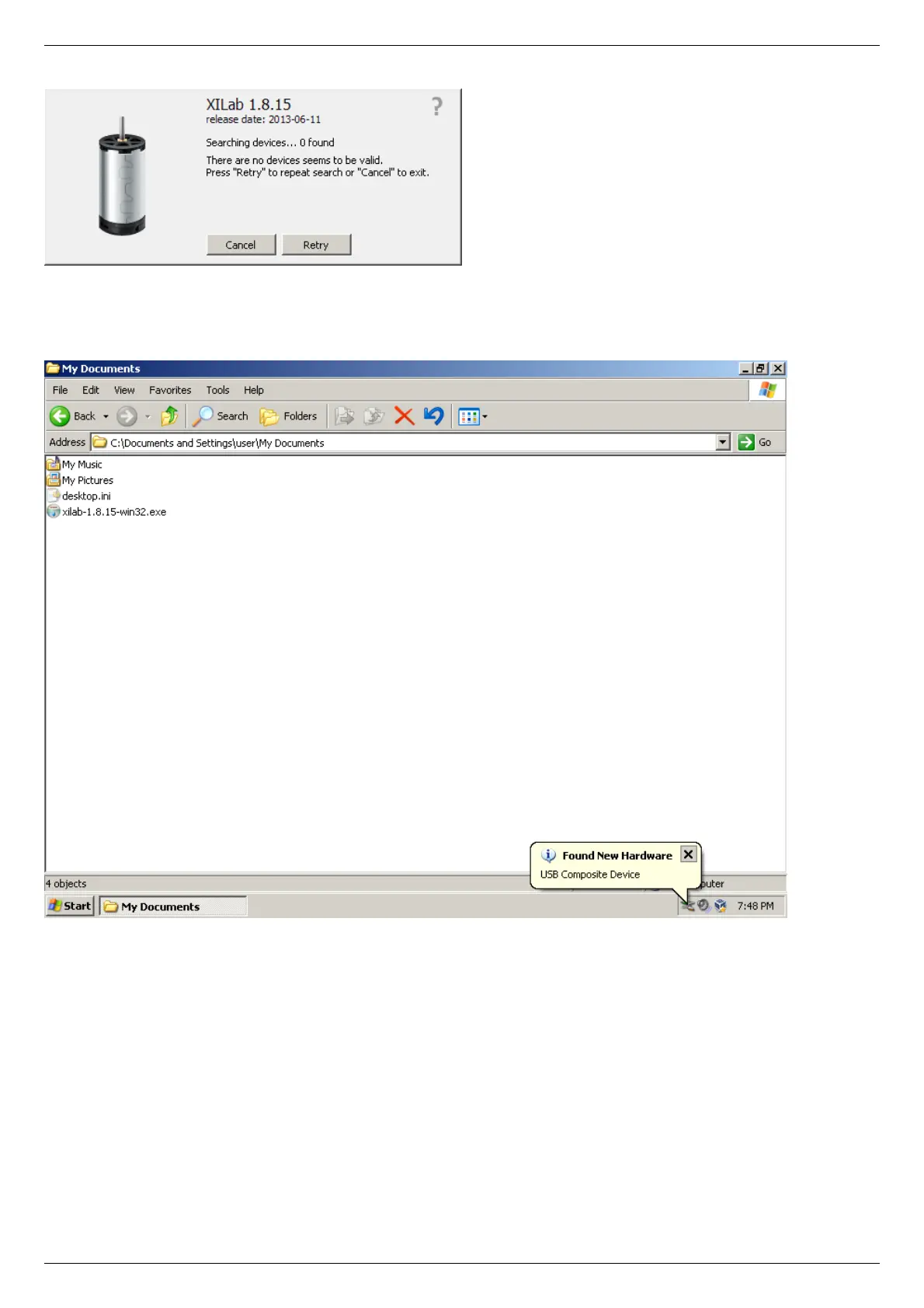
LED indicator on the controller board will start to flash. New Hardware Wizard will start after the first controller is connected to the
computer. Wait until Windows detects the new device and installs the drivers for it.
If the driver was not automatically installed select "No, not this time" and click "Next>" in the pop-up window.



 To Next Page