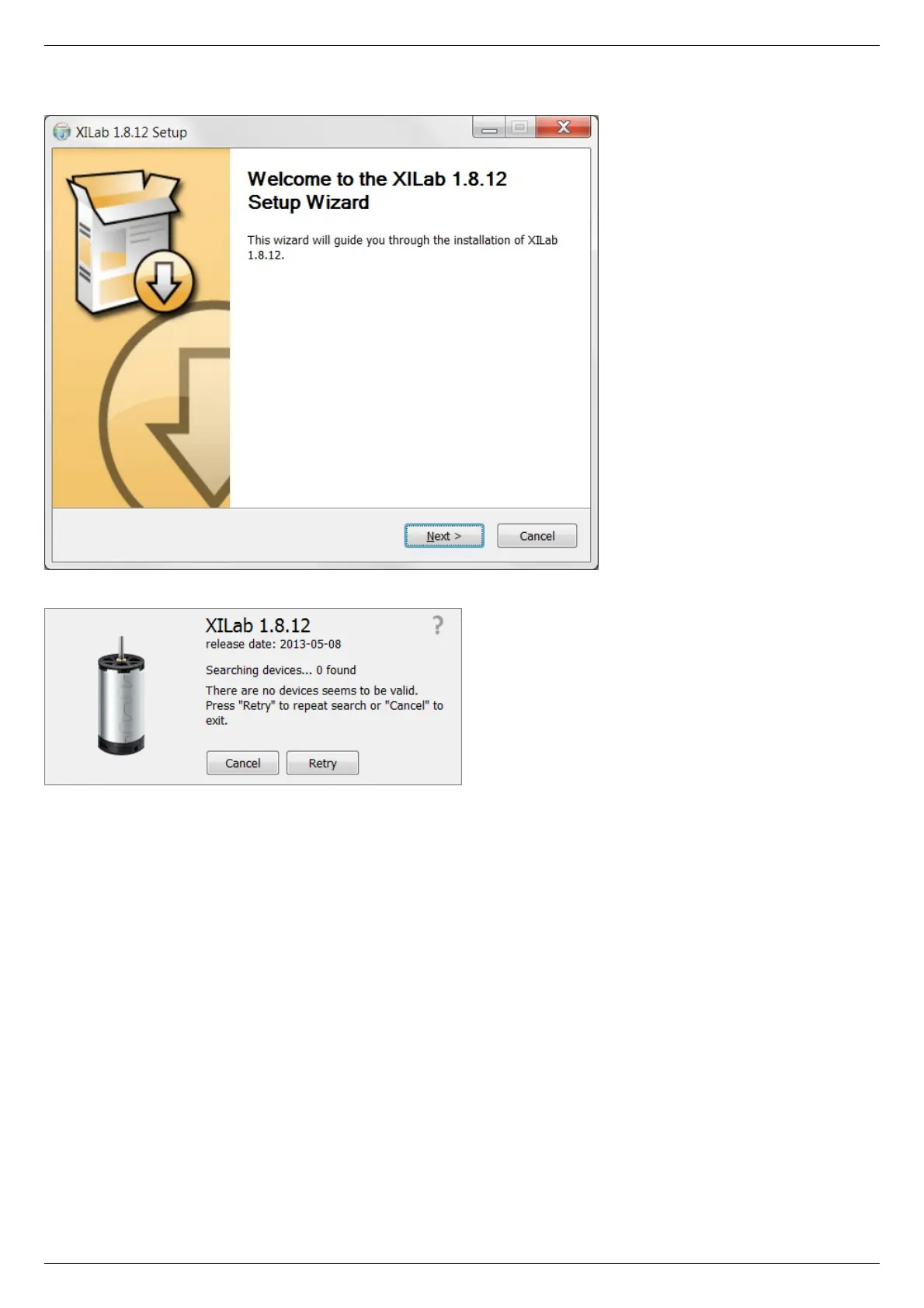
All the necessary software including drivers, packages and programs will be installed automatically.
After the installation is complete the XiLab application will be started by default.
Connect the stage to the controller. Connect regulated power supply to the controller. Ground the controller or the power supply unit.
Connect the controller to the computer using a USB-A - mini-USB-B cable.
LED indicator on the controller board will start to flash. New Hardware Wizard will start after the first controller is connected to the
computer.



 To Next Page