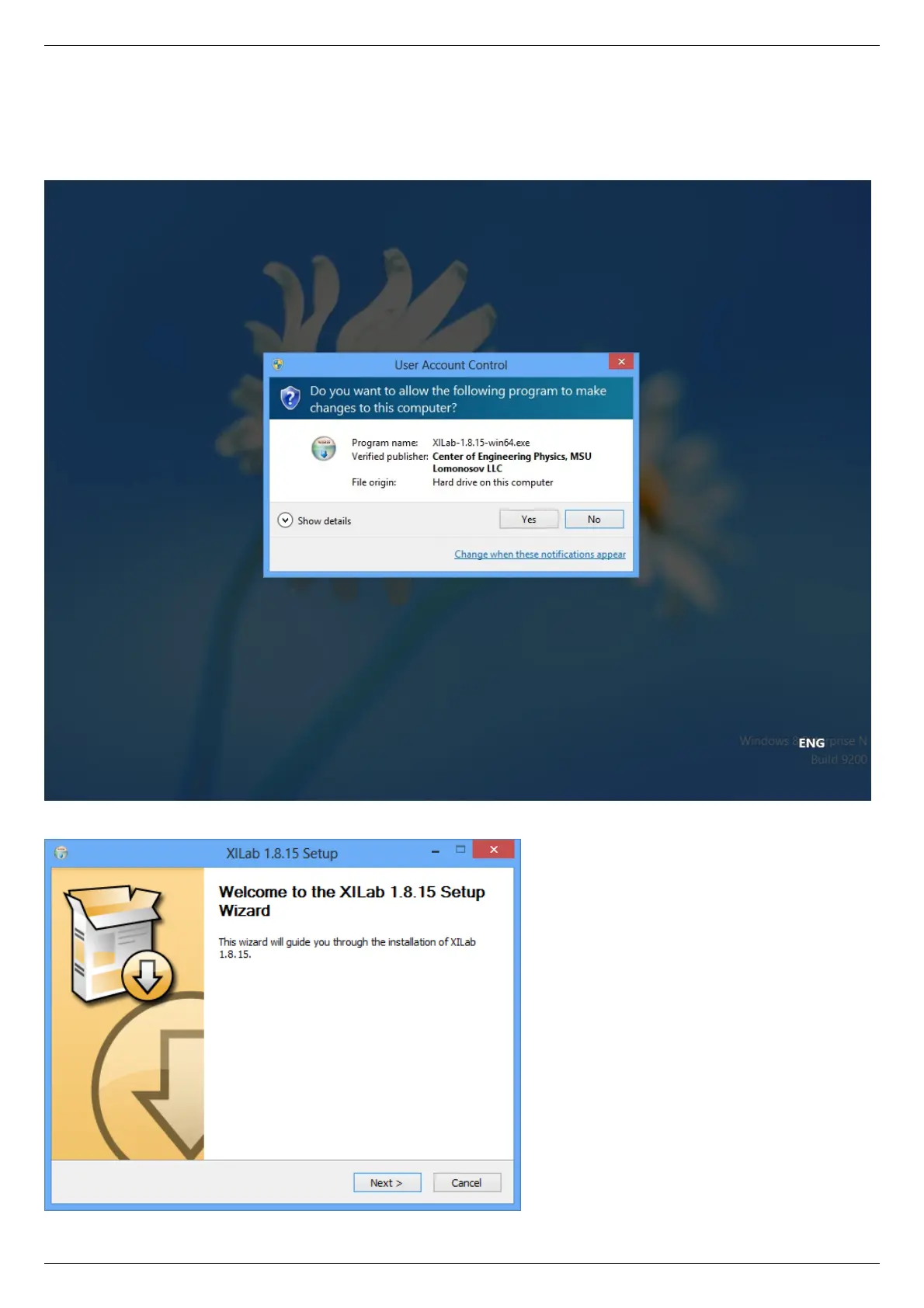
5.8.1.3. Installation on Windows 8
Copy the installer program file to your computer. The installer file name is "xilab-<version_name>.exe". It automatically detects
whether it is running on 32-bit or 64-bit version of Windows and installs the appropriate version of XiLab. Run the installer and follow
the on-screen instructions.
All the necessary software including drivers, packages and programs will be installed automatically.



 To Next Page