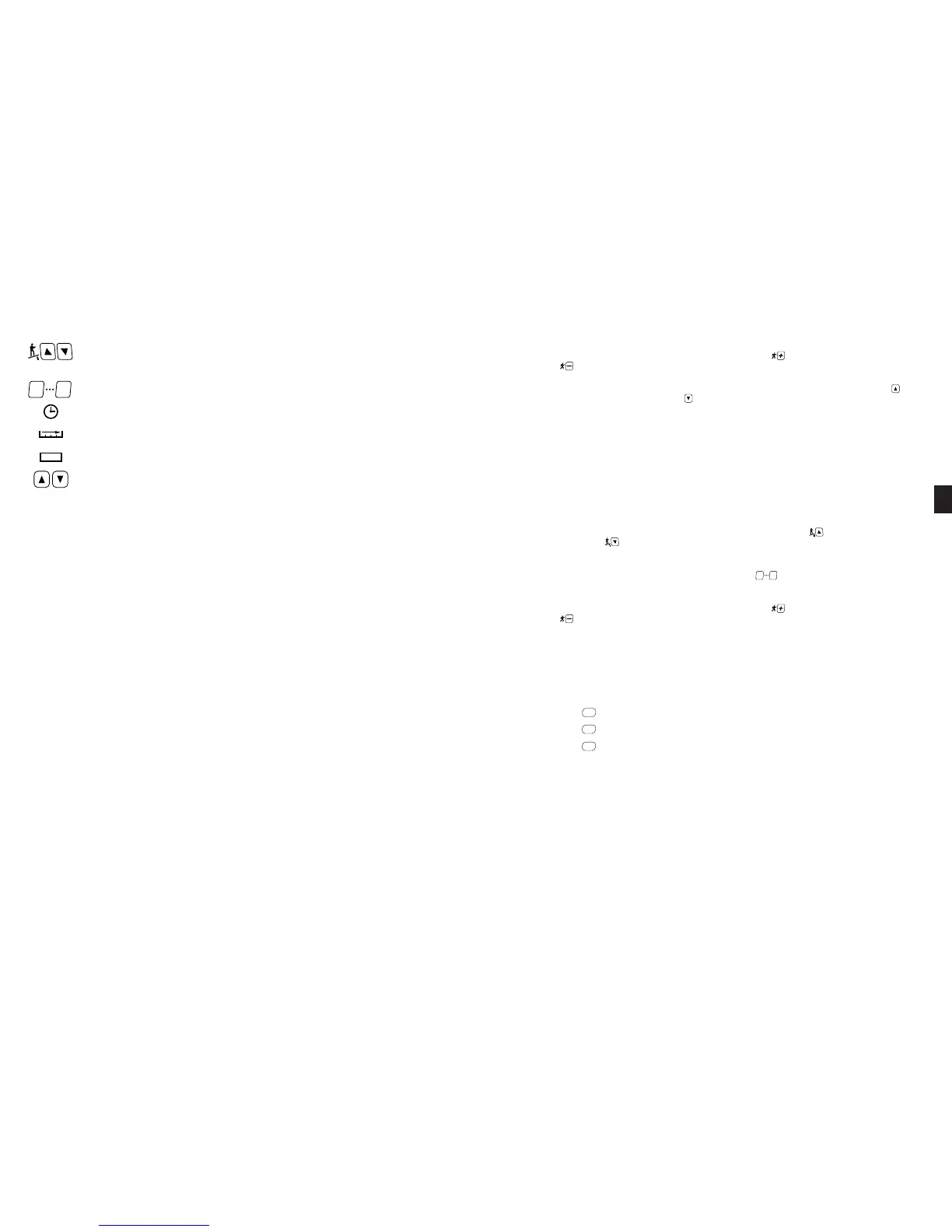
Incline Keys: Adjust treadmill incline in 0.5% increments from 0% through 15% in manual operation. These
keys repeat when pressed and held.
Incline Window: Shows the incline that the user is ascending, from 0% (easiest) to 15% (most difficult).
Numeric Keypad: Allow you to enter specific values for program parameters during program setup. The numer-
ic keypad can also be used to adjust treadmill speed while the treadmill is operating.
Time Window: Shows the duration of your workout thus far in minutes and seconds.
Distance Window: Shows the total number of miles or kilometers you have walked or run thus far.
Calorie Window: Shows your aggregate caloric expenditure thus far in your workout.
Goal Adjust Keys : Allow you to increase or decrease your time goal during a workout.
Heart Rate Window: Shows your current heart rate in beats per minute (BPM) while wearing the heart rate strap or grasping
the heart rate grips.
Preset Program Keys: Allow you to access a desired preset workout program.
Information Window: Provides informational messages, prompts during program setup, notification when your workout is com-
plete, and scrolling summarized workout data during and after a workout. Depending on the program completed and treadmill
settings as set in Manager or Maintenance Settings mode, workout data may include:
Every 2000 miles (or 3000 km) the Start-Up Display will also scroll REWAX BELT. See Preventive Maintenance, Chapter 7, for
additional information.
HINTS AND TIPS FOR GETTING STARTED
The following hints and tips will assist in training your users to maximize the fitness benefits of your STAR TRAC PRO S
TREADMILL.
■
Walk or run at a rate that feels comfortable and most natural, yet is sufficiently vigorous to get a good cardio
workout.
■
Try different walking or running rhythms. In manual operation, adjust your pace from low speed to high speed, then
back to low. As you become more comfortable with your treadmill, try going faster or using the preset programs.
■
Watch the Graphic Display to anticipate terrain changes. When you use the preset programs, the display shows
changes in terrain as tall or short columns. The display also notifies you of incline changes with a series of beeps and a
flashing display element.
QUICK START
Quick Start lets you begin your workout by simply pressing one key. Quick Start uses a default weight of 155 pounds and a time
limit of 99 minutes. YOU control the treadmill speed, incline and distance for up to the maximum allowed program time.
To operate the Quick Start program:
1. Stand on the running belt and press the QUICK START key. The running belt slowly accelerates to its minimum speed of
0.5 mph (0.8 kph).
2. You can adjust the incline of the treadmill during the program:
■
You can adjust treadmill speed from 0.5 to 10.0 mph (0.8 to 16.0 kph) for 110-volt units or 0.5 to 12.0 mph (0.8 to 19.3
kph) for 220-volt units, in 0.1 mph (or 0.1 kph) increments. Press the key to increase the treadmill speed; press
the key to decrease the treadmill speed.
7. You can adjust your time goal during the program:
■
You can adjust your time goal from 5 minutes to the maximum allowed program time. Press the ADJUST key to
increase your time goal; press the A
DJUST key to decrease your time goal.
8. You can pause the program during your workout by pressing the S
TOP key once. The program will pause for a preset peri-
od of time (either 30, 45 or 60 seconds, as set in the Manager Settings mode). Press the START key BEFORE the pause
timer expires to resume your program. The treadmill returns to its minimum speed when you exit the pause mode.
9. When you have reached your workout goal, the treadmill will enter the Cooldown cycle (see “Cooldown Cycle” for more
information). If you wish to exit your program before you have reached your workout goal, press the STOP key twice. The
treadmill will slow to a stop. (Press the STOP key once during a Pause to exit the program.)
COOLDOWN CYCLE
Once you have completed your workout program, the treadmill enters a 2-minute cooldown cycle.
To operate the treadmill during Cooldown:
1. You can adjust the incline of the treadmill during the program:
■
You can adjust treadmill incline from 0 to 15%, in 0.5% increments. Press the key to increase the treadmill
incline; press the key to decrease the treadmill incline.
2. You can adjust the speed of the treadmill during the program:
■
You can specify a desired speed from 0.5 to 10.0 mph (0.8 to 16.0 kph) for 110-volt units or 0.5 to 12.0 mph (0.8 to
19.3 kph) for 220-volt units, using the numeric keypad. Use the keys to enter your desired speed, then press
the S
TART or ENTER key to accept the entered speed.
■
You can adjust treadmill speed from 0.5 to 10.0 mph (0.8 to 16.0 kph) for 110-volt units or 0.5 to 12.0 mph (0.8 to 19.3
kph) for 220-volt units, in 0.1 mph (or 0.1 kph) increments. Press the key to increase the treadmill speed; press
the key to decrease the treadmill speed.
3. When the cooldown cycle ends, the treadmill will slow to a stop. If you wish to exit the cooldown cycle before it ends auto-
matically, press the S
TOP key. The treadmill will slow to a stop.
USING THE COOLING FAN
The PRO Treadmill is equipped with a built-in cooling fan to increase your comfort during a workout.You can control the fan speed
during your workout.
To operate the cooling fan:
■ Press the FAN to set the fan speed to “high”.
■ Press the FAN key to set the fan speed to “low”.
■ Press the FAN key to turn the cooling fan off.
■ The fan will remain at the set speed if you pause your program. The fan will turn off automatically if you exit your work-
out, or when you complete your program.
If the cooling fan is not available for use, the Information Window displays an advisory message when you press the Fan Low or
Fan High keys.
HEART RATE MONITORING
Heart rate monitoring allows you to determine if your treadmill workout is too challenging or not challenging enough. Monitoring
heart rate is easy with the STAR TRAC PRO TREADMILL, which provides both a heart rate strap and heart rate grips that
allow you to your heart automatically. Your goal will be to keep your exercise heart rate at 60 to 90 percent of the theoretical max-
imum for your age as listed on the Target Heart Rate table and graph in chapter 6.
NOTE: The Heart Rate monitor is not a medical test, nor is it designed as a medical test. It is simply a guide to target heart rate
training. Please consult with your physician prior to engaging in any strenuous physical activity.













 To Next Page