All Treadmills
Treadmill Installation Instructions (Cont’d)
7
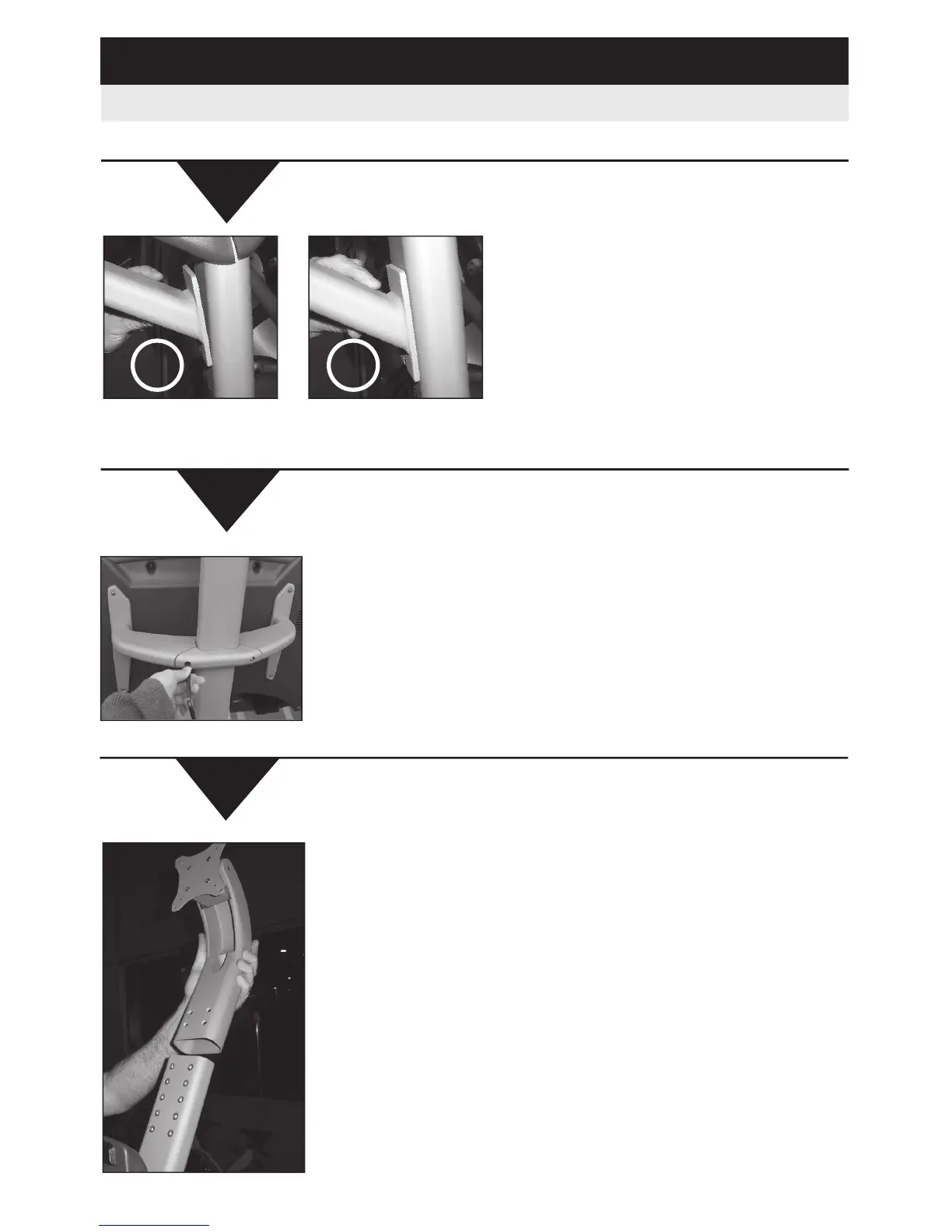
- Slide the top monitor support bracket (Gooseneck)
and lower it over neck.
- Secure the gooseneck by inserting the 4 flat head
screws and tighten securely.
-
Use any 4 holes to adjust TV height. See A/V install
section for more info.
- Holding the bracket base against the product neck,
put the crossbow back plate in position and insert
the two socket head cap screws by hand.
- Tighten
the 2 screws into the cross bow using the
9/16” Allen wrench.
NOTE: Before tightening, make sure base of neck is flush.
NO
YES
5
Continued
6













 To Next Page