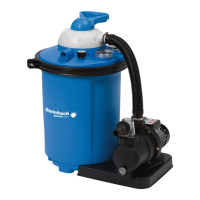
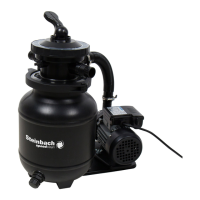
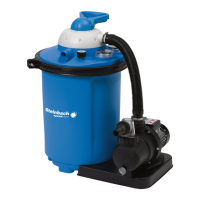
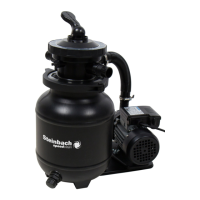
1. Press the ON/OFF buon
to switch o the pump
.
2. Pull the power plug of the pump
.
3. Close the shut-o valves or block the water ow to the pool's connecng hoses.
4. Open the screw cap on the drainage opening
by twisng it counter-clockwise.
5. Completely drain the water from the lter vessel
via the drainage opening.
6. Place the screw cap on the drainage opening and screw it down by turning it counter-
clockwise.
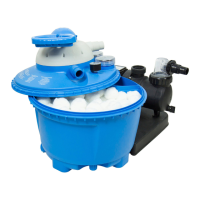
7. Remove the locking ring
by unscrewing the wing nut
counterclockwise.
8. Put aside the locking ring and its screws.
9. Remove the lter cover.
10. Slowly turn the lter vessel on its head and empty out the lter balls.
11. Remove the riser pipe
with the screen
.
12. Thoroughly rinse the riser pipe and screen under owing water.
13. Rinse the lter vessel with clean water.
14. Carry out the steps described in the "Preparing the lter vessel" secon.
The lter medium is exchanged.
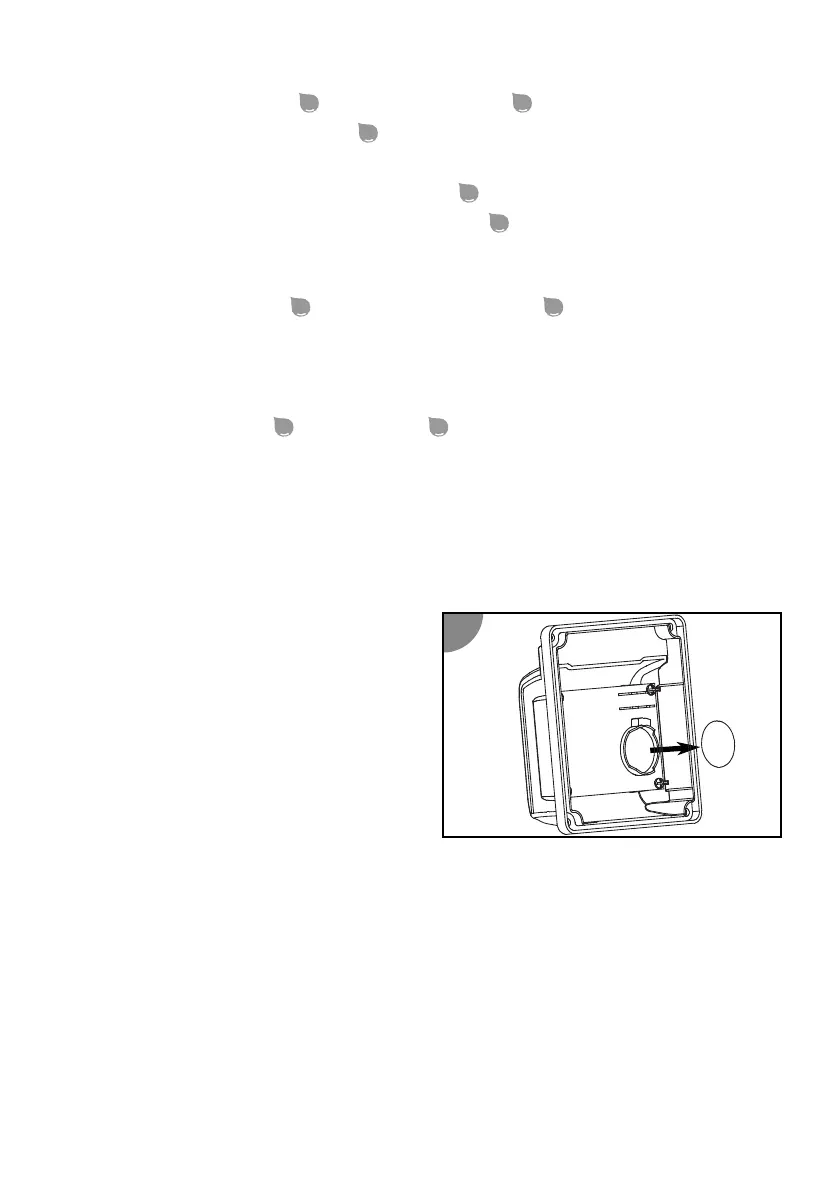
Replacing the timer battery
1. Make sure that the pump's power cable is
disconnected from the power supply.
2. Use a Phillips PH1 screwdriver to remove
the screws of the mer cover (turn
counterclockwise).
3. Remove the cover.
4. Lightly push down on one edge of the
baery to loosen it.
5. Remove the baery.
6. Replace the baery.
You can nd the baery type needed in the "Technical data" secon.
7. Replace the cover.
8. Screw in the screws clockwise.
The mer baery is exchanged.
51


 To Next Page
 Loading...