00732467 Rev. D Page 28 of 110
7.1.4 Touchscreen
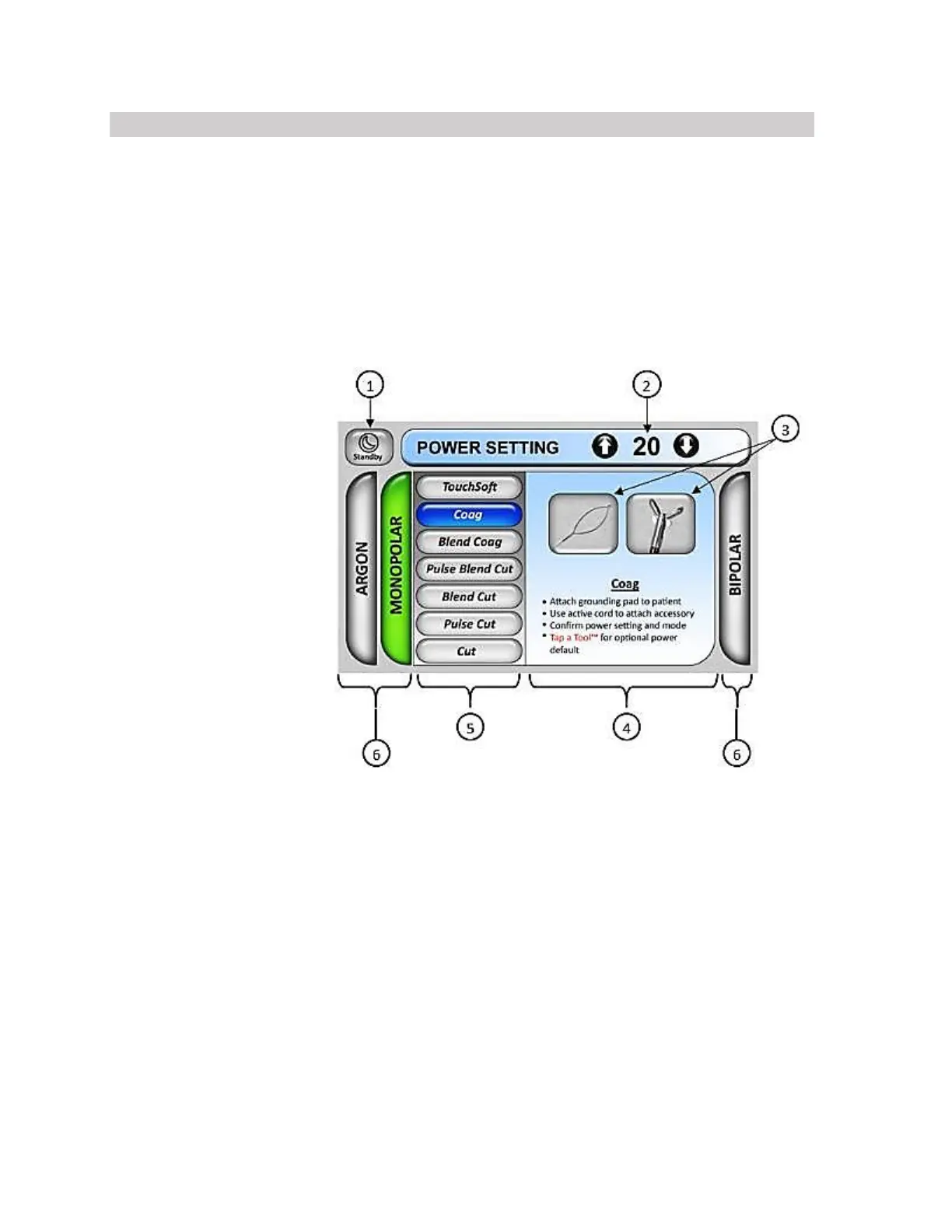
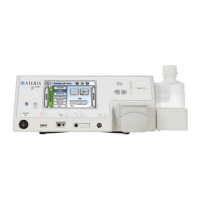
The gi4000 ESU settings are controlled by the user via the touchscreen display. There are
three (3) user selectable electrosurgical output Methods: Monopolar, Bipolar and Argon. The
Monopolar Method has seven (7) subset modes: TouchSoft®, Coag, Blend Coag, Pulse Blend
Cut, Blend Cut, Pulse Cut and Cut.
When a Method/Mode has been selected, a default power setting is displayed that is an
appropriate power suggestion for any and all of the accessories pictured. Users can override
this default for the current application by pressing the up/down arrow buttons shown on the
Power Setting Bar. Quick Setup Tips are shown on the screen for each Method/Mode
selected.
1. Standby
2. Power Setting Bar
3. Tap-a-Tool™
4. Quick Setup Tips
5. Available Modes
6. Methods
When the Argon Method is selected, the user can change the power, the rate of argon gas
flow and monitor the volume of gas remaining in the disposable argon gas bottle.
Optionally, the user can see and use alternative default power settings for an accessory type
represented by the pictogram by engaging the Tap a Tool™ software feature. To do so, the
user simply taps the picture of the accessory of choice. The picture’s background will change
color reflecting the selection. Deselecting the accessory picture returns the user to the mode
default setting. When single accessories are shown the Tap a Tool™ option will activate giving
the user an alternate default setting for that accessory.
Various Fault, Warning and Information boxes will appear with appropriate audible tones when
indicated either by use error or condition of the unit. Audible tones can NOT be disabled on
the gi4000 ESU for safety reasons. See section 12.1 On-Screen Notifications for a list of all
on-screen notifications.




 To Next Page