Overview Job Selection
Page 16
© Copyright 2022 Stratasys. All rights reserved.
Job Selection
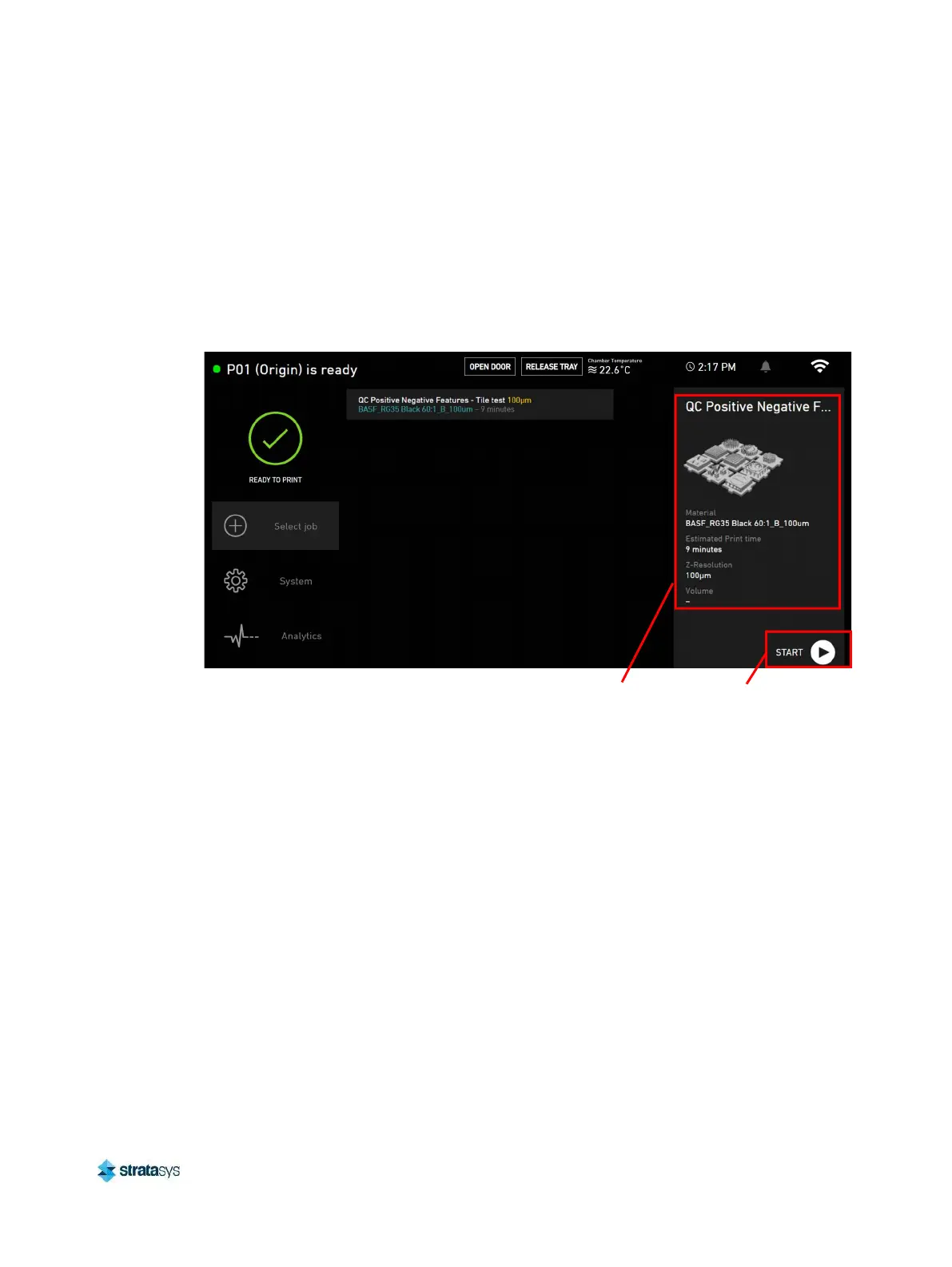
The Select Job button opens the job selection interface, which displays a list of all models
uploaded to the printer starting with the most recently uploaded file. Newly submitted jobs take
some time to process. A loading icon will appear next to the print until it is ready.
Press on any file to view a thumbnail and specifications of the print. When the printer is
prepared and ready to print a file, press the Start icon to begin the print.
Figure 2: Select Print screen
System Settings
The System button opens the system settings interface, which displays general system
specifications as well as system utilities such as:
• Chamber light controls
• Build platform calibration
• Projector controls
• Heating controls
Start
button
Print
job













 To Next Page