Basic User Operations Powering OFF the Printer
Page 50
© Copyright 2022 Stratasys. All rights reserved.
Powering OFF the Printer
To power the printer OFF:
1. Ensure that the printer is stopped (idle) and is not building.
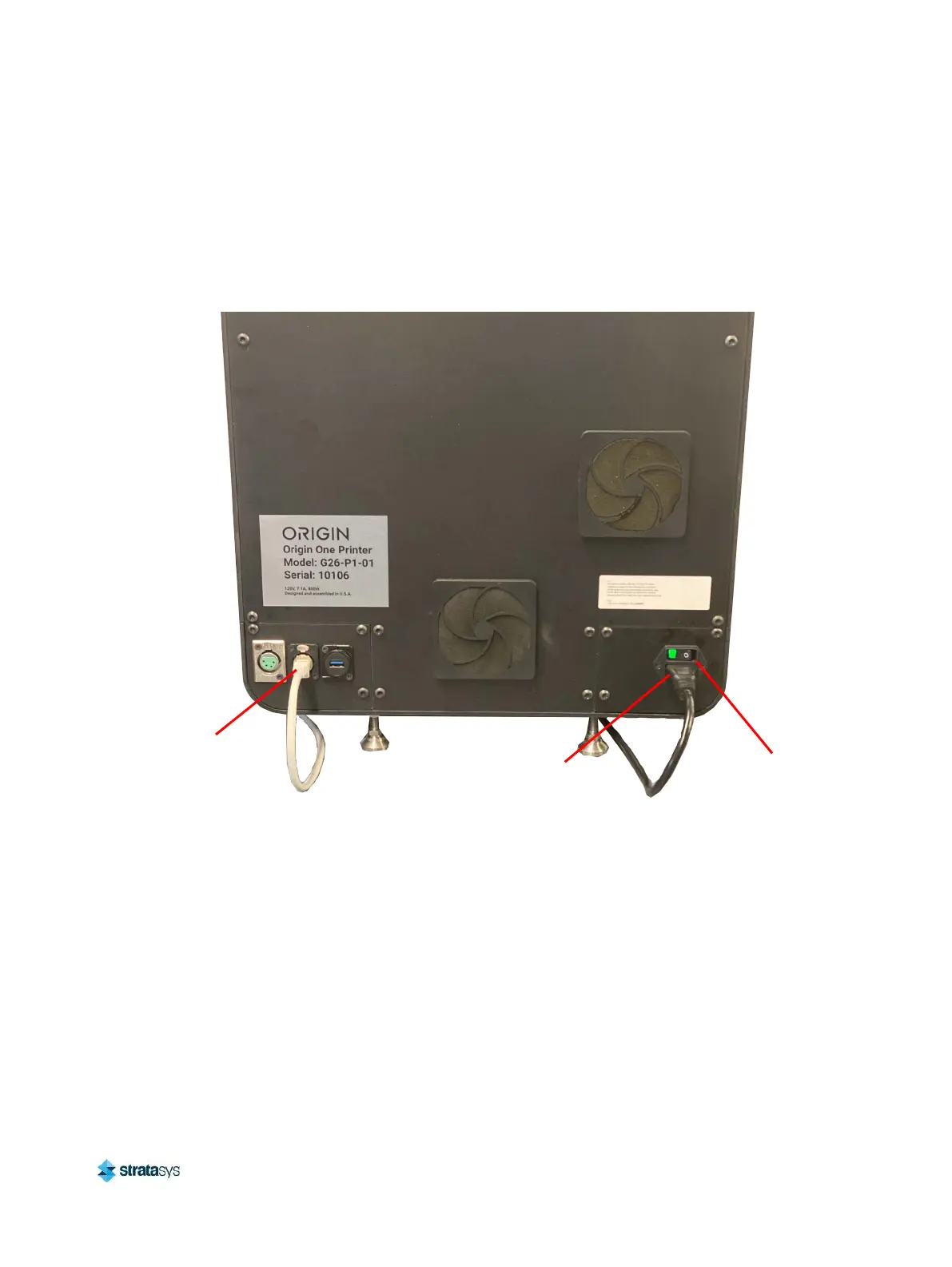
2. Press the power button located on the rear of the printer (see Figure 1 for button location).
Figure 30: Power Button Location and Rear Connections
Power Switch
Power Cable
Connection
Ethernet Port













 To Next Page