Basic User Operations Sending Jobs to the Printer
Page 37
© Copyright 2022 Stratasys. All rights reserved.
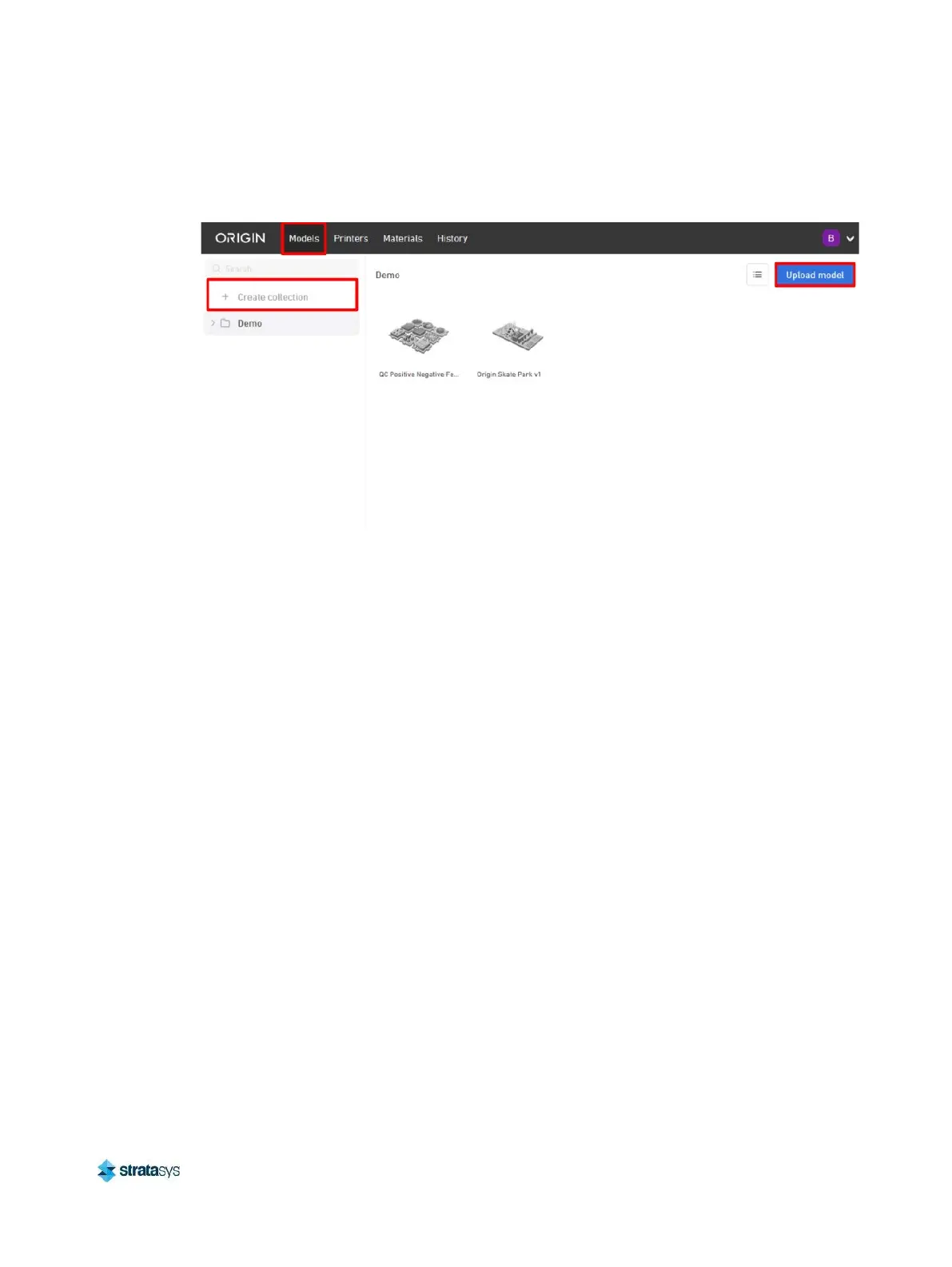
3. In the Models tab, create a new collection by clicking Create collection.
Figure 16: Create collection
4. In the new collection, click Upload model and choose an STL, or ZIP file.
Sending Jobs to the Printer
1. After uploading is completed, click the thumbnail to select your model for printing.
2. After selecting the model thumbnail, the model information displays and the print option is
enabled.
3. Press the Print button. A dialog box opens prompting you to select Printer and Material.
4. Before clicking Submit to send the model to an Origin printer, the Origin platform print
dialogue displays the total volume of material that will be used to create the part(s). This can













 To Next Page