37 BA_KA-ED_A22_190313_en.doc
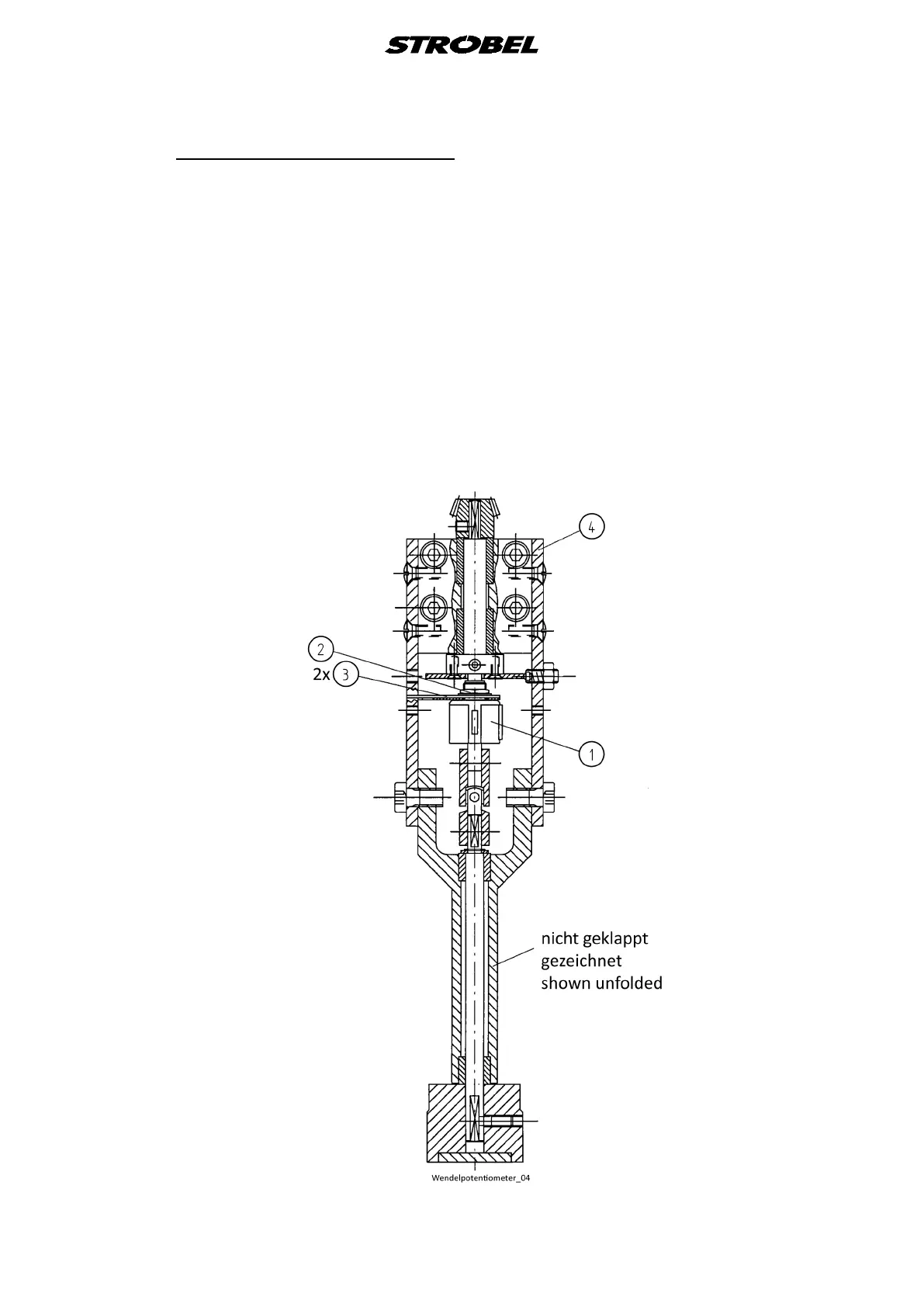
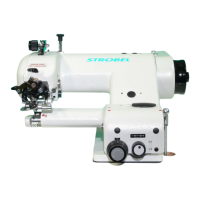
5.4 Setting the helipot (Fig. 20)
- Unscrew hexagonal nut (2) from helipot (1). You may now adjust (set) the
helipot.
- Set the plunger all the way up with the stitch depth controller.
- Set the helipot so that 010-012 appears on the display and then refasten
hexagonal nuts on helipot (make sure both halves of the adjustment plate (3)
are securely fastened to plate (4)). 010-012 should now appear on the digital
display.
If incorrect parameters are set, the helipot may be damaged
or destroyed.
Fig. 20



 To Next Page