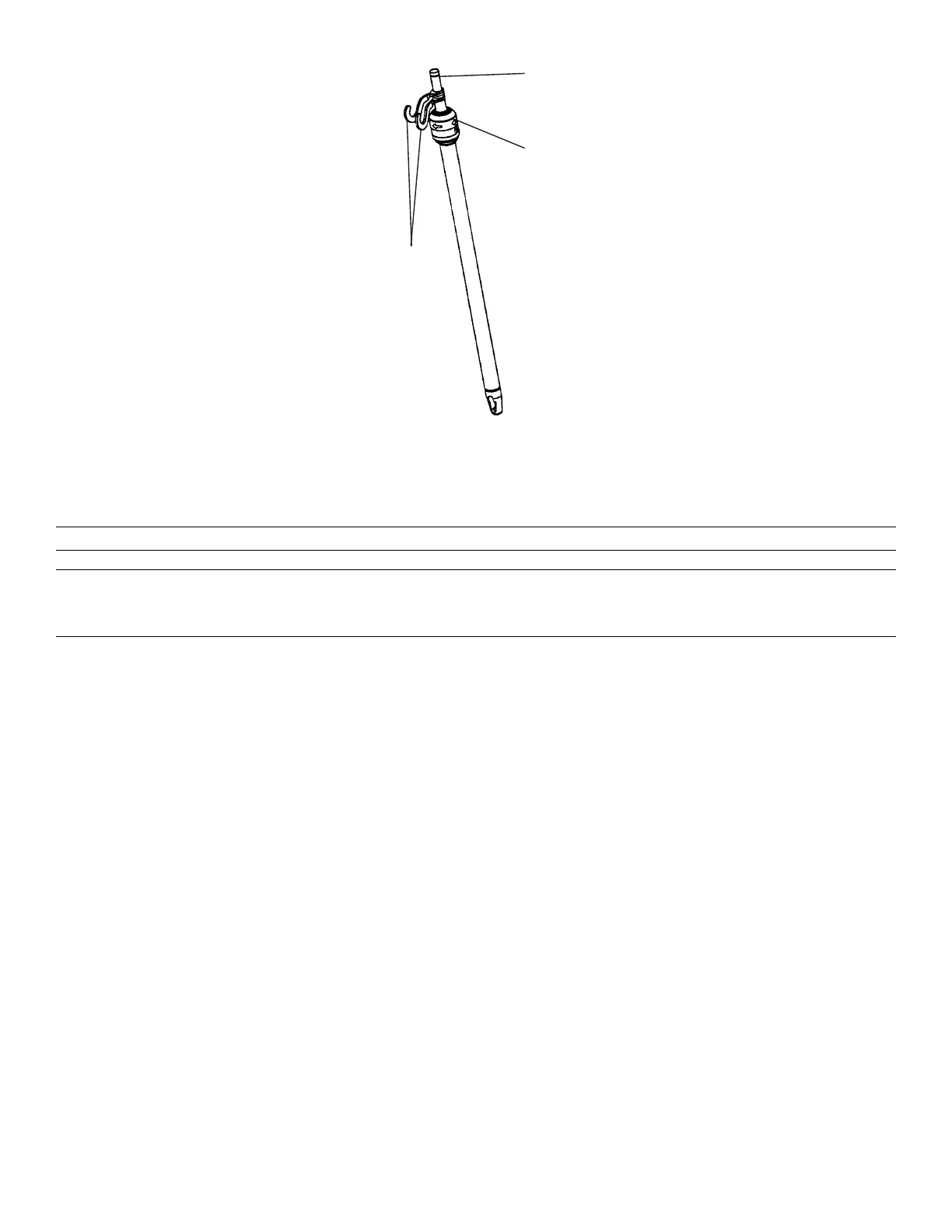
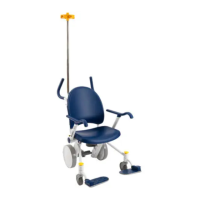
FFiigguurree 1166 –– TTwwoo--ssttaaggee IIVV ppoollee sshhoowwnn
AAttttaacchhiinngg oorr rreemmoovviinngg tthhee ppaattiieenntt hheellppeerr ((ooppttiioonn))
WWAARRNNIINNGG -- Always use two people to attach or remove the patient helper.
CCAAUUTTIIOONN
• Always secure the lifting pole in the mounting bracket before you adjust the patient helper.
• Always remove the patient helper before you transport the product.
You can attach the patient helper to the patient helper mounting bracket at the head end of the product.
To attach the patient helper:
1. Insert the lifting pole (A) into the mounting bracket (B) (Figure 17).
2. Rotate the lifting pole in the mounting bracket until the patient helper knob (C) locks in position (Figure 17).
3009-009-001 Rev B.0 39 EN





 To Next Page