pg 29
Configuring EC-1 to Use MIDI (continued)
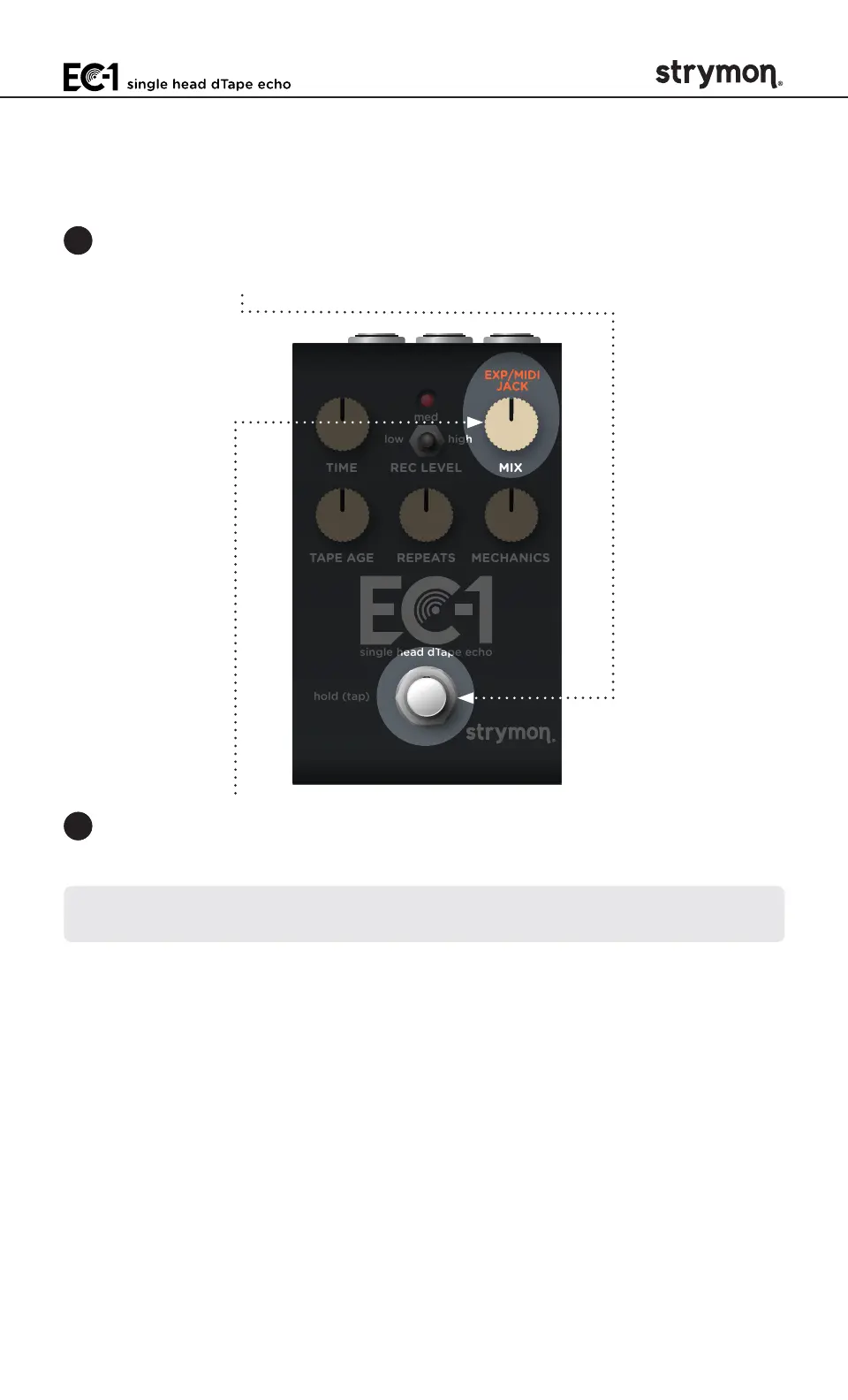
STEP 1 SET EXP/MIDI JACK TO MIDI MODE
1 Press and hold the
FOOTSWITCH
for at least 2 seconds while powering
up EC-1� Once the LED flashes RED, release the footswitch�
TIME REC LEVEL MIX
TAPE AGE REPEATS MECHANICS
low high
med
hold (tap)
single head dTape echo
2 Turn the MIX (EXP/MIDI JACK) knob clockwise until the LED is BLUE
(maximum) to select MIDI Mode�
NOTE: MIDI data is received on the TIP of the TRS connection of the EXP/
MIDI jack�



 To Next Page