27
Single press“Save” to save the setup for WiFi, press “BACK” on the panel to get back
to the mixing console interface.
IPAD settings as below:
1. Download the App Digilive from App Store and install it on your pad.
2. Select the network “Digilive16” which was previously configured on the mixing
console, on the WIFI interface on your iPad.
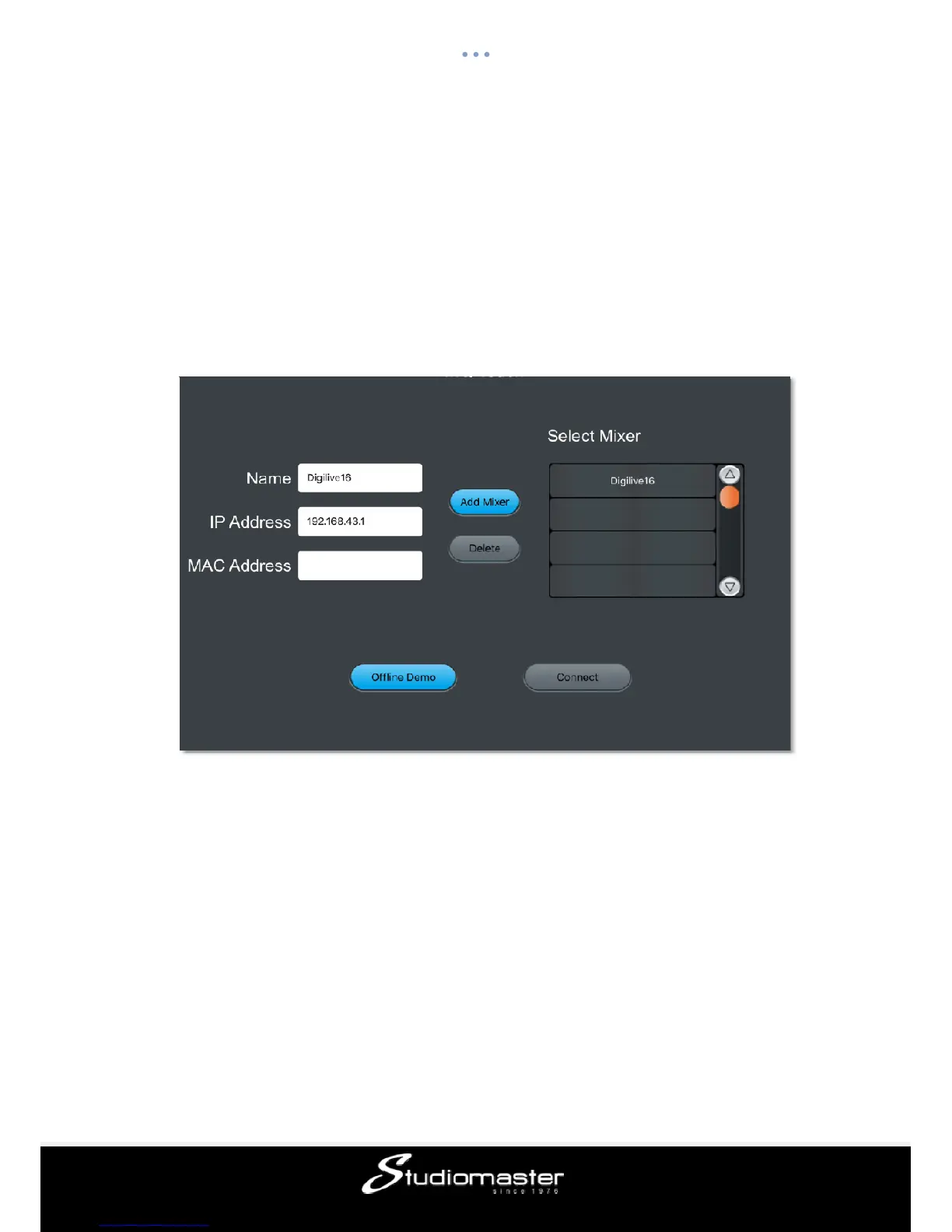
3. Open the APP“Digilive16” press NETSCAN to list available mixers (the system can
access multiple mixers, but only one at a time): The default mixer name is "OK".
4. Select the mixer named "OK" and press “Connect”.














 To Next Page