30
METERS PAGE
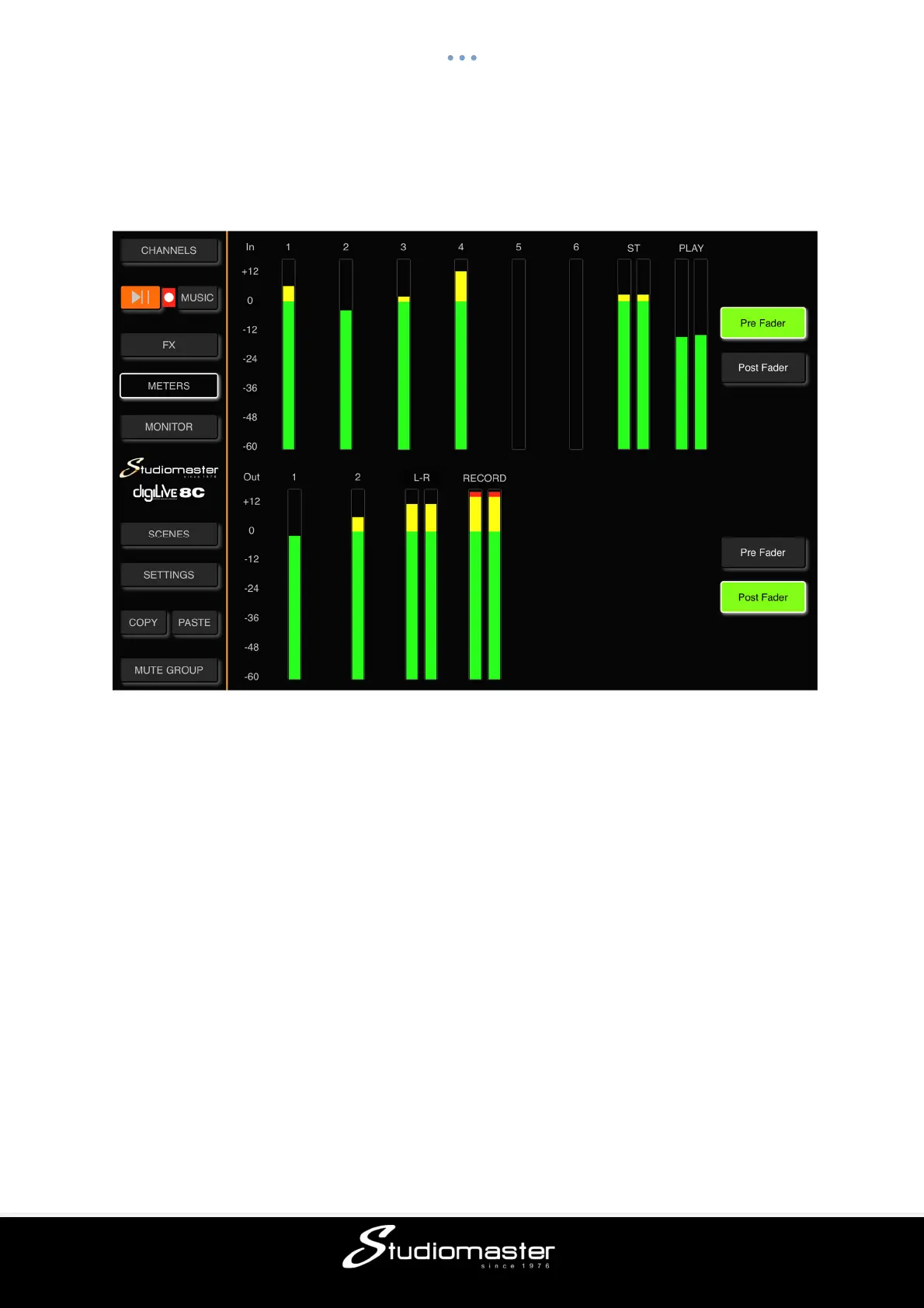
This page can be accessed by a single touch on the Meters tab in the left-hand menu.
This page is arranged in two parts, with Input Channel signal levels shown at the top and
Output Channel signal levels at the bottom.
Input channel s
ignal levels can be displayed either Pre-Fader or Post-Fader.
Default is Pre Fader.
Similarly, Output Channels can be displayed Pre-Fader or Post-Fader.
Default is Post-Fader.



 To Next Page