36
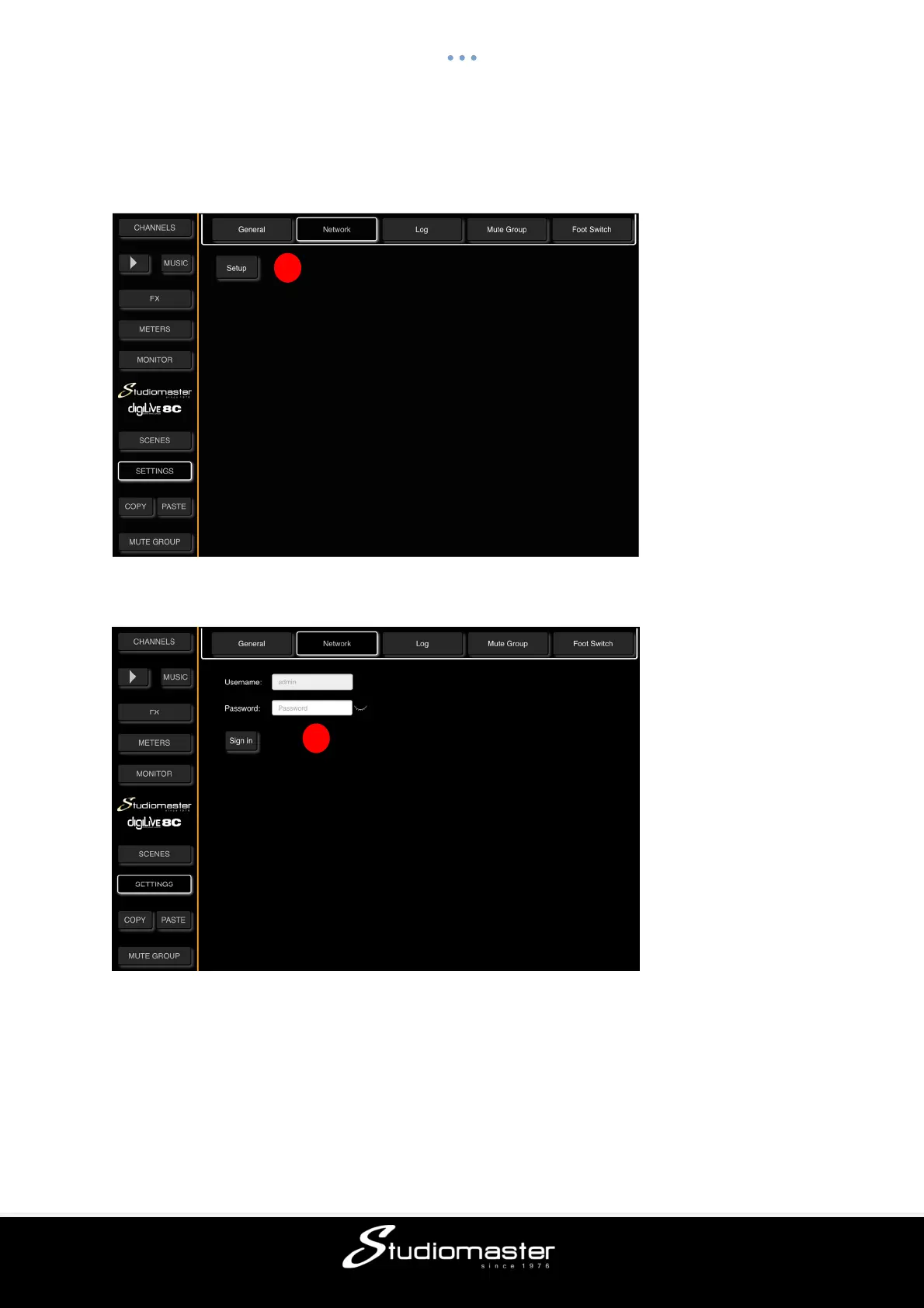
NETWORK SUB-PAGE
This page is where you configure the digiLiVE Wi-Fi Hotspot and LAN settings. This page is
accessed by touching the NETWORK tab in the SETTINGS page.
① Touch the Setup button to enter Network Setup. A sign-in screen opens.
② The default Username (admin) cannot be changed. Enter the default password “admin”.
This password can be changed in a later screen. Touch the “Sign In” button.
The Network Status page opens.
Please Note: If you are experiencing connection difficulties, you can restart the Wi-Fi
Hotspot at any time by pressing and holding the Music Channel Play/Pause button for
5 seconds.
2
1



 To Next Page