39
LOG SUB-PAGE
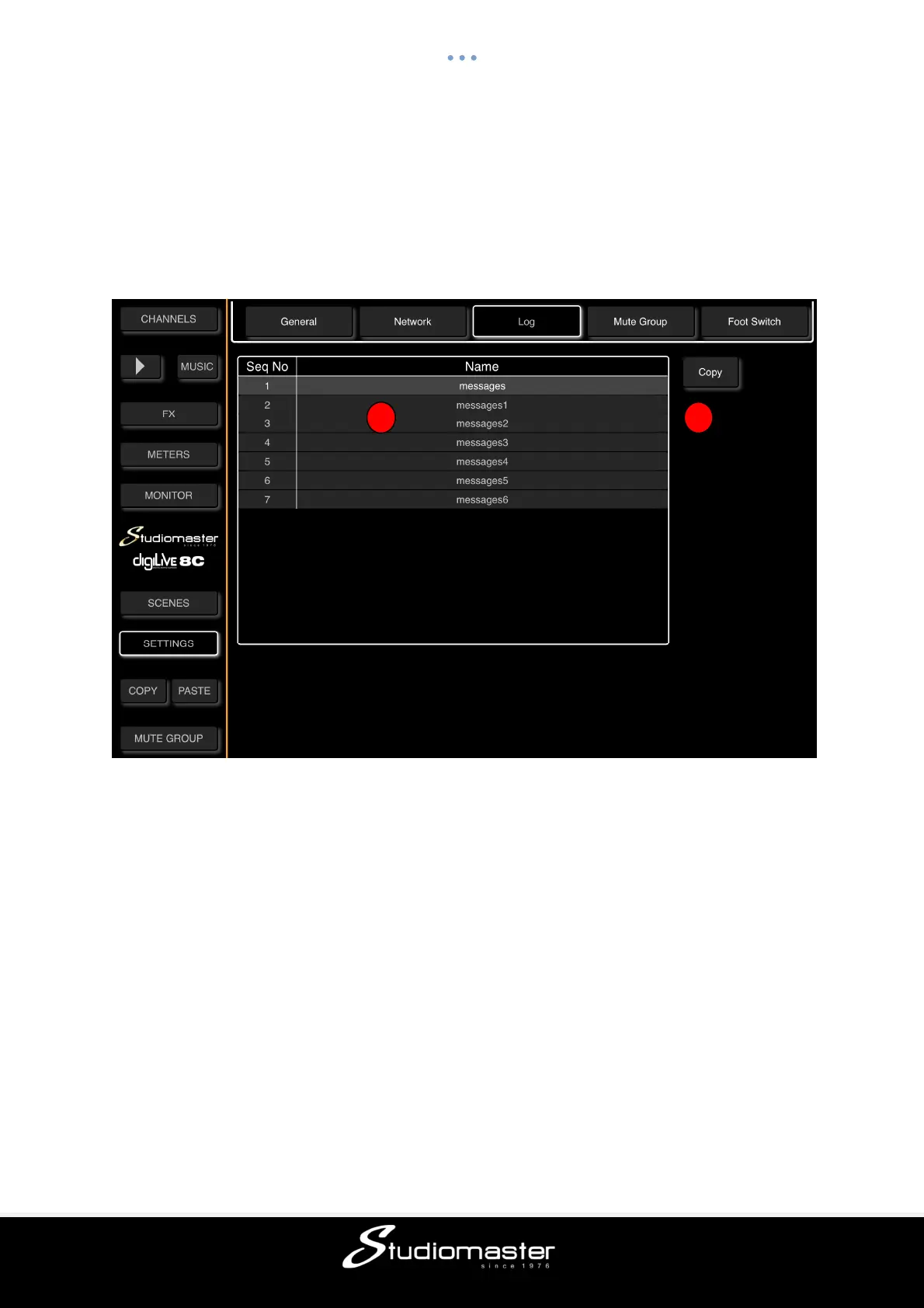
Touch the Log tab on the Settings Page to open the Log Sub-Page.
① This page displays the list of System Log messages generated automatically by the
digiLiVE whenever a system message is generated. In the unlikely event of you experiencing
issues with your digiLiVE, you may be asked to send these messages to our service
department.
② To copy the messages, insert a USB drive into the digiLiVE, touch a message to select it,
and then touch the Copy button. A “Success” pop-up will appear when the message has
been successfully copied.
1 2



 To Next Page