37
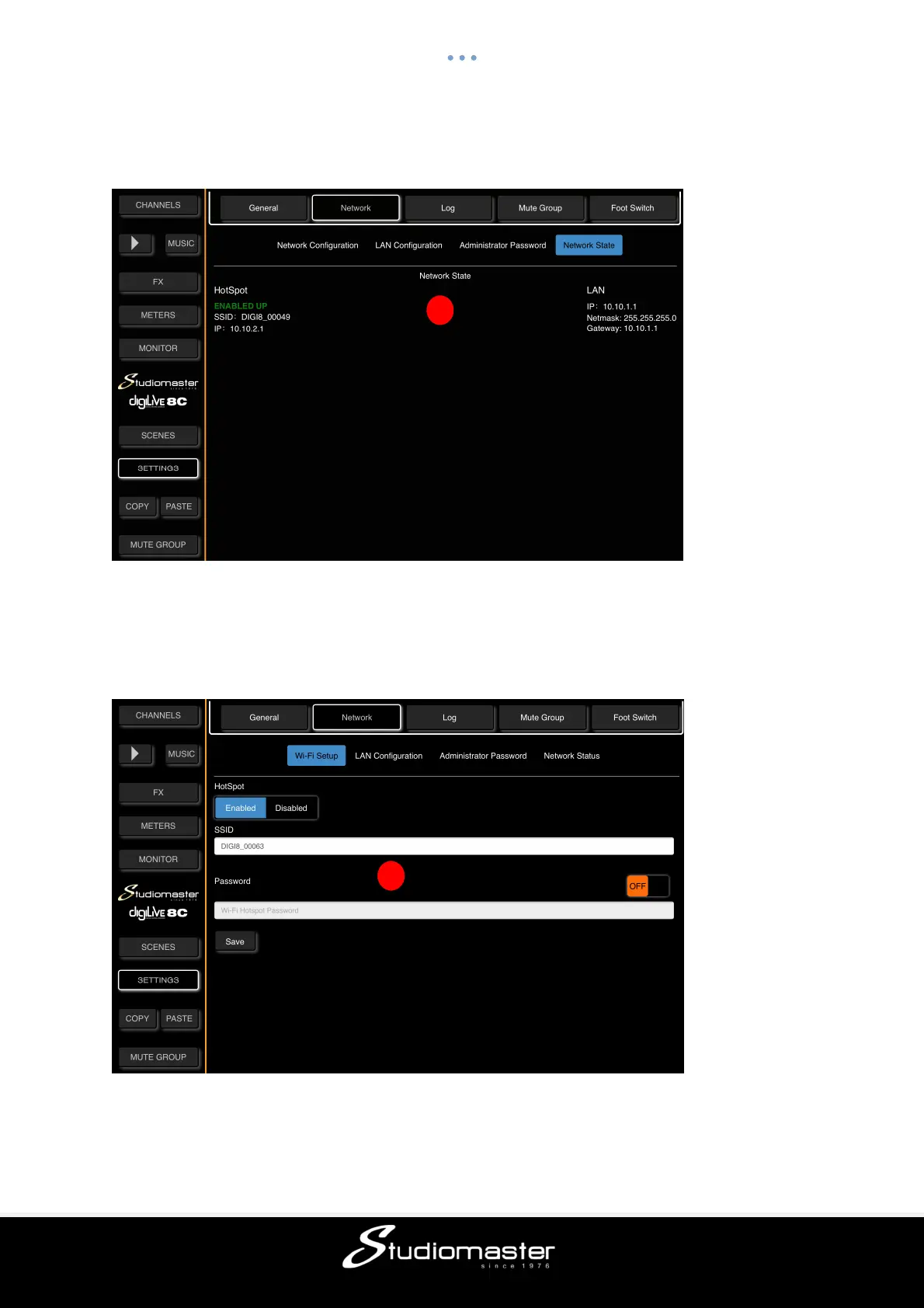
Although last on the list, the Network Status page opens first as this will be the Network
page that you probably will use most often in checking the status of network connectivity.
③ This is where you will see the active network status.
Touch the words “Wi-Fi Setup” to open the Wi-Fi Setup page.
④ This page allows you to change the digiLiVE Wi-Fi Hotspot SSID (Service Set Identifier)
and to set and require a password in order to sign onto the Hotspot.
3
4



 To Next Page