9
Safety & Navigation
Information
Emergency
Screen
Finding an
Address
Finding a Point
of Interest
Setting HOME
as a Favorite
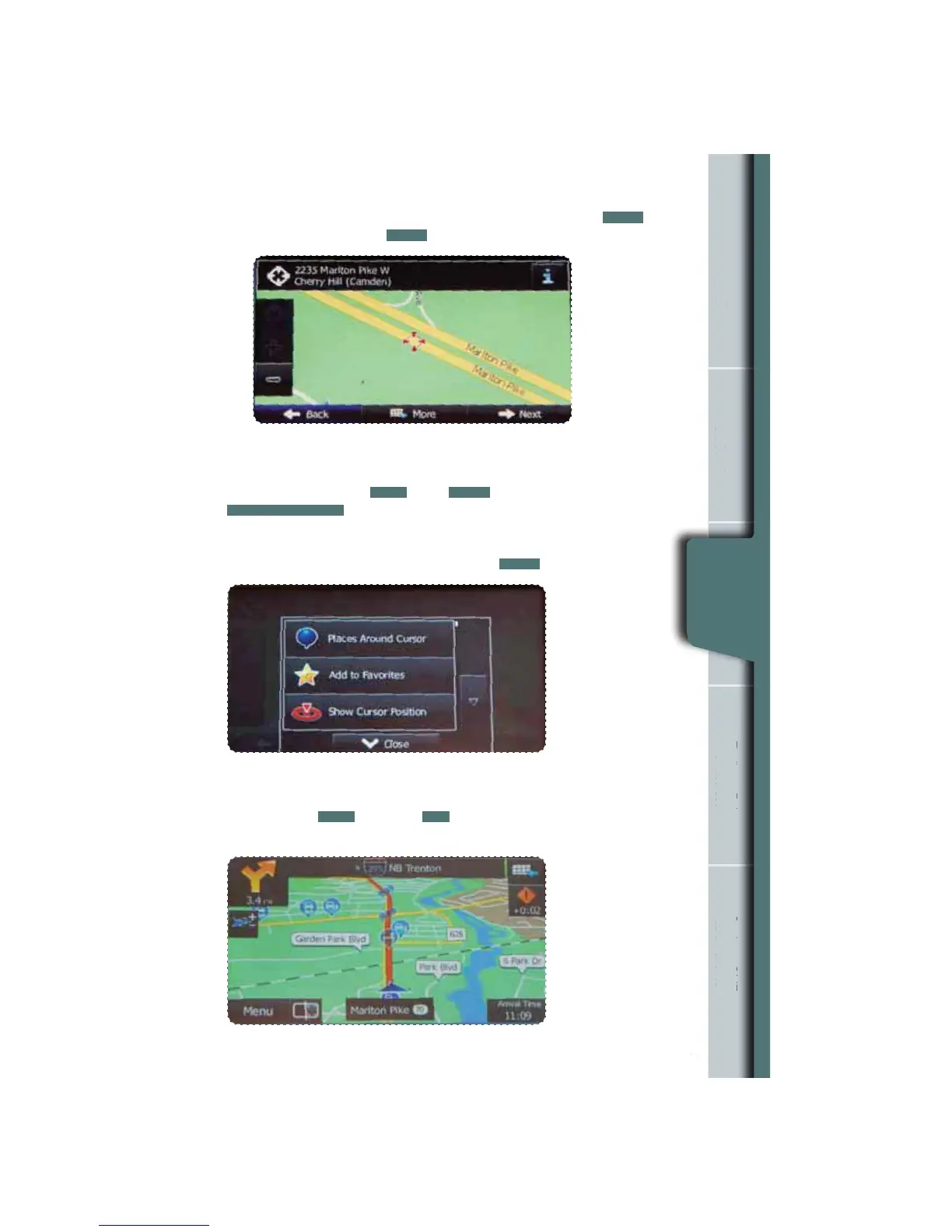
Note: If the destination will be used frequently, you can save it to favorites
as follows before touching
NEXT
. Touch
MORE
, and then touch
ADD TO FAVORITES
. A keyboard appears with the destination address.
You can store that address or type a name for that address. Touch the arrow
to the right of the address. This clears the address from only the screen so
that you can give the address a name. Then touch
DONE
.
You are automatically returned to the map with the destination now set as
a favorite. Touch
NEXT
, then touch
GO!
, map screen appears with route.
Start driving following the navigation.
n
Information
rgency
Screen
g an
ddres
g a
f Interes
as a Favorit
Finding an
Address
10
The map is displayed with the selected point at the center. Touch
NEXT
to set
the destination, or touch
BACK
to select another destination.















 To Next Page