8
Finding an Address
8
7
9
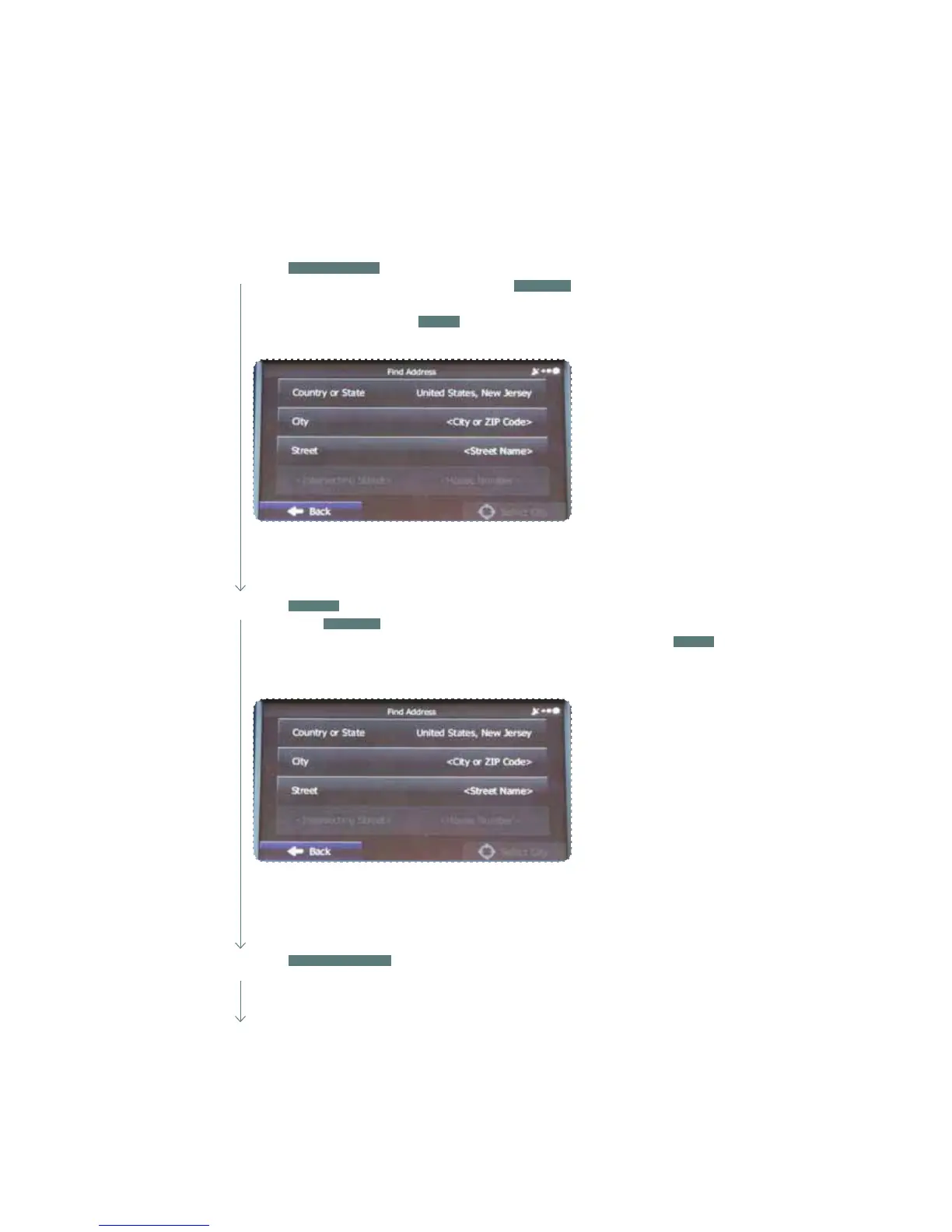
Touch
STREET
. A keyboard appears. Then type the street name. As you type the street
name, touch
RESULTS
at the lower right of the screen and a list appears with possible
choices. Scroll to nd the street name. When the correct street is found, touch
DONE
and the street name is automatically transferred to the address screen. Note: For streets
that are preceded by a direction such as North, South, etc., type the street name rst.
Touch
CITY/ZIP CODE
. A keyboard appears. Type the city name or input the city zip
code if known. As you type the city name, touch
RESULTS
at the lower right of the
screen and a list appears with possible city choices. Scroll to nd the city name. When
the correct city is found, touch
DONE
and the city name is automatically transferred to
the address screen.
Touch
HOUSE NUMBER
. A keyboard appears. Then type the house number.
Touch DONE and the house number is automatically transferred to the address
screen. Note: If the house number is not found, the center of the street is selected
as the destination.















 To Next Page