Navigation 115
Navigation
■ Selecting a city/town center as the destination
The center of the city/town is not the geographical center of the city/
town, but a location set by the cartographer. In towns and villages, this
is usually the most important intersection, while in larger cities it is
selected from multiple important intersections.
1 If the Map screen is displayed, touch (Menu) to
return to the navigation menu.
2 On the navigation menu, touch (Find).
3 Touch (Find Address).
4 If necessary, change the country as mentioned above.
(See Page 106.)
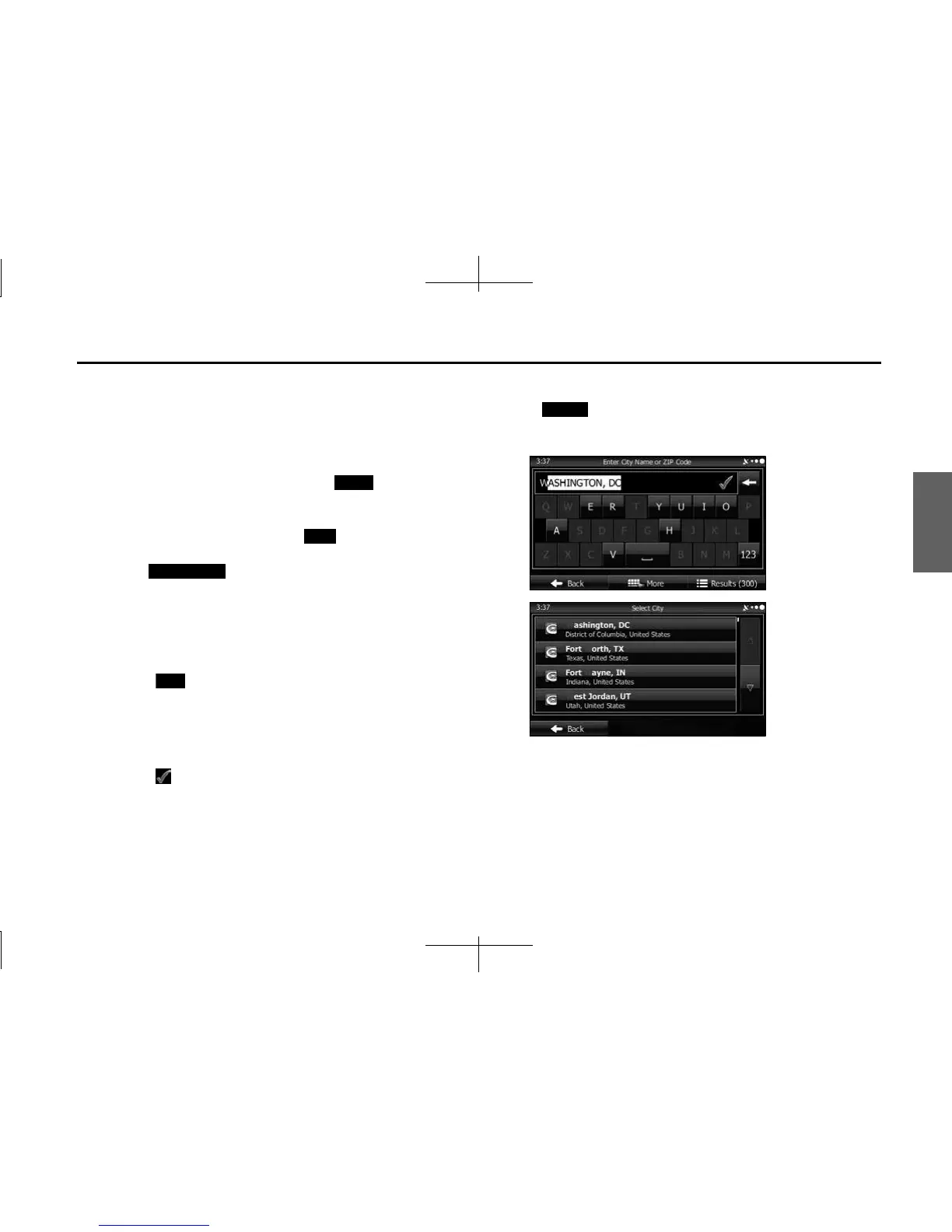
5 Select the city/town as follows.
(1) Touch (City).
(2) Use the keyboard to enter the start of the city/town.
• For the keyboard, see “Using the Keyboard” on Page 88.
(3) Follow the steps below to find the city/town you entered.
• The most likely city/town names are displayed in the entry field.
Touch to use the name displayed.
• If the name you want is not automatically entered, enter a few
more letters from the name until it is displayed in the list (touch
(Results) to open the results list before the search
results are automatically displayed). Select the city/town from
the list.
Menu
Find
Find Address
City
Results














 To Next Page