244 Audio and Visual
Audio Operations
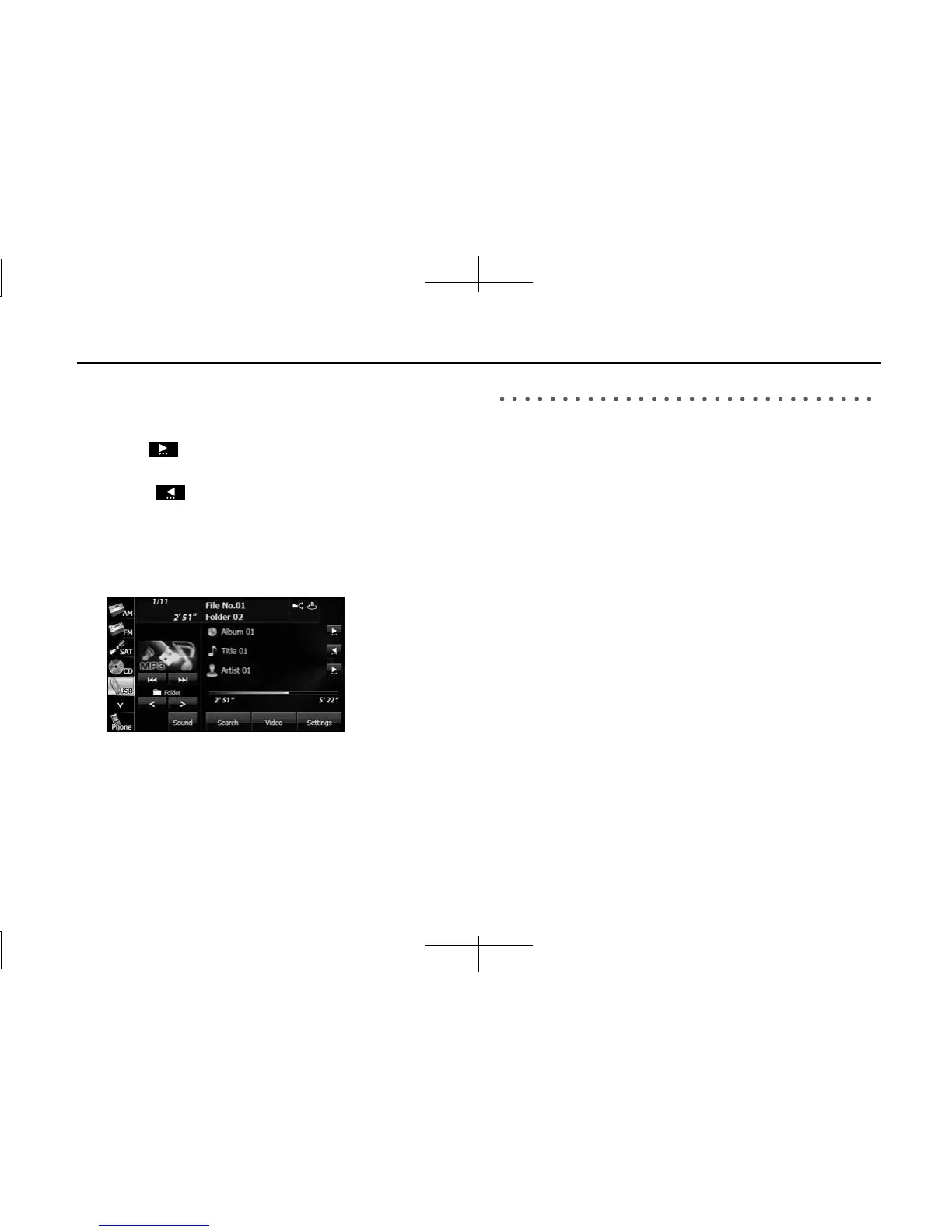
■ Scrolling title information
If the Album, Title or Artist information cannot be fully displayed
because it is too long, you can scroll the display.
1 Touch on the item that you want to scroll.
• The selected title information scrolls to the left.
• Touch to stop the scrolling and return to the start of the
title.
• If driving is detected while the display is being scrolled, the
scrolling stops and returns to the start of the title.
• When the end of the title information is displayed, the scrolling
stops.
About USB Devices
■ About the supported USB memory standards
• Supported file formats:
FAT 32
• Supported audio formats:
MP3/WMA
• Maximum current:
1.0 A
• Supported capacities:
16 MB to 8 GB
• Compatibility:
USB1.0/1.1/2.0 (maximum transfer speed is same as USB 2.0)
• Mass memory support:
Supports USB mass storage class.
• Does not support USB hubs or multi card readers.














 To Next Page