Navigation 135
Navigation
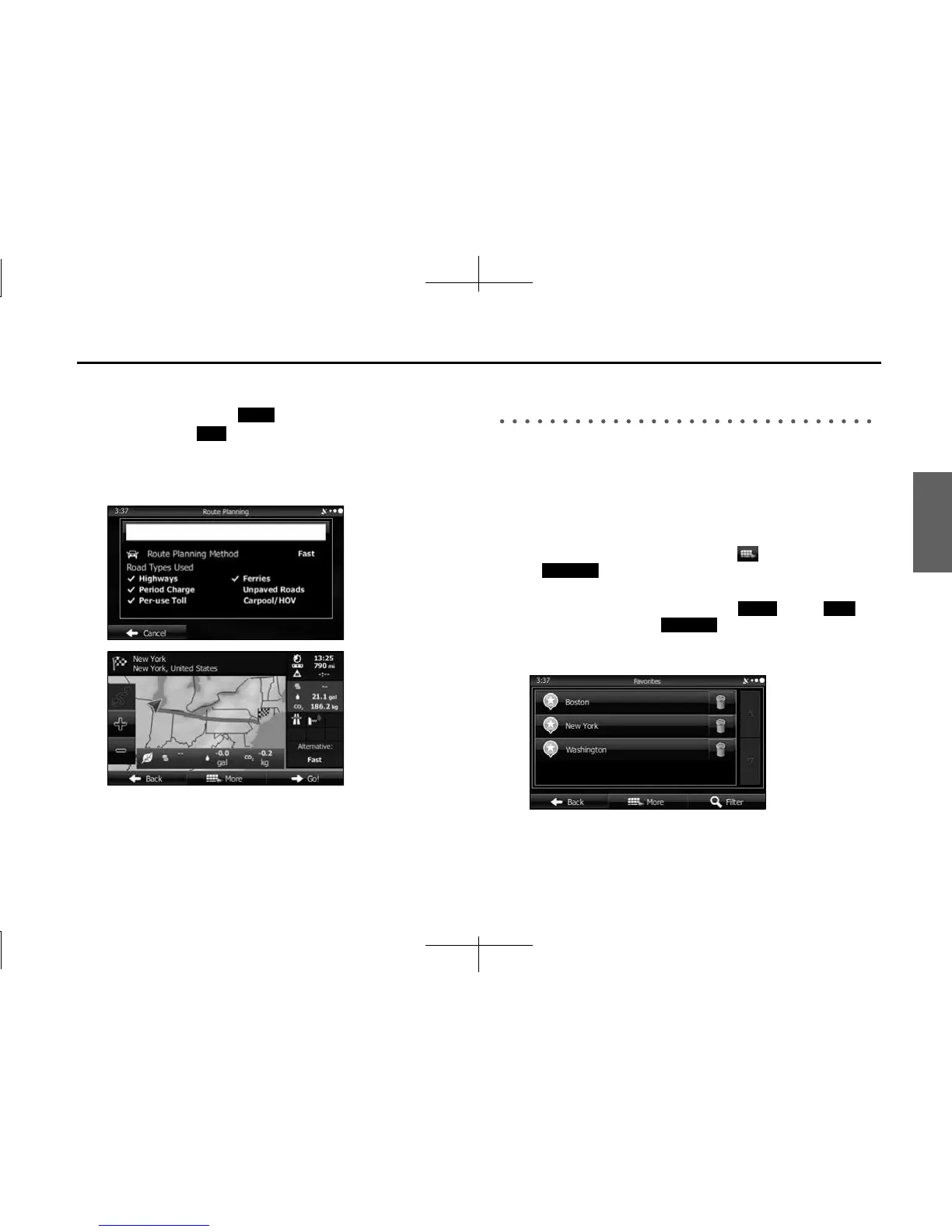
7 After a summary of the route plan is displayed, the entire
route is displayed on the map. The route is researched
automatically. Touch (More) to change the route
plan, or touch (Go!) to start navigation. (When the
countdown is displayed in the “Go!” button, guidance
begins automatically after 10 seconds even if you do not
touch the button.)
Selecting the Destination from the Destination
List
You can set a position that has been saved in the destination list as the
destination.
See “Editing the Destination List (Route Editing)” on Page 147 for more
details on registering a position to the destination list.
1
Display the destination list as follows.
• If the Map screen is displayed, touch and then touch
(Favorites). (Only when registered to the Quick
Menu.)
• If the Map screen is displayed, touch (Menu),
(Find) and then touch (Favorites).
2 The destination list is displayed.
More
Go!
Favorites
Menu Find
Favorites














 To Next Page